Conguring SNTP
0X7U-03E
Simple Network Time Protocol (SNTP) enables you to adjust the system clock by using
the time server on the network. When you use SNTP, the system checks the time server
periodically, so that the system clock is always accurate.
● The SNTP of the machine supports both NTP (version 3) and SNTP (versions 3 and 4) servers.
1
Start the Remote UI and log on in Management Mode. Starting Remote UI(P. 333)
2
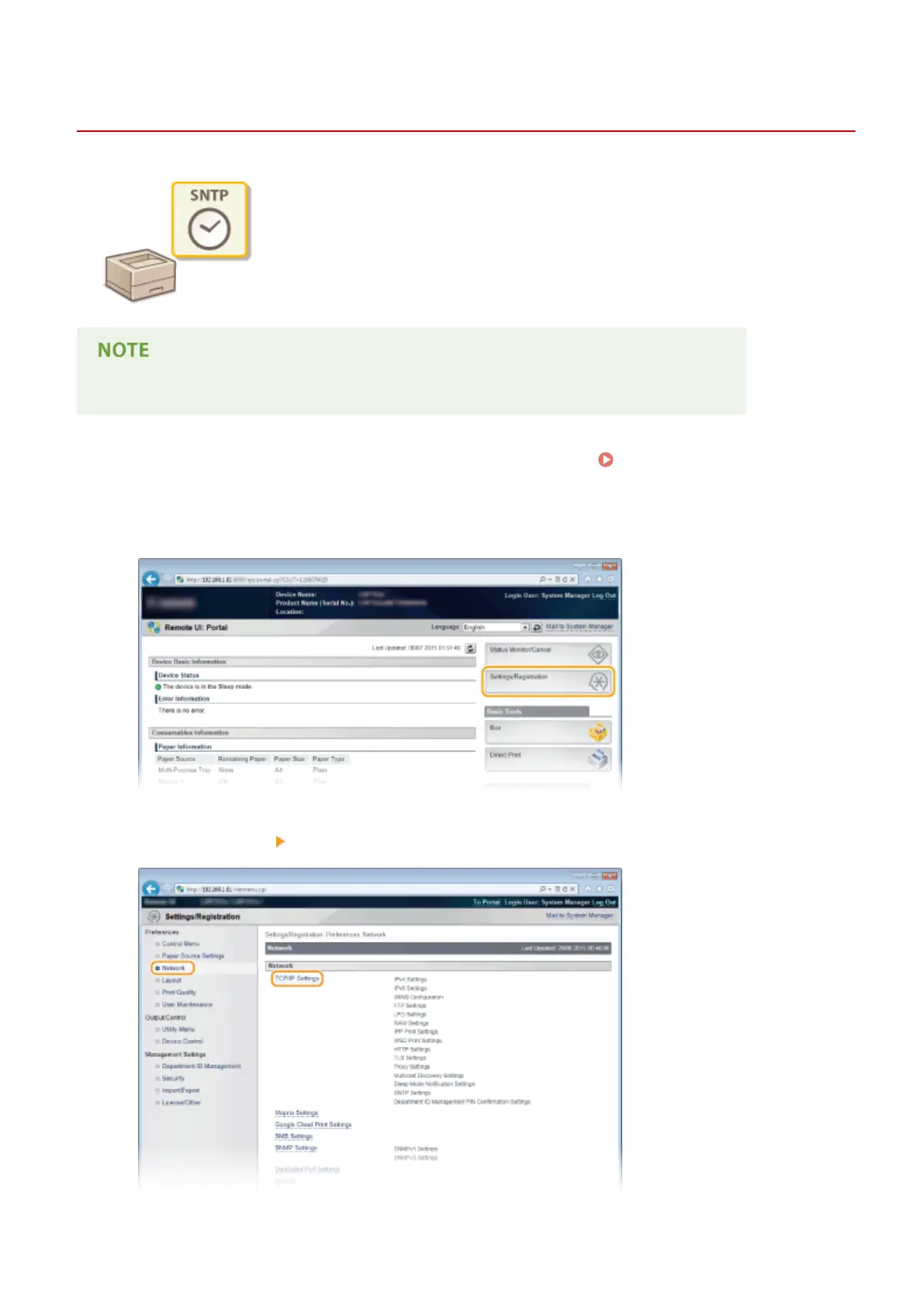
Click [Settings/Registration].
3
Click [Network] [TCP/IP Settings].
Network
229



 To Next Page