Warning Step
Specify how the machine should behave when a toner cartridge lifetime message appears.
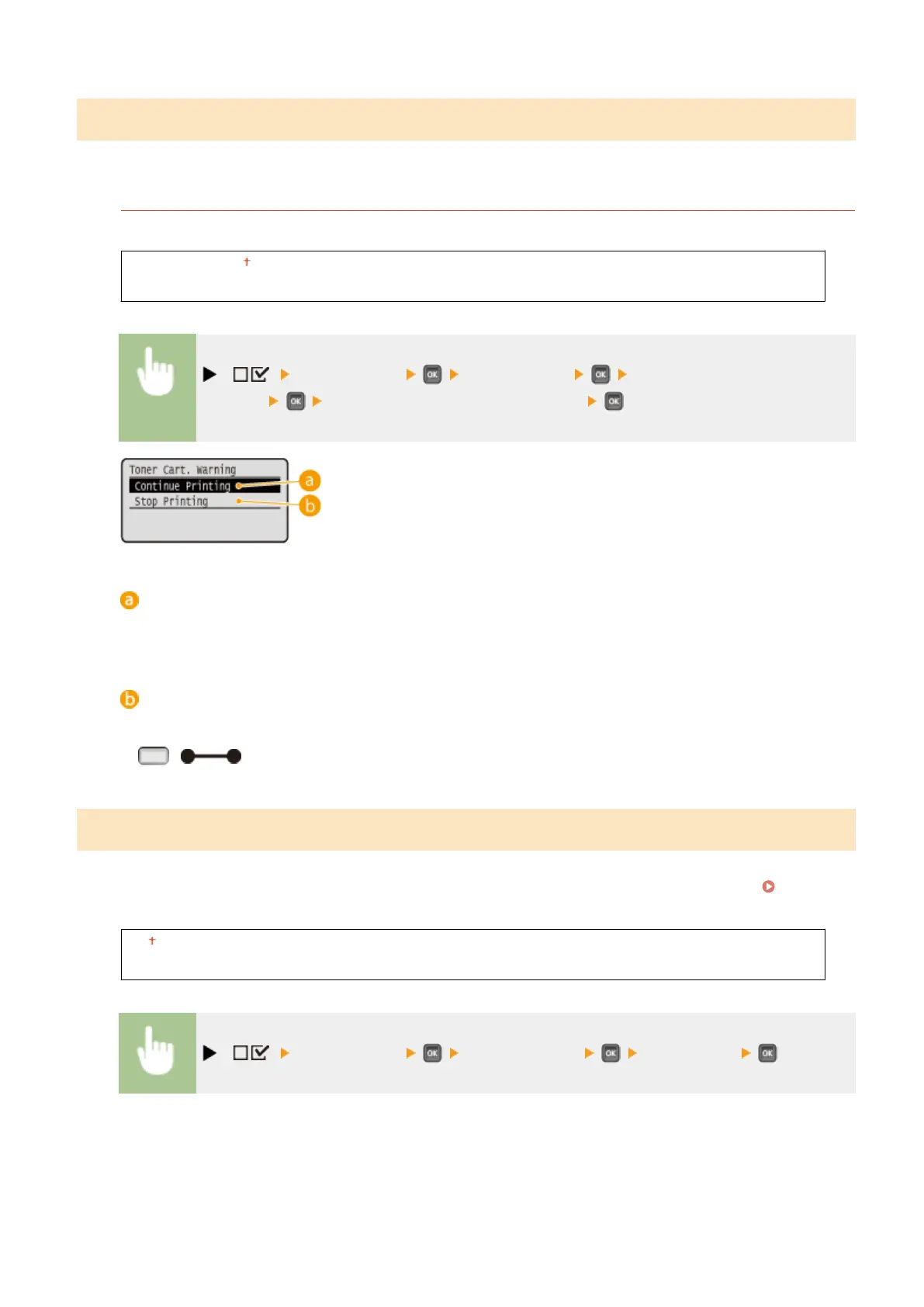
Toner Cart. Warning
Select whether to automatically stop printing when the toner cartridge will soon reach the end of its lifetime.
Continue Printing
Stop Printing
( ) <Control Menu> <Warning Step> <Toner Cart.
Warning> <Continue Printing> or <Stop Printing>
<Continue Printing>
When the time for toner cartridge replacement is near, the <Toner cartridge will soon reach end of lifetime.>
message is displayed, but the printing is continued.
<Stop Printing>
When the time for toner cartridge replacement is near, the <Toner cartridge will soon reach end of lifetime. >
message is displayed, and the printing is temporarily stopped. To resume the printing, press
( ).
Auto Skip Error
If an error occurs during printing, the printing is stopped. When you want to continue printing even if an error occurs,
specify <On>. For the errors during which the current print job is allowed to continue by this setting, see When an
Error Message Appears(P. 480) .
Off
On
( ) <Control Menu> <Auto Skip Error> <Off> or <On>
Setting Menu List
364



 To Next Page