Are you using custom size paper loaded in correct orientation?
● Load the custom size paper in portrait orientation when you print without using the UFR II printer driver.
● Load the custom size paper in landscape orientation if the following conditions are met when you are
using the UFR II printer driver.
Paper Size in Select Feeder Menu <Free Size>
Loaded Paper Long edge length is 215.9 mm or less.
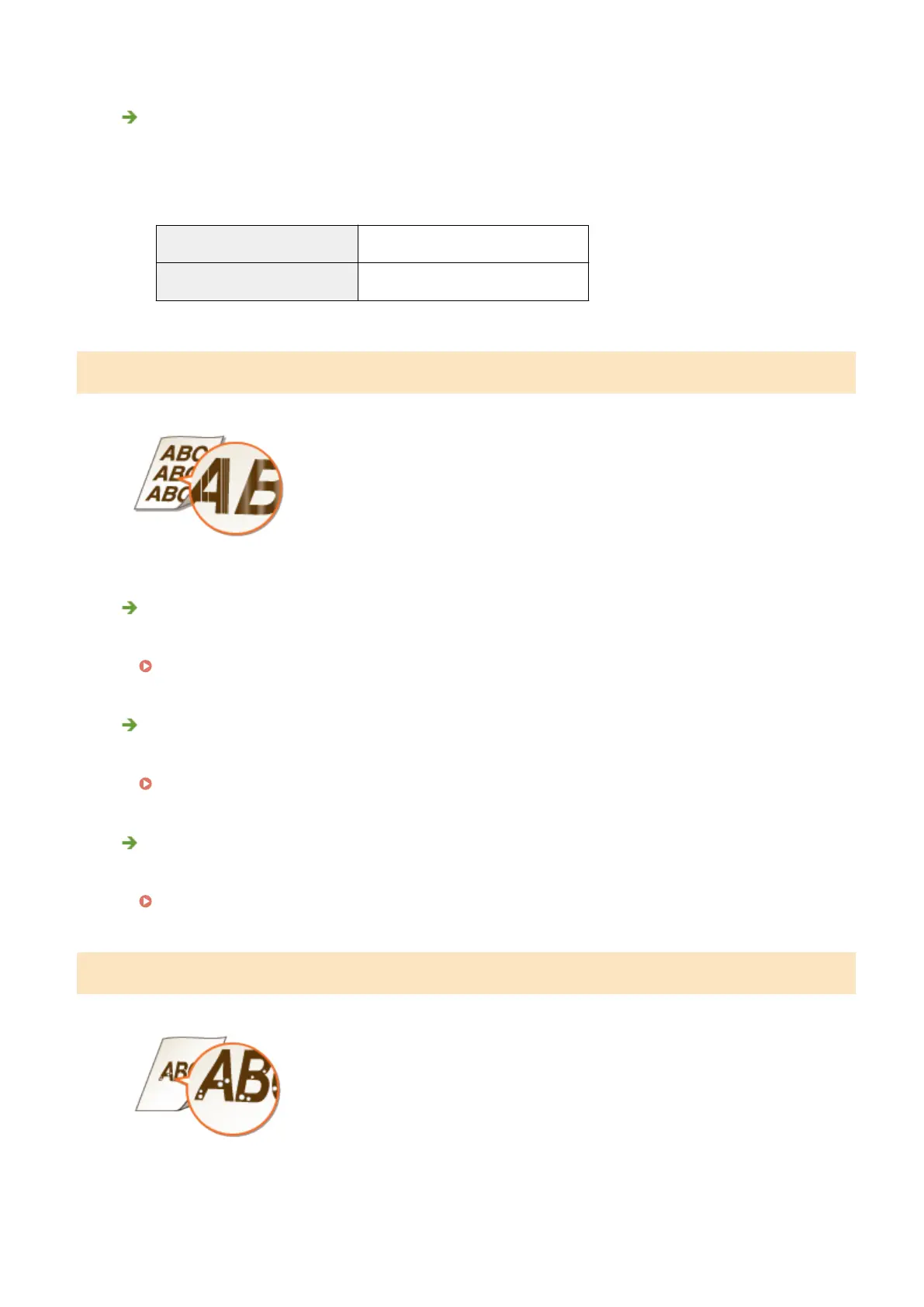
Streaks Appear/Printing is Uneven
Have you cleaned the xing unit?
● Clean the xing unit.
Fixing Unit(P. 520)
Is the amount remaining in toner cartridge running low?
● Check how much toner is left, and replace the toner cartridge as necessary.
Replacing Toner Cartridges(P. 521)
Is it time to replace the toner cartridge?
● Materials inside the toner cartridge may have deteriorated. Replace the toner cartridge.
How to Replace Toner Cartridges(P. 524)
White Spots Appear
Troubleshooting
508



 To Next Page