Mng. Settings
Select whether to restrict the use of the ( ) key on the operation panel to prevent any settings from being
changed carelessly.
Settings Key Lock
If you select <On>, the Setup menu is not operable even if ( ) is pressed.
Off
On
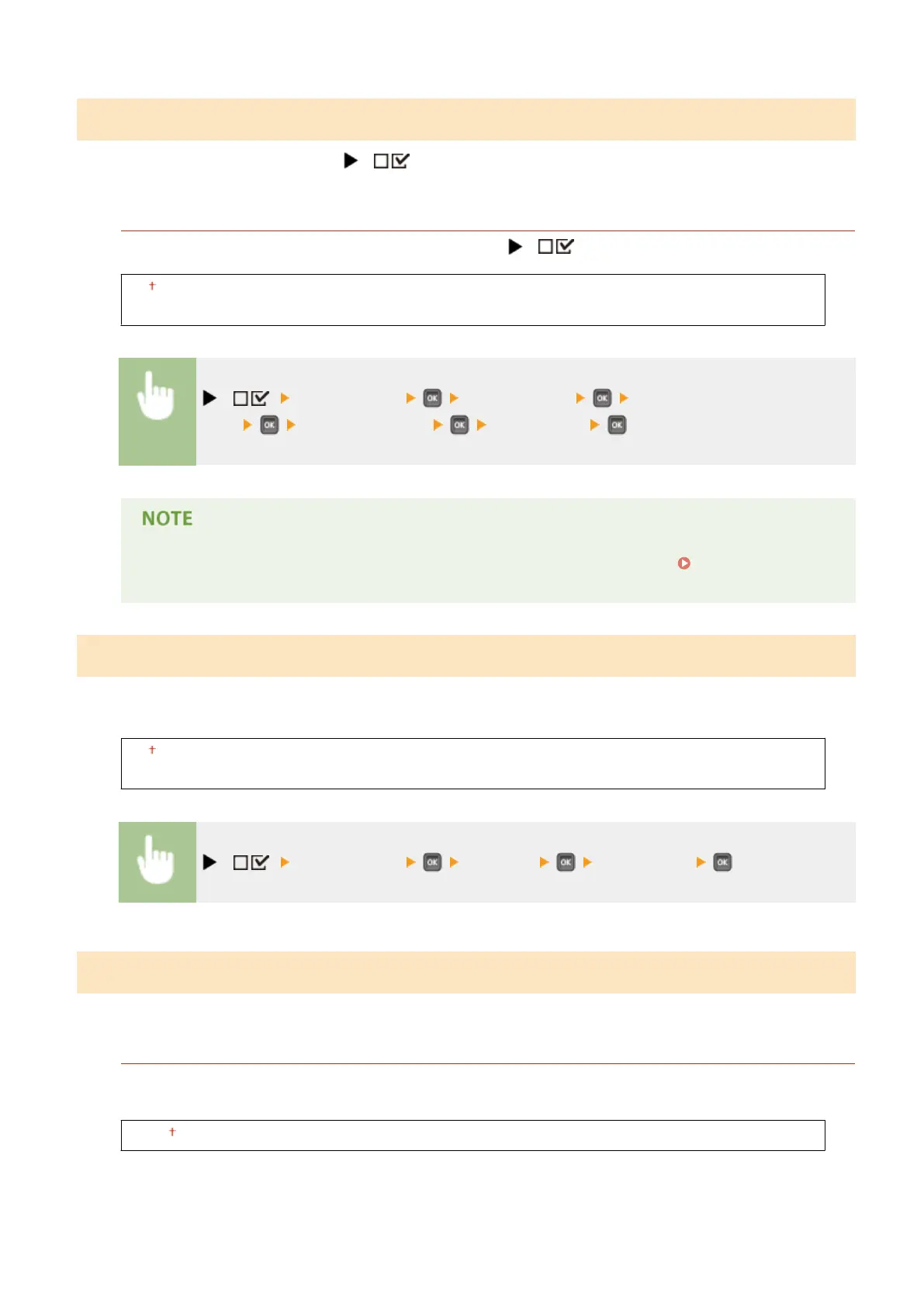
( ) <Control Menu> <Mng. Settings> <Settings Key
Lock> Check the message <Off> or <On>
● If you select <On>, the Settings key can be unlocked from the Remote UI only. Restricting
Operation Panel Functions(P. 285)
RMT-SW
Use this machine leaving this item set to <Off>. You may be asked to change the setting to <On> to allow for remote
maintenance on your machine by a Canon service representative.
Off
On
( ) <Control Menu> <RMT-SW> <Off> or <On>
Adjust Screen
You can adjust the contrast and brightness of the display.
Contrast
Adjust the contrast (difference in brightness between light and dark areas) of the display to suit the installation
location of the machine.
-3 to 0 to +3
Setting Menu List
371



 To Next Page