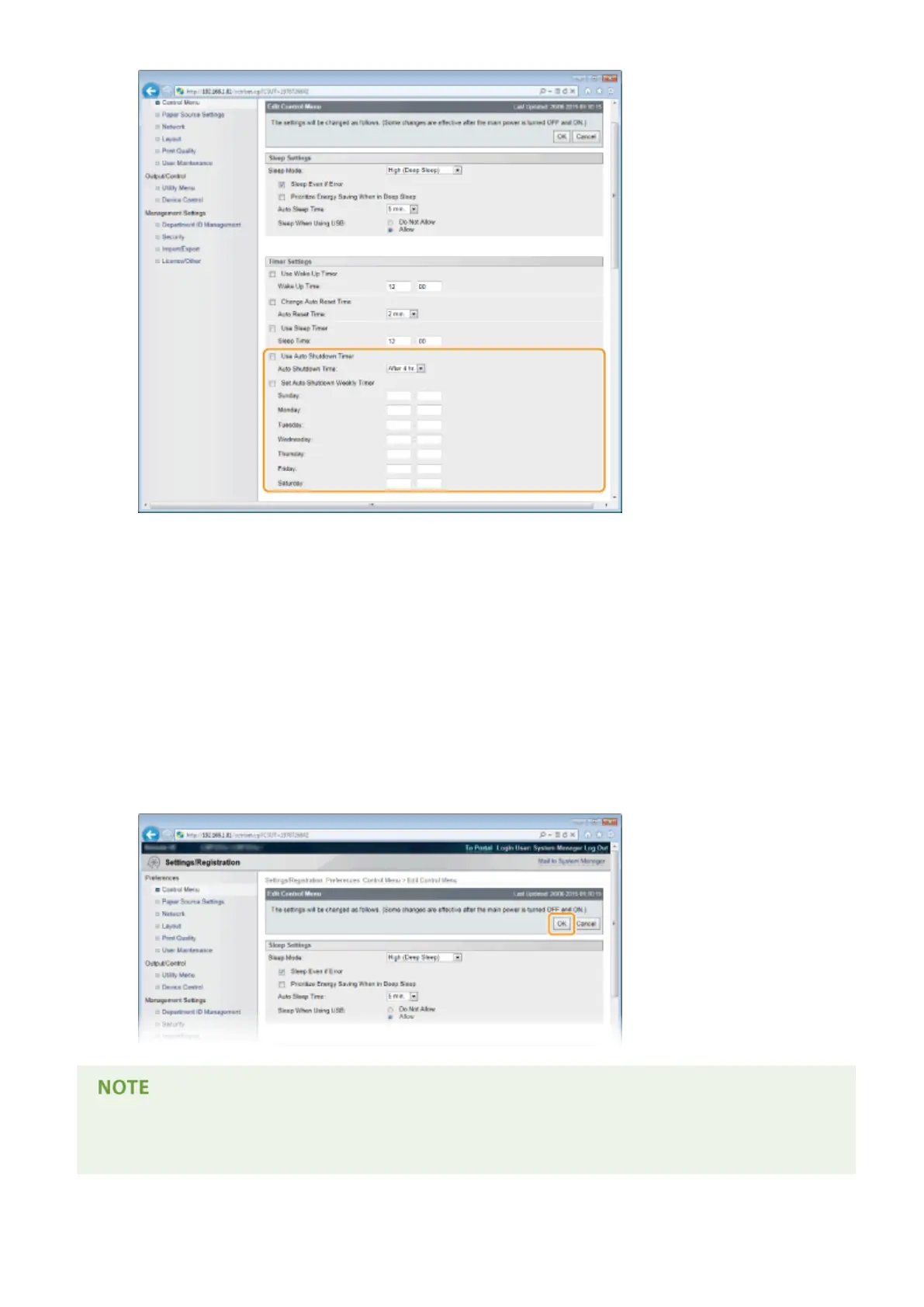
[Use Auto Shutdown Timer]
Select the check box to turn OFF the power when the time set in [Auto Shutdown Time] elapses.
[Auto Shutdown Time]
Specify after how many hours the machine should be turned OFF since it has entered sleep mode. You can
select in the range from [After 1 hr.] to [After 8 hr.] in units of hours.
[Set Auto Shutdown Weekly Timer]
Select the check box to set the auto shutdown time for each day of the week.
[Sunday] to [Saturday]
Enter the time to turn OFF the power for each day of the week. If no time is specied, the auto shutdown
time is not set for the day of the week.
5
Click [OK].
If shutdown does not seem to be nished
● It may take a maximum of 10 minutes until the power is turned OFF, but it is not a failure.
Basic Operations
72



 To Next Page