Receive in Parallel
Specify whether to print the received jobs in the order of reception when multiple print jobs are sent from multiple
computers or other devices. When you sequentially send multiple print jobs to the machine, you can print them
without being interrupted by print jobs sent from other computers or the like. To do so, set this item to <Off>.
Off
On
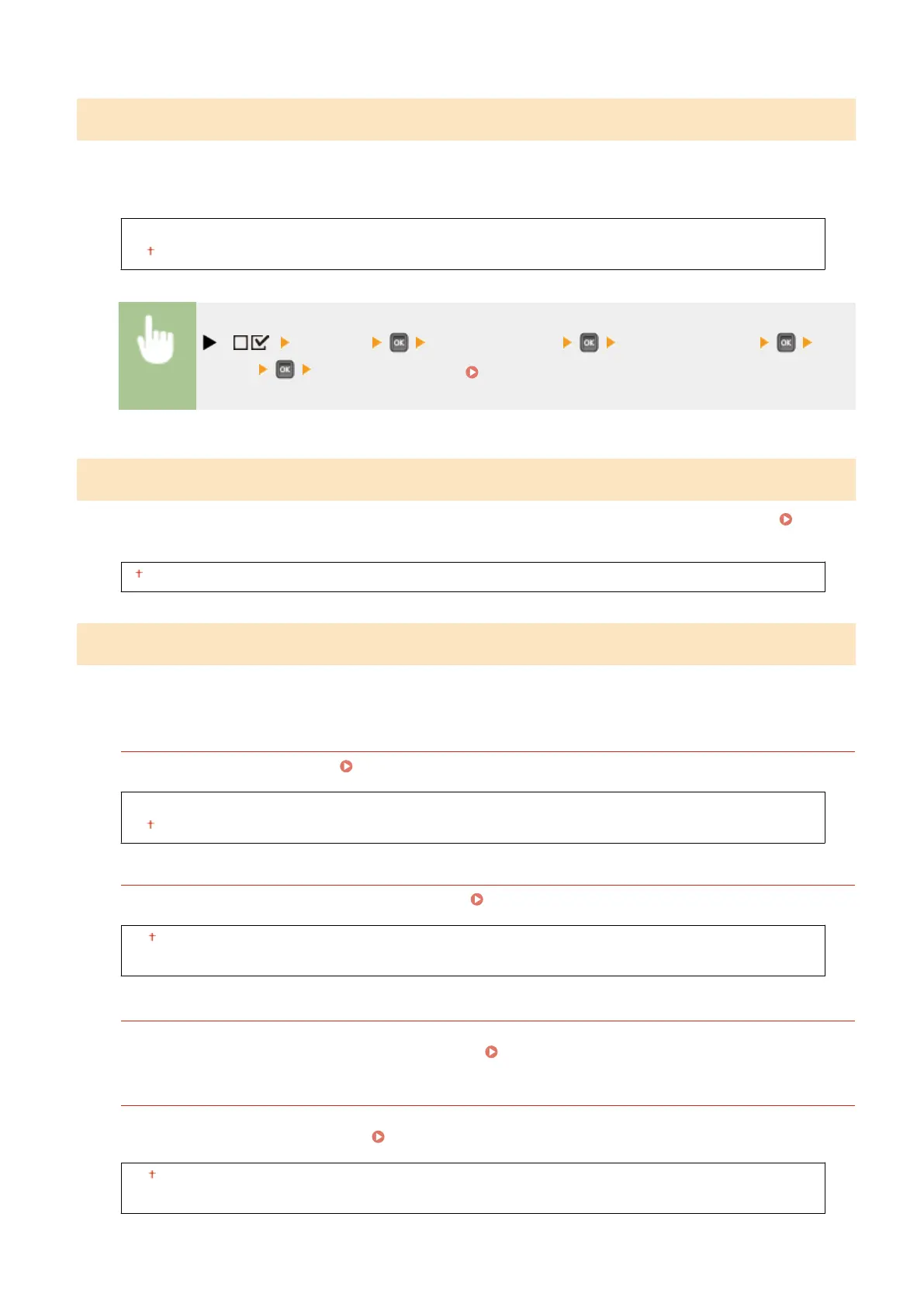
( ) <Network> Check the message <Receive in Parallel> <Off>
or <On> Perform a hard reset ( Performing a Hard Reset(P. 451) )
Wait Time at Startup
Specify a wait time for connecting to a network. Select the setting depending on the network environment.
Setting a
Wait Time for Connecting to a Network(P. 219)
0 to 300 (sec.)
Remote UI Settings
Specify settings for using the Remote UI. You can use the Remote UI to specify settings for the machine from a Web
browser.
Remote UI
Enable or disable the Remote UI. Disabling Remote UI(P. 289)
Off
On
RUI Access Sec. Set.
Select whether to use a PIN to access the Remote UI. Setting a Remote UI PIN(P. 263)
Off
On
Remote UI Access PIN
*
Specify so that entry of a PIN is required for access to the Remote UI when <RUI Access Sec. Set.> is set to <On>.
Set a PIN of up to 7 digits. All users use a common PIN.
Setting a Remote UI PIN(P. 263)
TLS
*
Enable or disable TLS for Remote UI communications. To use TLS for encrypted communications, you need to
set key pairs by using the Remote UI ( Using TLS for Encrypted Communications(P. 294) ), respectively.
Off
On
Setting Menu List
390



 To Next Page