Reduce Quality
Select whether to continue printing by automatically reducing the quality when insucient memory is available for the
processing.
Continue Printing
Stop Printing
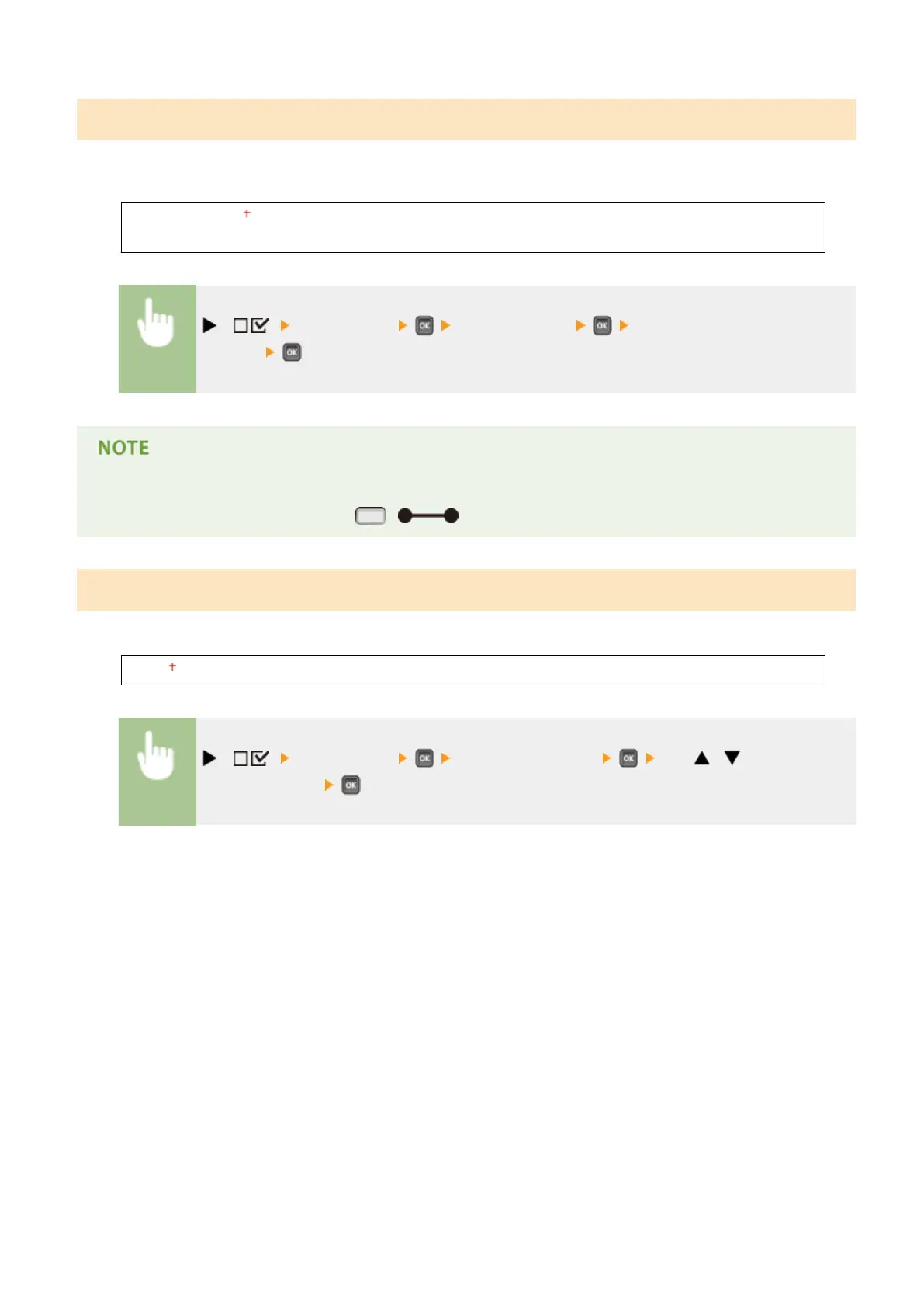
( ) <Print Quality> <Reduce Quality> <Continue Printing> or <Stop
Printing>
● If you select <Stop Printing>, an error message is displayed and the printing is stopped when the machine
runs out of memory. You can press ( ) to resume the printing by reducing the quality.
Adj. Prt. Line Width
Adjust this if the printed text or thin lines are faded.
-7 to 0 to +8
( ) <Print Quality> <Adj. Prt. Line Width> Use / for print line
width adjustment.
Setting Menu List
402



 To Next Page