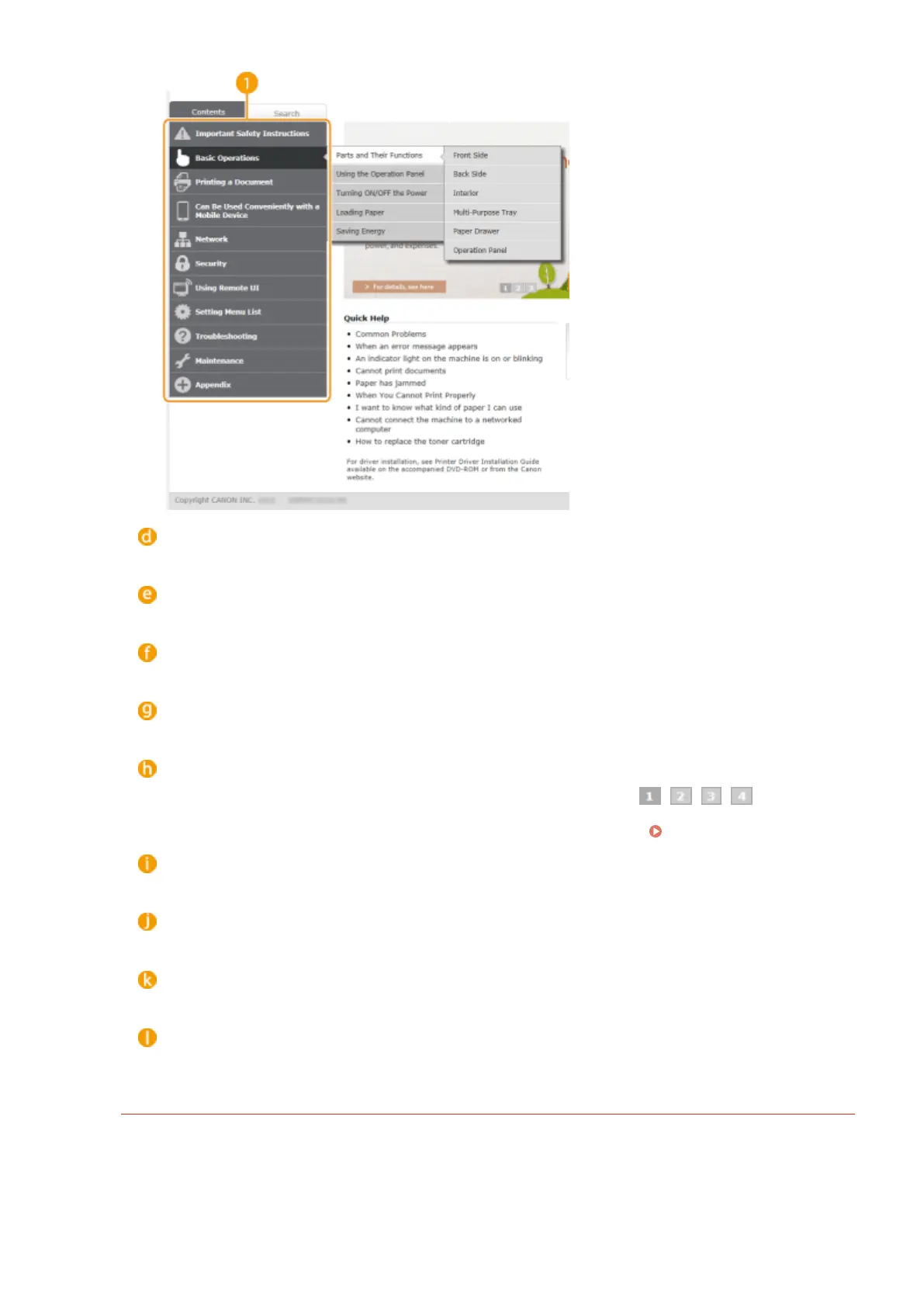
[Top]
Click to return to the top page.
[Site map]
Click to display all the e-Manual topics.
[Help]
Click to display information on how to view the e-Manual, how to perform a search, and other information.
[Print]
Click to print the displayed content.
Feature Highlights
Provides a variety of practical examples of ways to use the machine. Click / / / to toggle the
display of practical examples by category, or click the sliding display for more information about each
category. The sliding display can be stopped by moving the pointer onto it.
Feature Highlights(P. 593)
[Quick Help] / [Troubleshooting] / [Maintenance]
Click to view how to solve problems or maintain the machine.
[For Mac OS Users]
Click to view precautions when using Mac OS.
[Notice]
Click to view important information you should know when using the machine.
[Oce Locations]
Click to display contact information for any inquiries about the machine.
Feature Highlights
Provides a variety of practical examples of ways to use the machine.
Appendix
593



 To Next Page