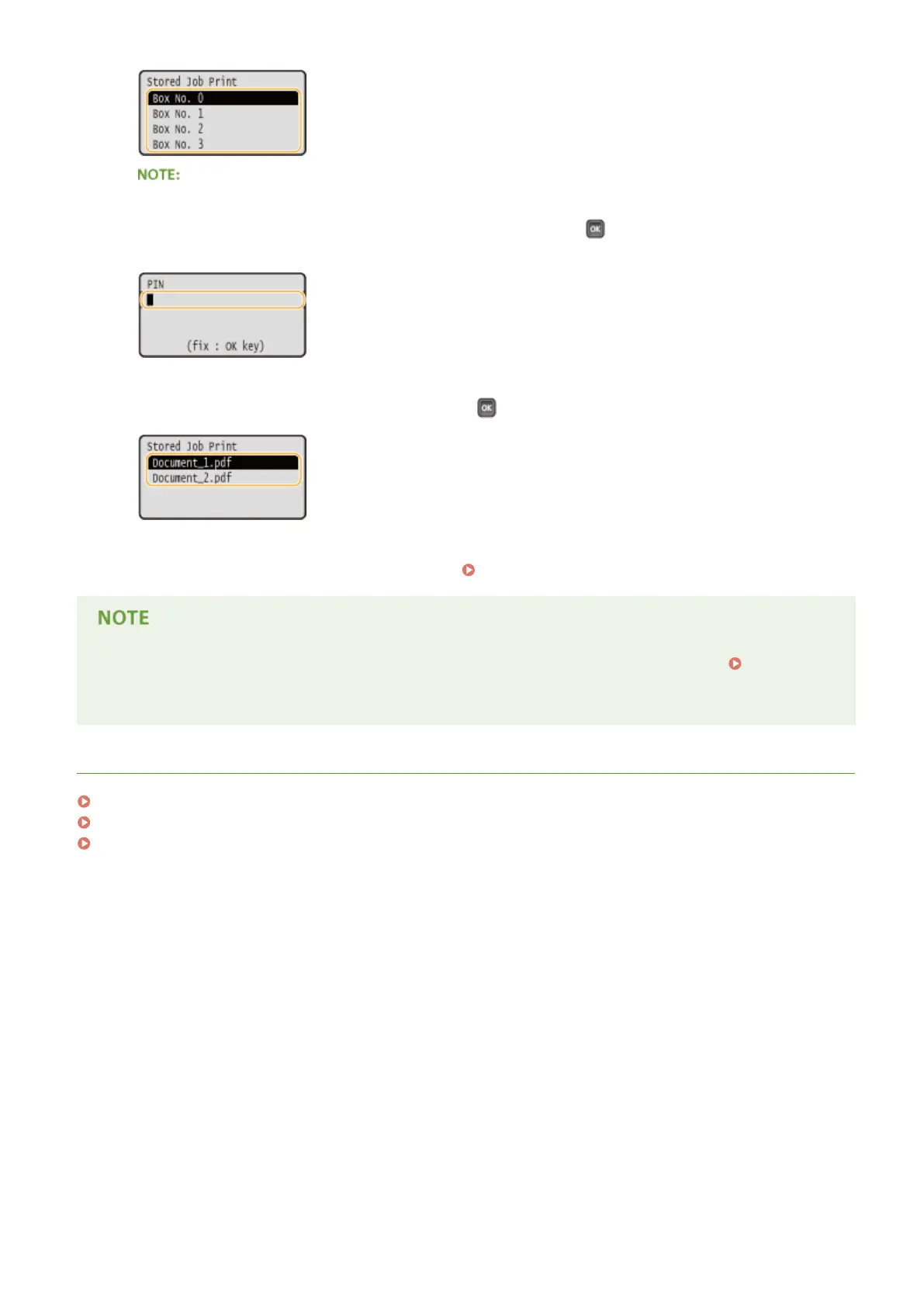
If the box is protected by a PIN
● When the PIN input screen is displayed, enter the PIN and press . If you are unsure of the PIN, contact
the administrator of the machine.
4
Select the document to print, and press .
➠
Printing starts.
● To cancel printing, use the operation panel. Canceling Prints(P. 83)
● Documents saved on the SD card can also be printed from the [Box] page of the Remote UI ( [Box]
Page(P. 339) ). Open the box in which documents are saved, select the check box for a document to print,
and click [Print].
LINKS
Deleting a Document Stored in the Machine(P. 141)
Setting a Name or PIN to a Box(P. 144)
Installing an SD Card(P. 583)
Printing a Document
140



 To Next Page