6
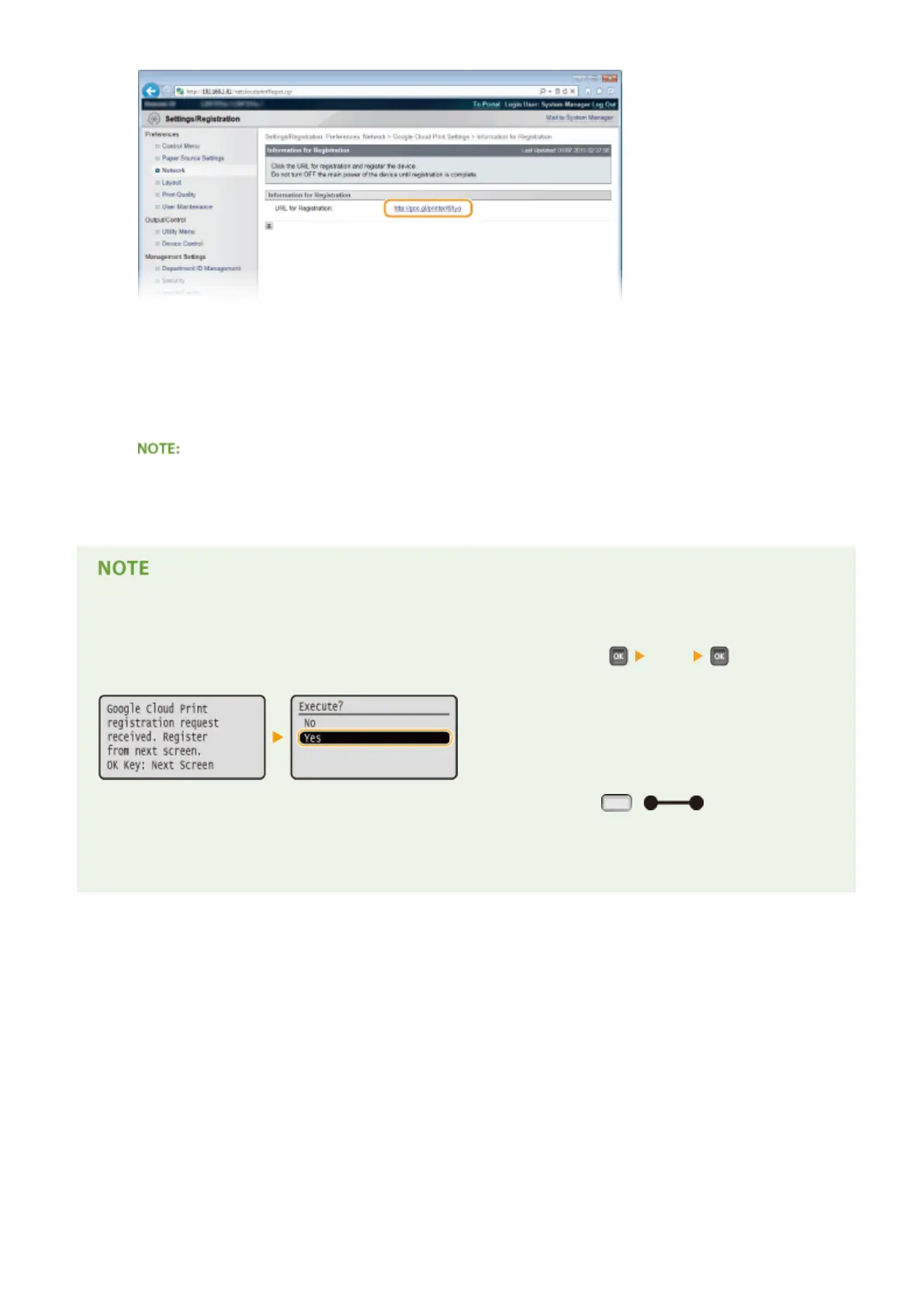
Follow the on-screen instructions to register the machine.
➠ You can print from a Google Cloud Print compatible application such as Google Chrome™, Gmail, or
Google Docs.
● Access the Google Cloud Print Web site for information about the latest applications that support Google
Cloud Print.
Registering from a mobile device or Google Chrome
You can also register the machine from a mobile device or Google Chrome. The machine's display shows the
following conrmation screen before completion of the registration. Perform
<Yes> to complete
the registration.
● To perform the registration, the main screen need to be displayed. Press ( ) to display the
main screen and then proceed to the registration.
● For the registration procedure, see the instruction manual for your mobile device or the Google Cloud Print
Web site.
Can Be Used Conveniently with a Mobile Device
179



 To Next Page