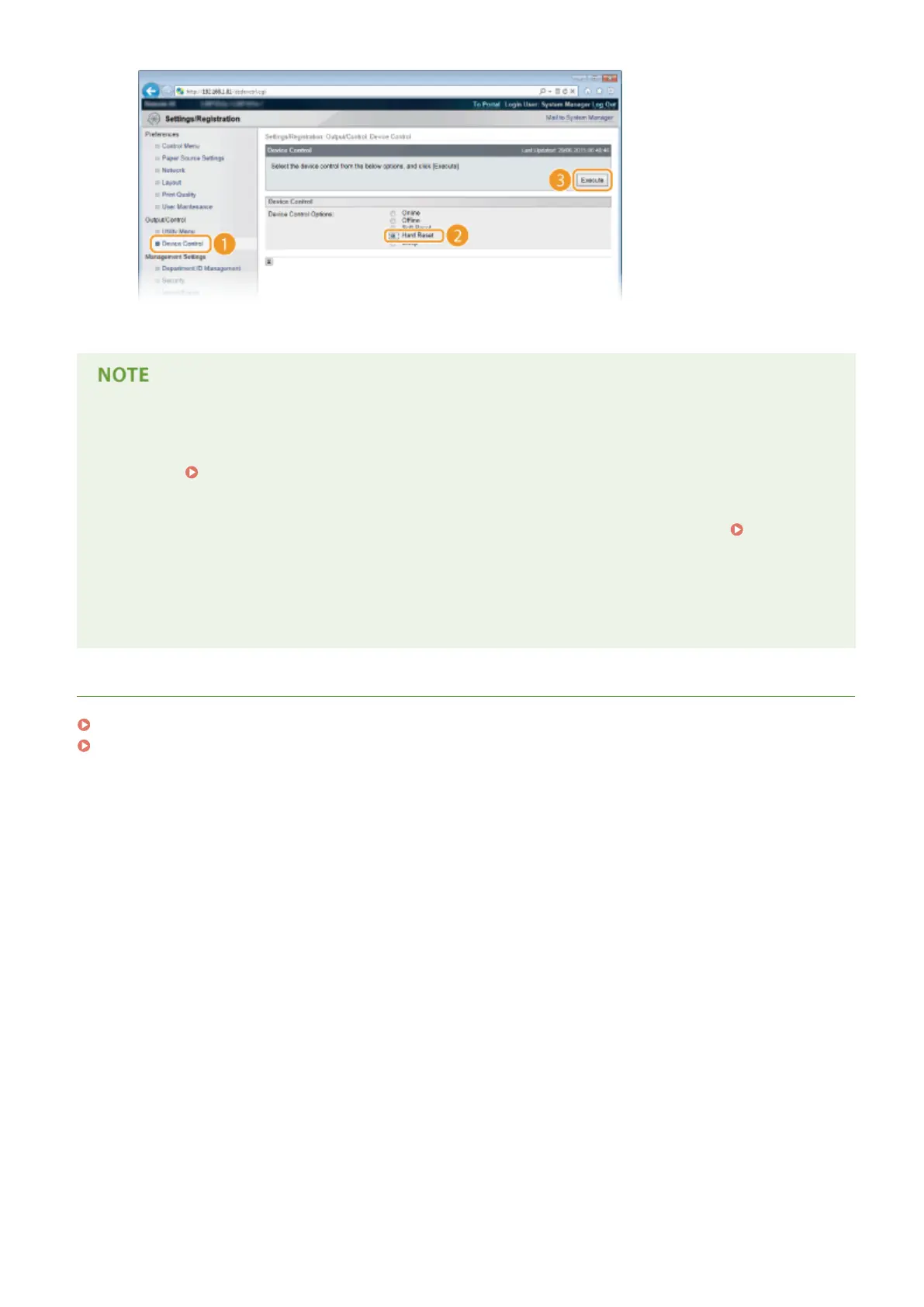
➠ The settings are enabled after the hard reset is performed.
Checking whether the settings are correct
● Make sure that the Remote UI screen can be displayed with your computer by using the IPv6 address of the
machine. Starting Remote UI(P. 333)
Selecting settings from the operation panel
● You can also enable or disable IPv6 addresses from the setting menu of the operation panel. IPv6
Settings(P. 378)
If you changed the IP address after installing the printer driver
● By following the procedure for changing the standard TCP/IP port described in the "Printer Driver
Installation Guide", specify the port to use again.
LINKS
Setting IPv4 Address(P. 188)
Network Status Print(P. 536)
Network
195



 To Next Page