2
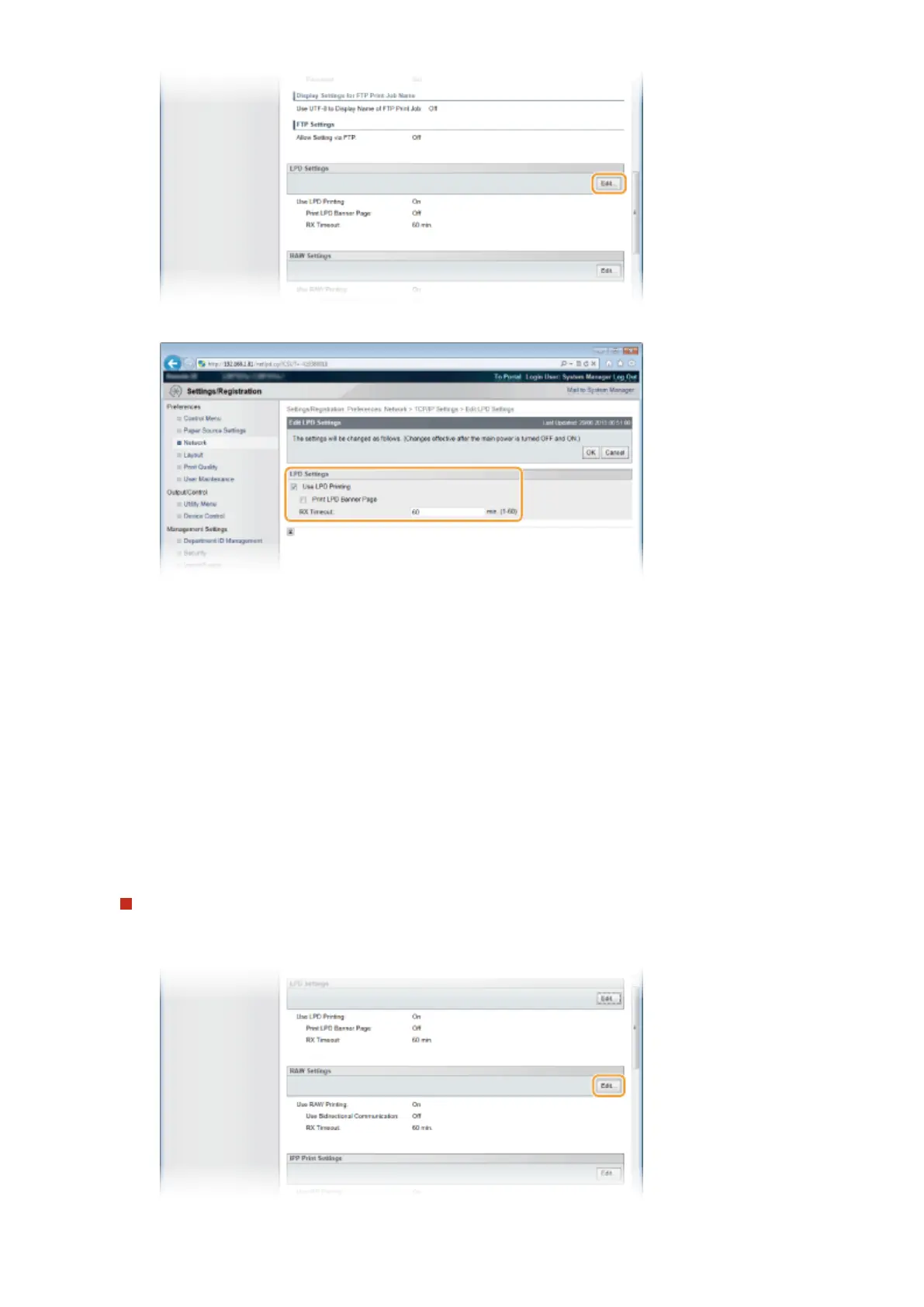
Congure the settings as necessary.
[Use LPD Printing]
When using LPD for printing, select the check box. When not using, clear the check box.
[Print LPD Banner Page]
Select the check box to include the information such as user names and le names on printouts. When
not printing the information, clear the check box.
[RX Timeout]
Set the time period after which the print job automatically ends when print data cannot be received due
to a communication error or some other problem.
3
Click [OK].
Conguring RAW settings
1
Click [Edit] in [RAW Settings].
Network
198



 To Next Page