8
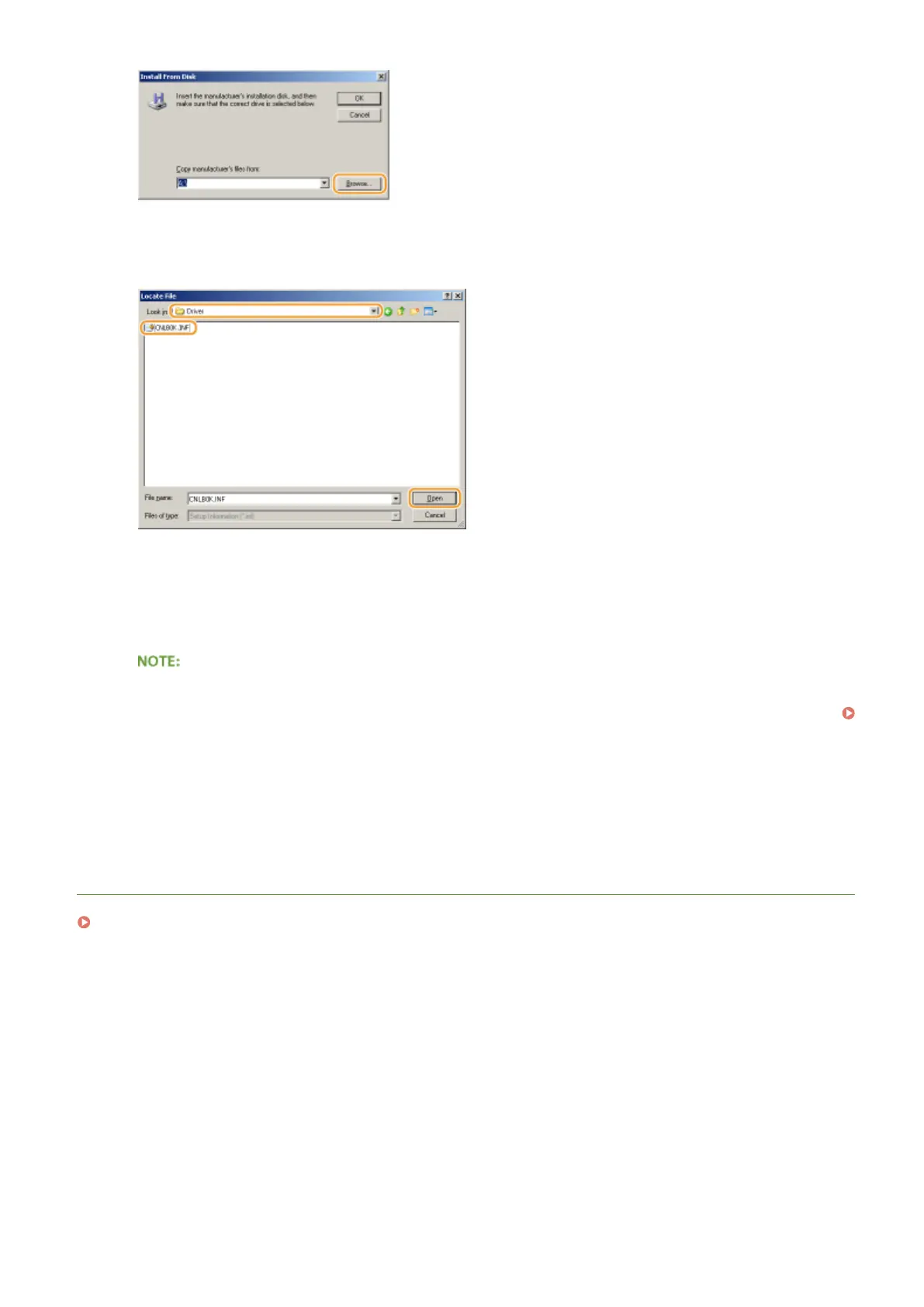
Specify the folder where the printer drivers are contained, select the INF le, and
then click [Open].
● Specify the folder as shown below according to the operating system of your computer.
32-bit operating systems
Select [UFR II]-your language-[32BIT]-[Driver] folder on the User Software DVD-ROM.
64-bit operating systems
Select [UFR II]-your language-[x64]-[Driver] folder on the User Software DVD-ROM.
If using the IPP authentication function
● When you are prompted to enter the password, enter the user name and password, and click [OK].
Conguring Printing Protocols and WSD Functions(P. 197)
9
Proceed with the setting procedure by following the on-screen instructions.
➠
The printer driver is installed and you can print via IPP/IPPS.
LINKS
Setting Up Print Server(P. 212)
Network
211



 To Next Page