2
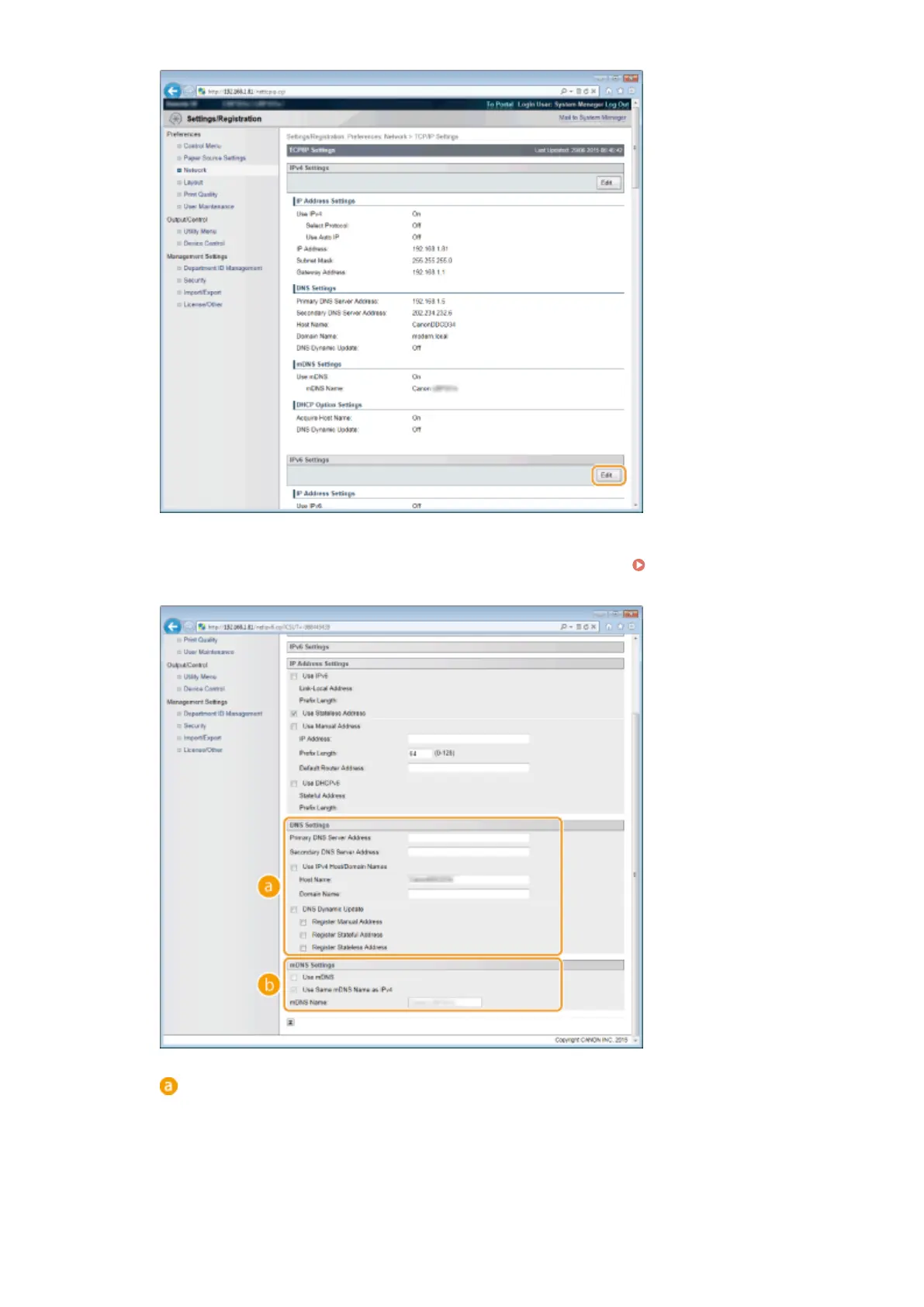
Congure IPv6 DNS settings.
● The [Use IPv6] check box must be selected to congure the settings. Setting IPv6
Addresses(P. 192)
[DNS Settings]
[Primary DNS Server Address]
Enter the IP address of a DNS server. You cannot enter an address that starts with "ff" (or multicast
address), the address of "0000::0000" (all zeros), or an address that starts with "0:0:0:0:0:ffff" or
"0:0:0:0:0:0".
[Secondary DNS Server Address]
Network
223



 To Next Page