Enter up to 32 alphanumeric characters for the context name. Up to ve context names can be registered.
7
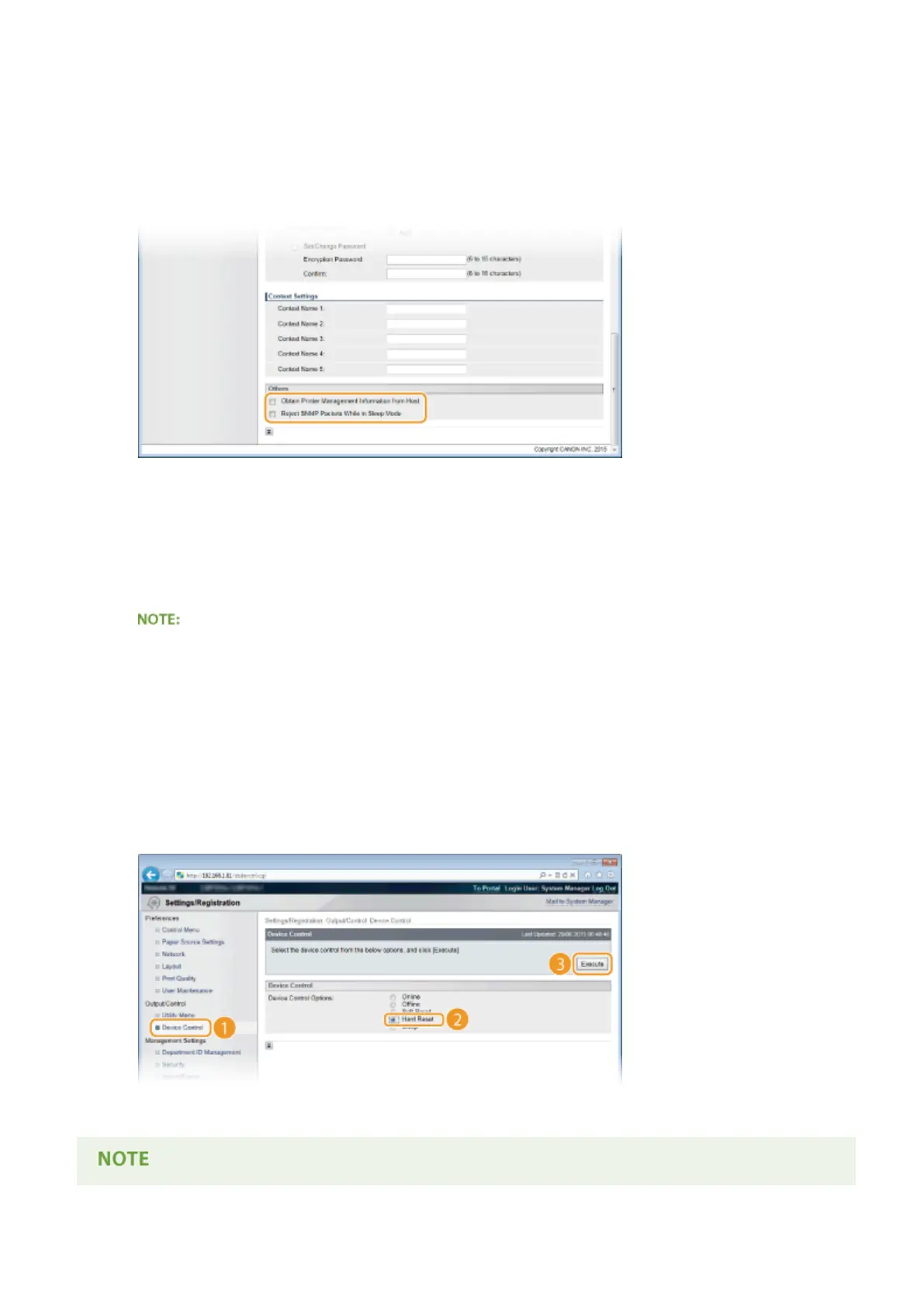
Specify Printer Management Information Acquisition Settings.
● With SNMP, the printer management information, such as printing protocols and printer ports, can be
monitored and obtained regularly from a computer on the network.
[Obtain Printer Management Information from Host]
Select the check box to enable monitoring of the printer management information of the machine via SNMP.
To disable monitoring of the printer management information, clear the check box.
[Reject SNMP Packets While in Sleep Mode]
Select the check box to discard SNMP packets received during sleep mode. If you do not want to discard the
packets, clear the check box.
● If you select the check box, applications that use the SNMP protocol, such as Canon software imageWARE
Series, may be disabled to access the machine.
8
Click [OK].
9
Perform a hard reset.
● Click [Device Control], select [Hard Reset], and then click [Execute].
➠ The settings are enabled after the hard reset is performed.
Network
236



 To Next Page