1
Start the Remote UI and log on in Management Mode. Starting Remote UI(P. 333)
2
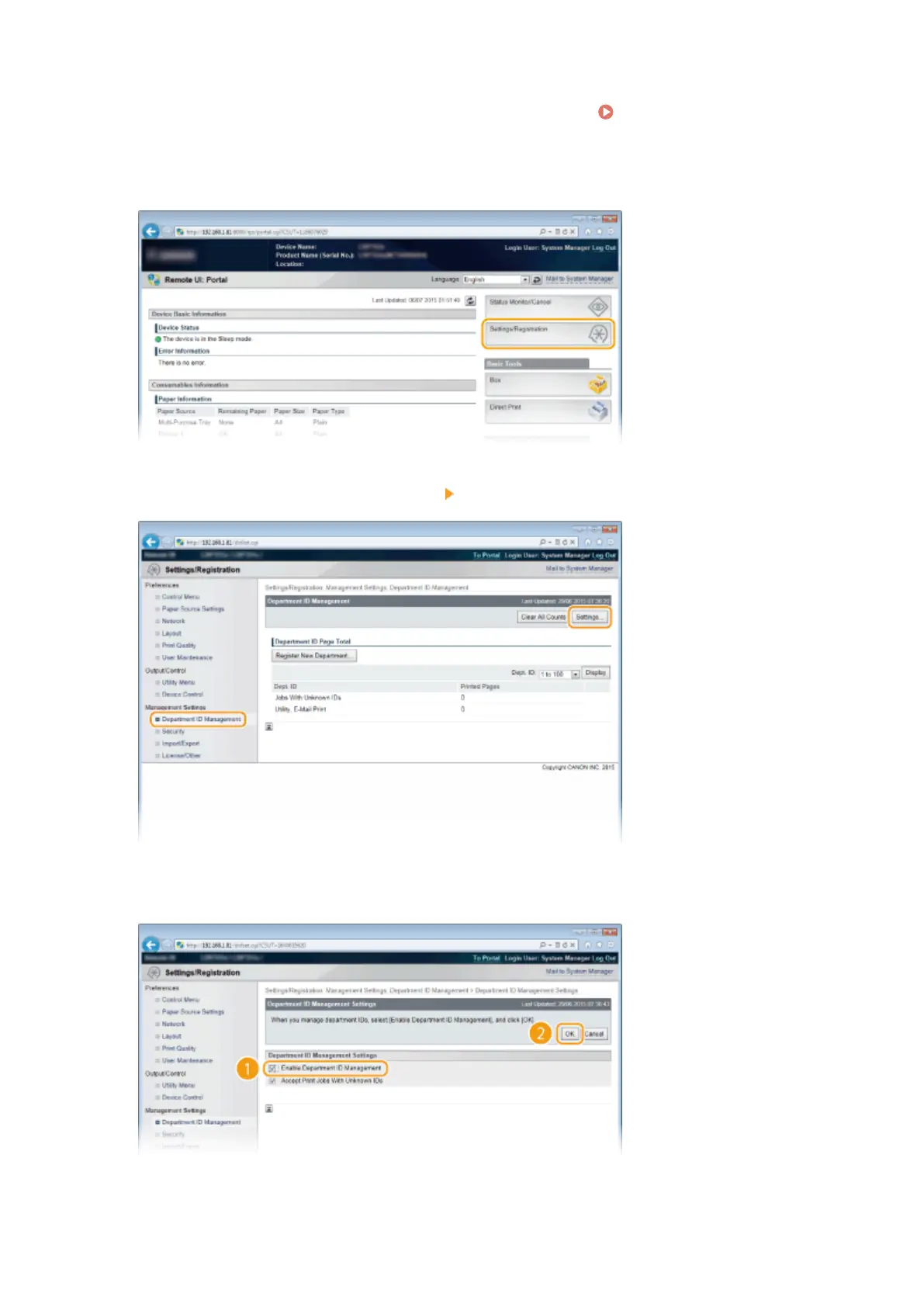
Click [Settings/Registration].
3
Click [Department ID Management] [Settings].
4
Select the [Enable Department ID Management] check box and click [OK].
[Enable Department ID Management]
Select the check box to enable Department ID Management. If you do not want to use Department ID
Management, clear the check box.
Security
258



 To Next Page