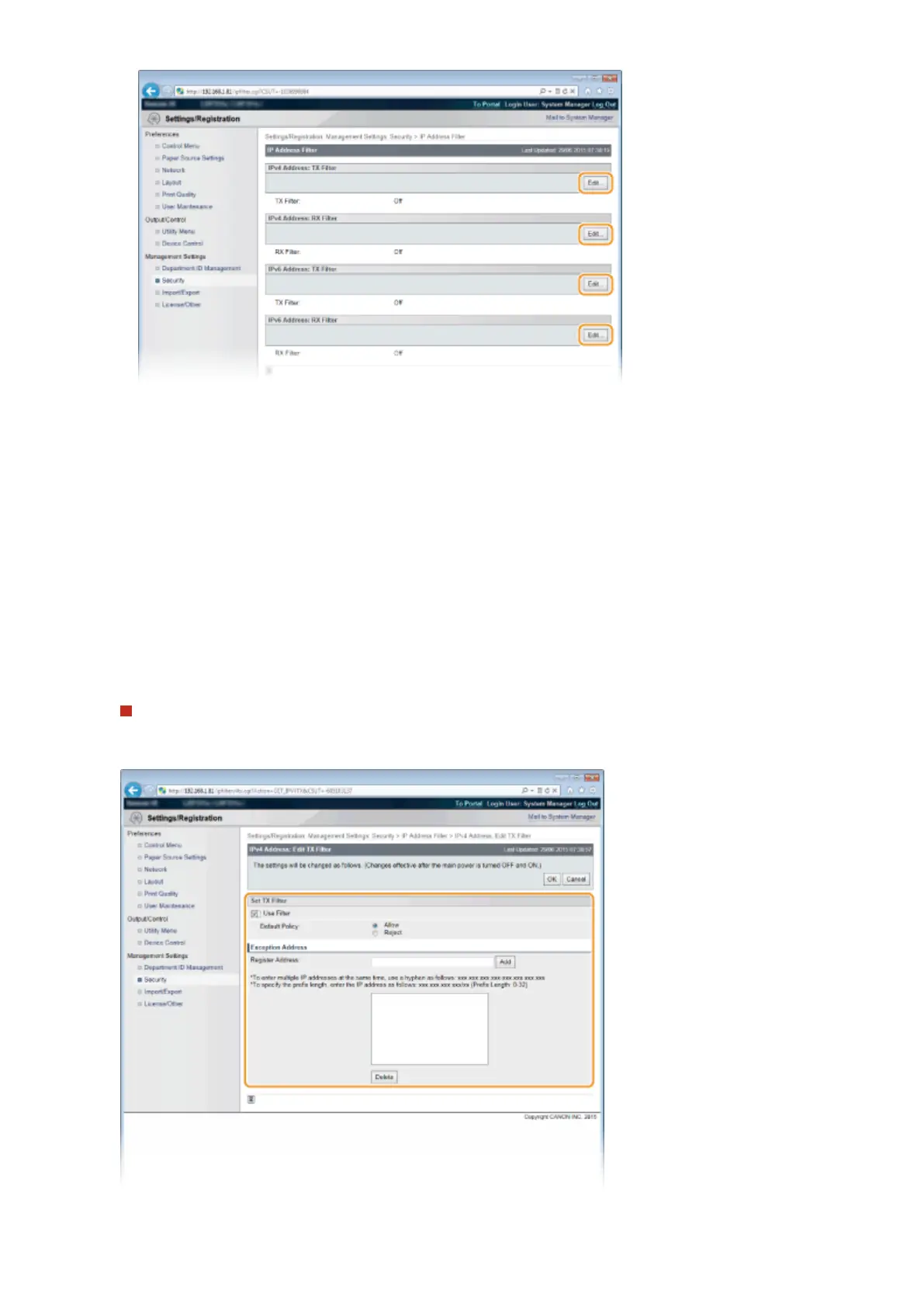
[IPv4 Address: TX Filter]
Select to restrict sending data from the machine to a computer by specifying IPv4 addresses.
[IPv4 Address: RX Filter]
Select to restrict receiving data from the machine to a computer by specifying IPv4 addresses and the port
number.
[IPv6 Address: TX Filter]
Select to restrict sending data from the machine to a computer by specifying IPv6 addresses.
[IPv6 Address: RX Filter]
Select to restrict receiving data from the machine to a computer by specifying IPv6 addresses and the port
number.
5
Specify the settings for packet ltering.
For TX Filter
Select the default policy to allow or reject the communication of other devices with the machine, and then
specify IP addresses for exceptions.
Security
266



 To Next Page