6
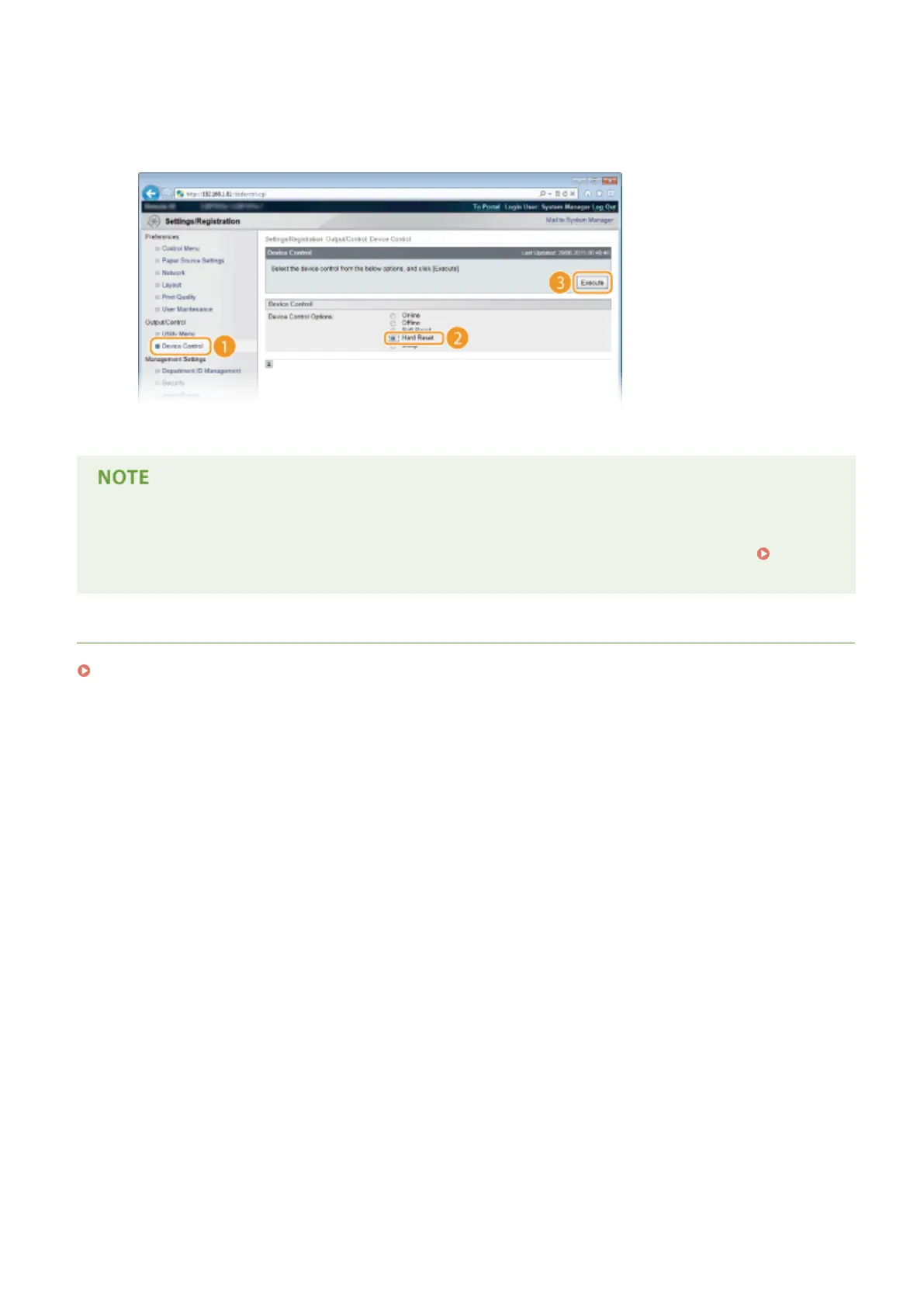
Perform a hard reset.
● Click [Device Control], select [Hard Reset], and then click [Execute].
➠ The settings are enabled after the hard reset is performed.
Using the operation panel
● You can also enable or disable IP address ltering from the Setting menu of the operation panel. Address
Filter(P. 392)
LINKS
Specifying MAC Addresses for Firewall Rules(P. 271)
Security
270



 To Next Page