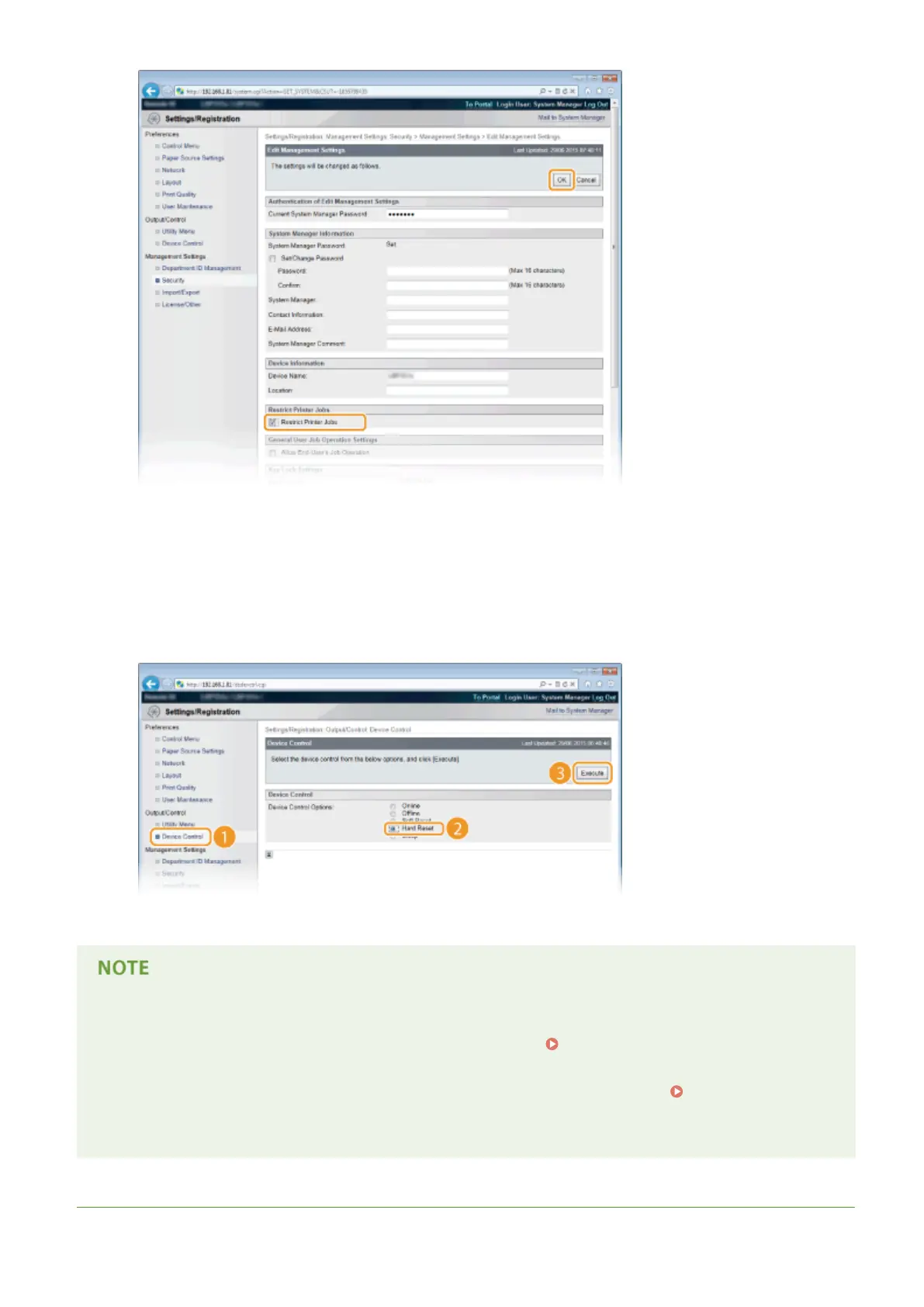
[Restrict Printer Jobs]
Select the check box to restrict the printing operations of the machine. Clear the check box to disable the
restriction.
7
Perform a hard reset.
● Click [Device Control], select [Hard Reset], and then click [Execute].
➠ The settings are enabled after the hard reset is performed.
When the printing operations are restricted
● Only Stored Job Print can be performed from the printer drivers.
Printing a Document Stored in the
Machine (Stored Job Print)(P. 137)
● Only PDF, PS, EPS, and XPS les stored in boxes can be printed from the Remote UI. Printing without
Opening a File (Direct Print)(P. 146)
● USB Direct Print from the USB memory device and E-mail Print are not available.
LINKS
Security
280



 To Next Page