Editing a policy
● You can click the text link under [Policy Name] to edit the settings.
Deleting a policy
● Click [Delete] on the right of the policy that you want to delete.
12
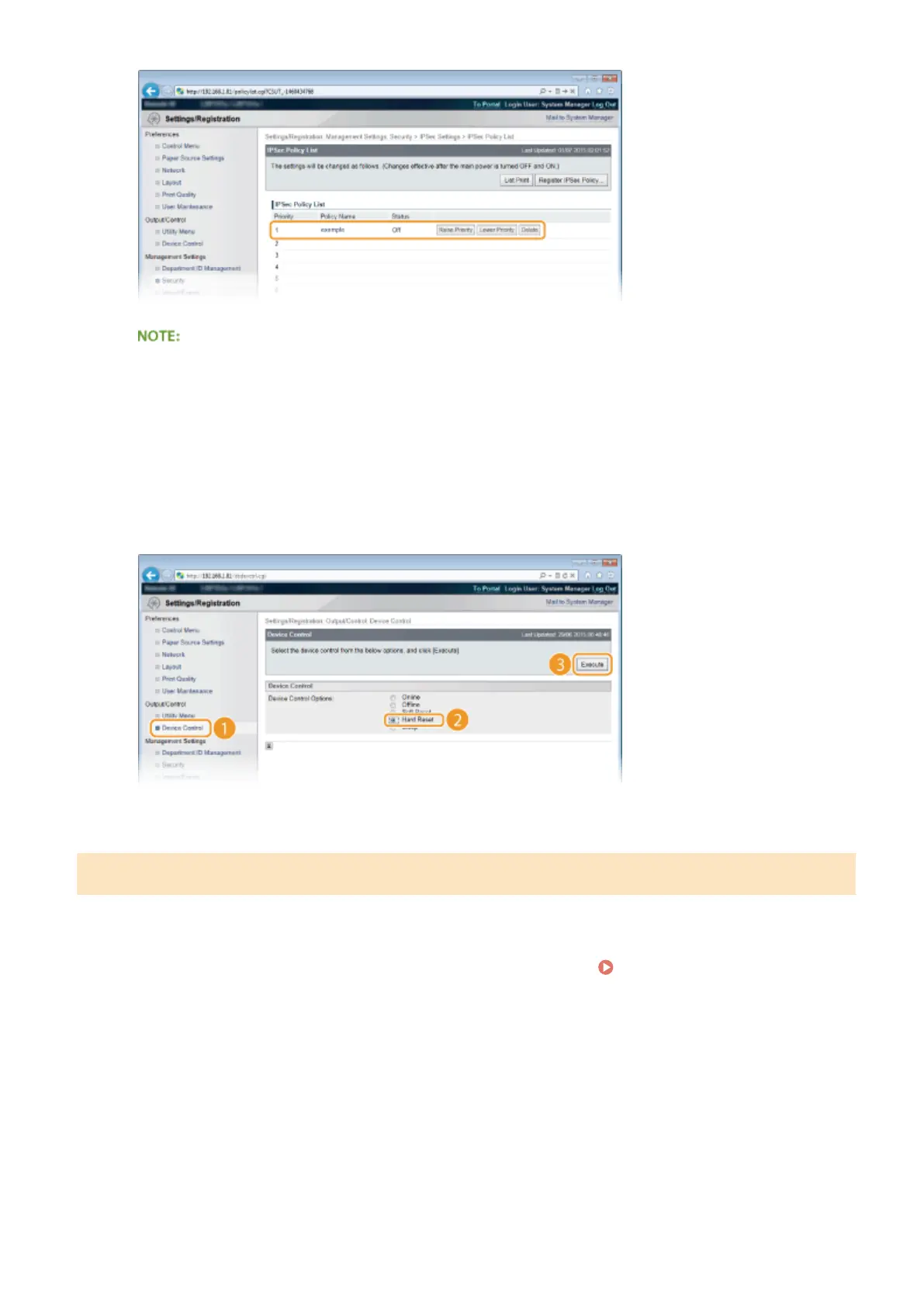
Perform a hard reset.
● Click [Device Control], select [Hard Reset], and then click [Execute].
➠
The settings are enabled after a hard reset is performed.
Enabling IPSec Communication
After completion of registering security policies, enable the IPSec communication.
1
Start the Remote UI and log on in Management Mode. Starting Remote UI(P. 333)
2
Click [Settings/Registration].
Security
306



 To Next Page