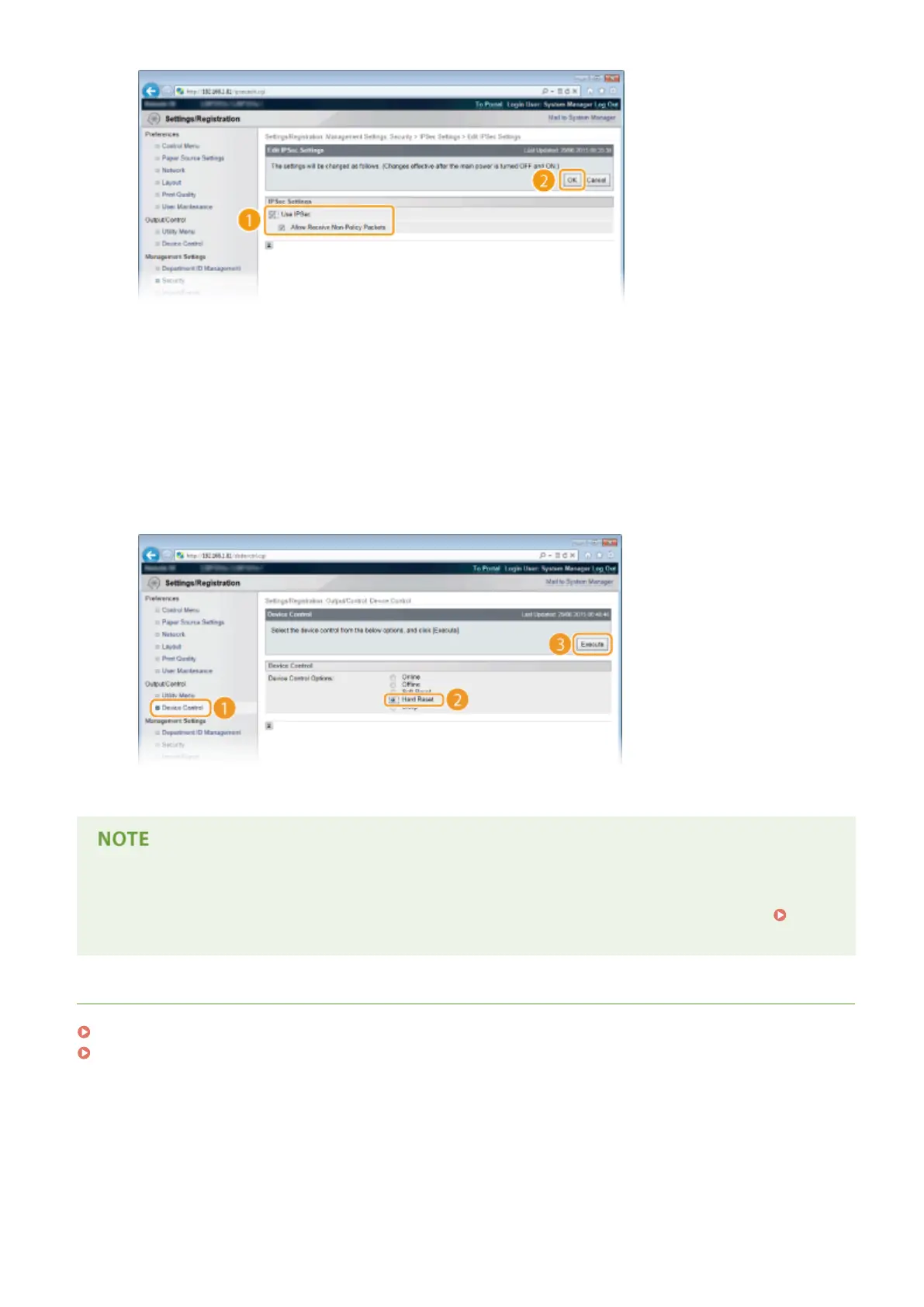
[Use IPSec]
When using IPSec in the machine, select the check box. When not using, clear the check box.
[Allow Receive Non-Policy Packets]
If you select the check box when using IPSec, packets that are not available for the registered policies are
also sent/received. To disable sending/receiving the packets that are not available for the policies, clear the
check box.
6
Perform a hard reset.
● Click [Device Control], select [Hard Reset], and then click [Execute].
➠
The settings are enabled after the hard reset is performed.
Using the operation panel
● You can also enable or disable IPSec communication from the setting menu of the operation panel.
IPSec(P. 385)
LINKS
Conguring Settings for Key Pairs and Digital Certicates(P. 315)
IPSec Policy List(P. 446)
Security
308



 To Next Page