● The key pair or CA certicate is installed in the machine.
7
Register the key pair or CA certicate.
Registering a key pair
1
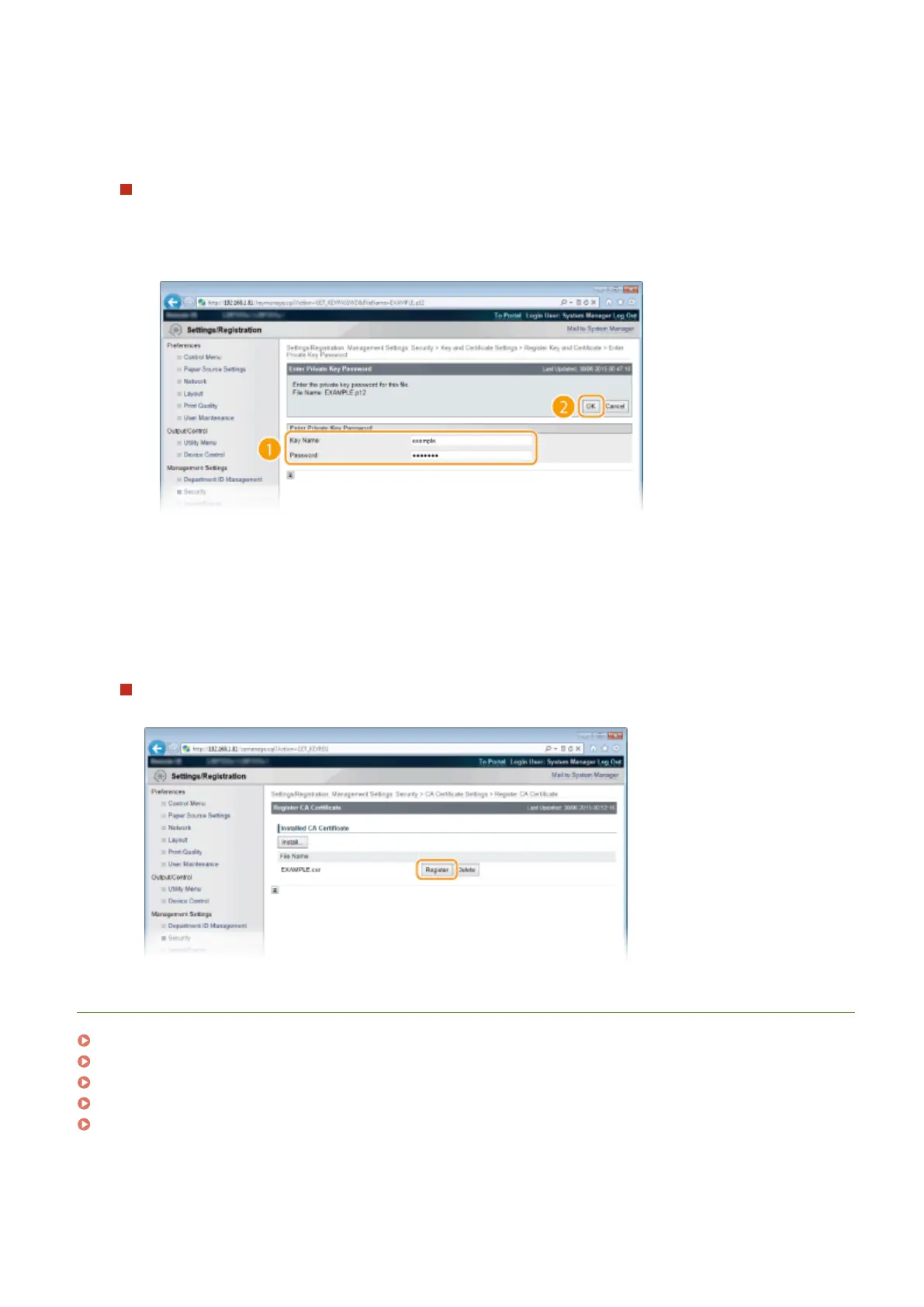
Click [Register] on the right of the key pair you want to register.
2
Enter the name of the key pair and password, and then click [OK].
[Key Name]
Enter up to 24 alphanumeric characters for the name of the key pair to be registered.
[Password]
Enter up to 24 alphanumeric characters for the password of the private key set for the le to be
registered.
Registering a CA certicate
Click [Register] on the right of the CA certicate you want to register.
LINKS
Generating Key Pairs(P. 317)
Verifying Key Pairs and Digital Certicates(P. 329)
Using TLS for Encrypted Communications(P. 294)
Conguring IPSec Settings(P. 298)
Conguring IEEE 802.1X Authentication(P. 309)
Security
328



 To Next Page