5
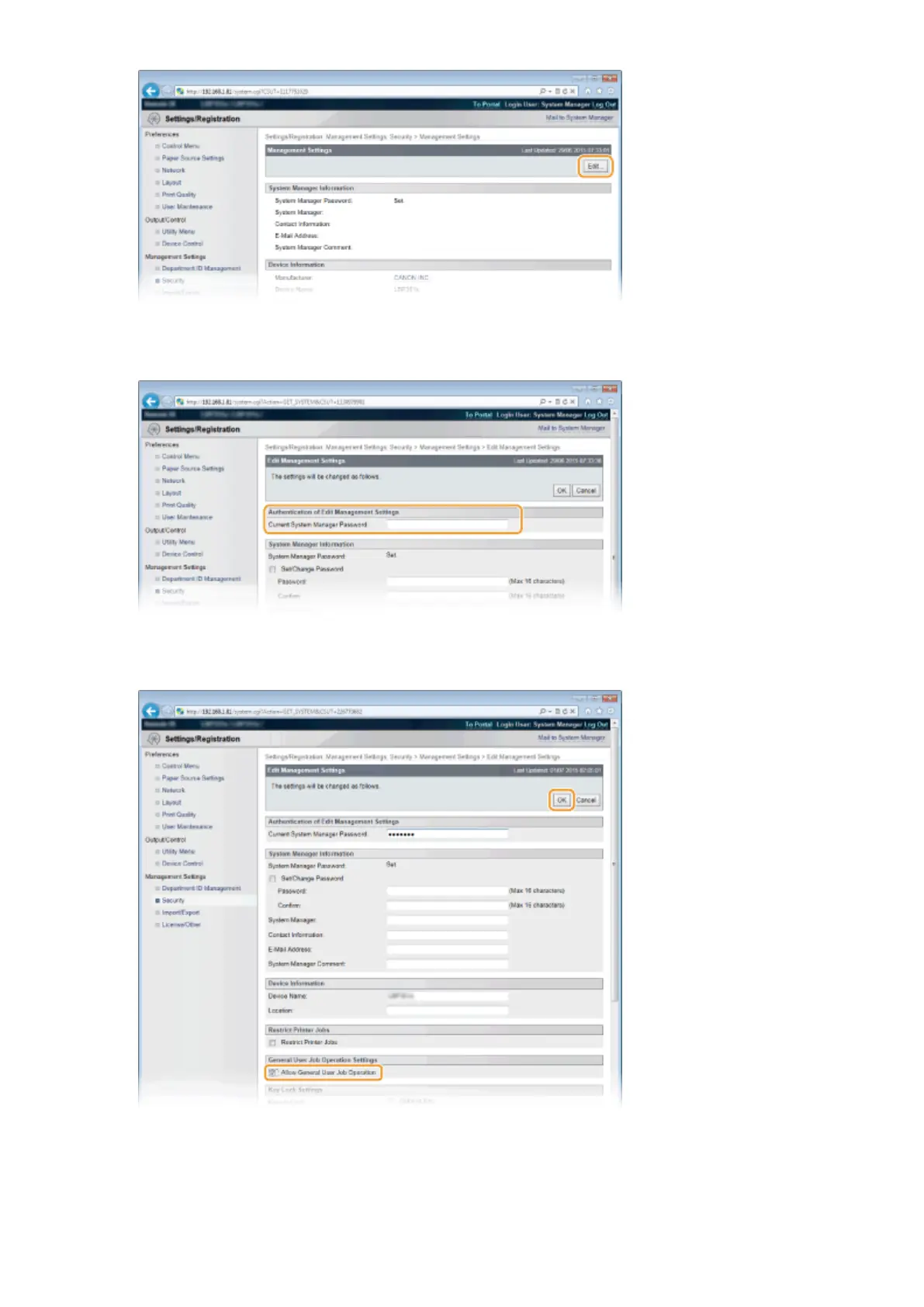
Enter the System Manager password in [Current System Manager Password].
6
Select the [Allow General User Job Operation] check box and click [OK].
[Allow General User Job Operation]
If you select the check box, general users will be able to operate the documents of which the user name
matches the one that was used to log on. When you do not want to allow general users to operate
documents, clear the check box.
Using Remote UI
349



 To Next Page