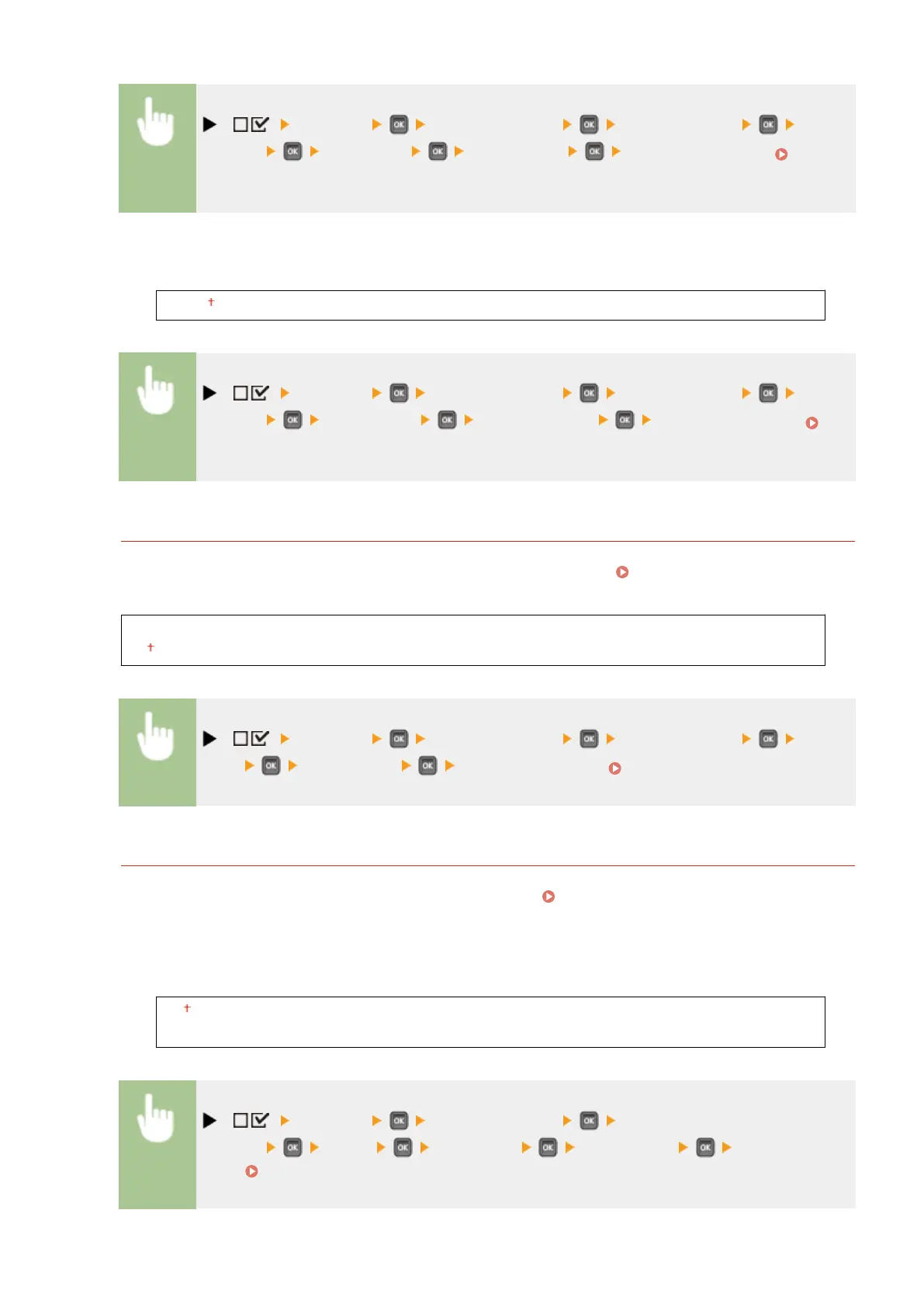
( ) <Network> Check the message <TCP/IP Settings> <RAW
Settings> <RAW Print> <Off> or <On> Perform a hard reset (
Performing a Hard Reset(P. 451) )
RX Timeout
*
1 to 60 (min.)
( ) <Network> Check the message <TCP/IP Settings> <RAW
Settings> <RX Timeout> Set Timeout Time Perform a hard reset (
Performing a Hard Reset(P. 451) )
IPP Print
Enable or disable IPP, which enables printing from an external network via Internet. Use the Remote UI to
specify settings for TLS encryption of data to send and user authentication. Conguring Printing Protocols
and WSD Functions(P. 197)
Off
On
( ) <Network> Check the message <TCP/IP Settings> <IPP
Print> <Off> or <On> Perform a hard reset ( Performing a Hard Reset(P. 451) )
WSD
Enable or disable automatic browsing and acquiring information for the machine by using the WSD protocol
that is available on Windows Vista/7/8/Server 2008/Server 2012. Conguring Printing Protocols and WSD
Functions(P. 197)
WSD Print
Select whether to print with the machine by using WSD.
Off
On
( ) <Network> Check the message <TCP/IP
Settings> <WSD> <WSD Print> <Off> or <On> Perform a hard
reset ( Performing a Hard Reset(P. 451) )
Setting Menu List
381



 To Next Page