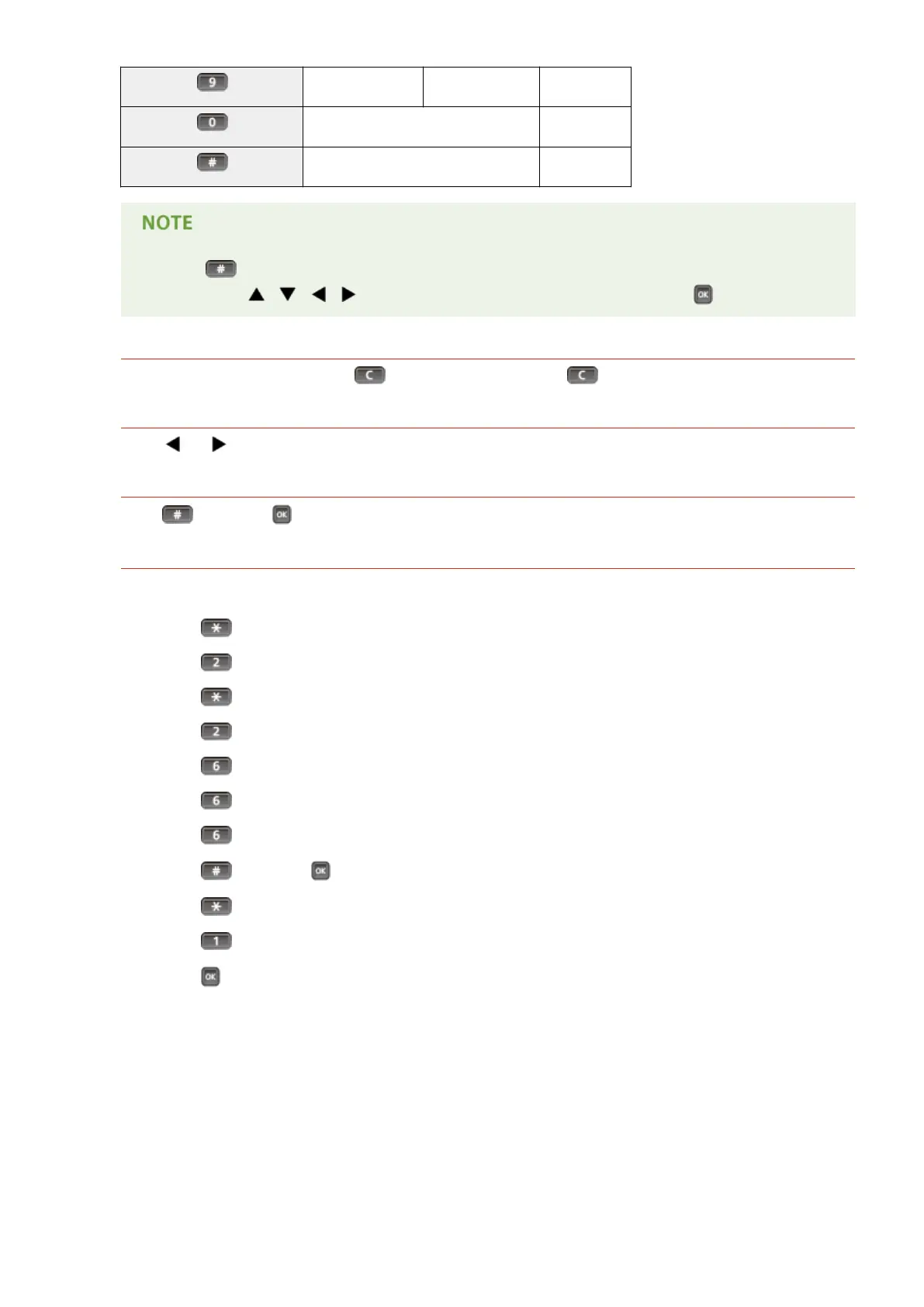
WXYZ wxyz 9
(Not available) 0
(space) -.*#!",;:^`_=/|'?$@%&+\~()[]{}<> (Not available)
● Press when the type of text that is entered is <A> or <a> to display enterable symbols in the
screen. Use / / / to select the symbol you want to enter, and press .
Deleting Text
One character is deleted each time is pressed. Press and hold to delete all of the entered text.
Moving the Cursor
Press or to move the cursor.
Entering a Space
Press , and press .
Example of Entering Text and Numbers
Example: "Canon 1"
1
Press repeatedly until <A> is selected.
2
Press repeatedly until the letter "C" is selected.
3
Press repeatedly until <a> is selected.
4
Press repeatedly until the letter "a" is selected.
5
Press repeatedly until the letter "n" is selected.
6
Press repeatedly until the letter "o" is selected.
7
Press repeatedly until the letter "n" is selected.
8
Press , and press .
9
Press repeatedly until <12> is selected.
10
Press .
11
Press .
Basic Operations
32



 To Next Page