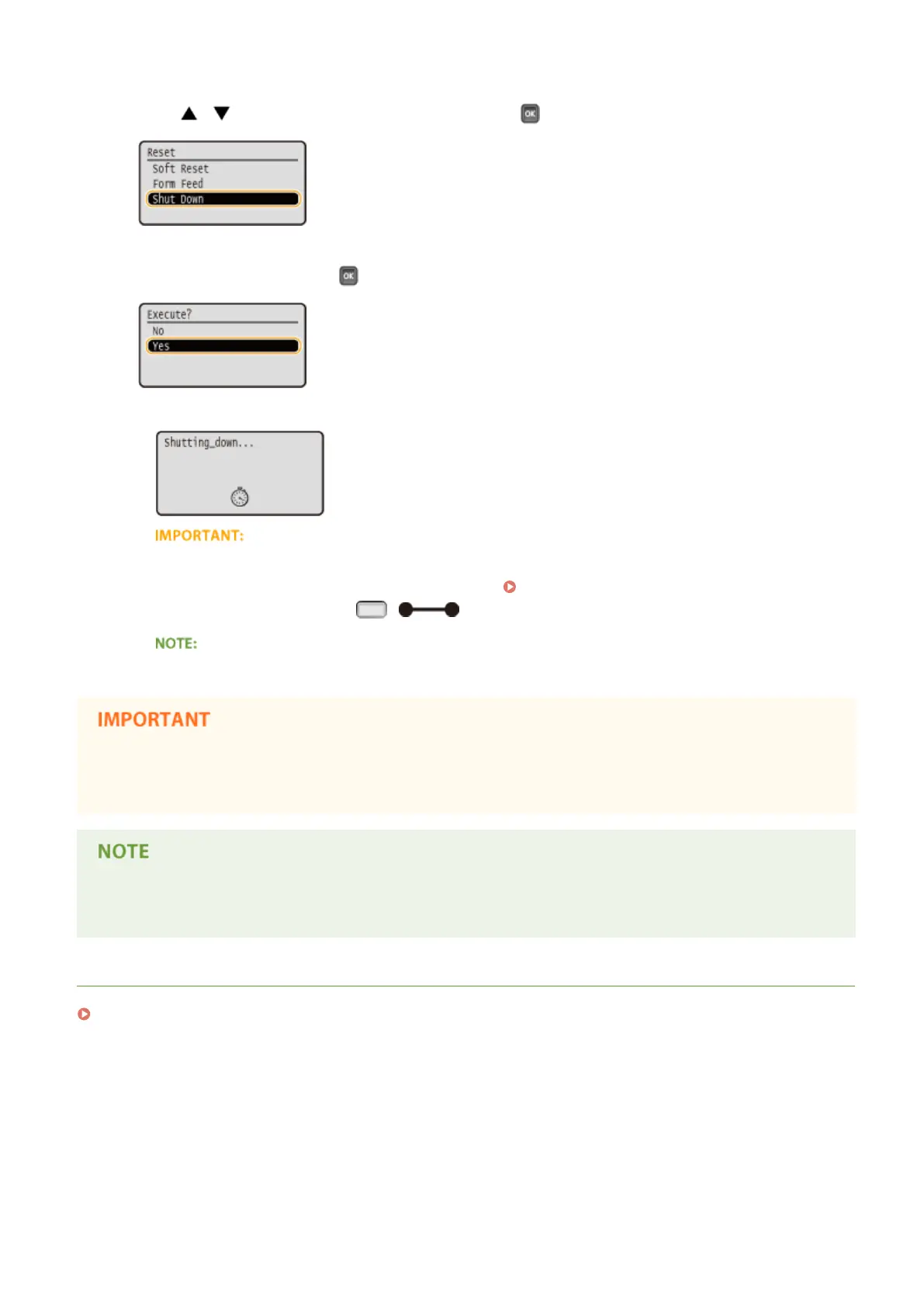
2
Use / to select <Shut Down>, and press .
3
Select <Yes>, and press .
➠ After the message below appears, the power is automatically turned OFF.
When <Could not execute.> appears
● There is remaining print data. Delete the data (
Reset Menu(P. 451) ), and retry the operation. To
cancel the operation, press ( ).
● It may take a maximum of 10 minutes until the power is turned OFF, but it is not a failure.
Do not turn ON the power immediately after turning OFF the power
● Wait for 10 seconds or more, and then turn ON the power.
● The machine slightly consumes power even after the power is turned OFF. To completely eliminate power
consumption, unplug the power plug from the AC power outlet.
LINKS
Performing a Quick Start of the Machine(P. 35)
Basic Operations
34



 To Next Page