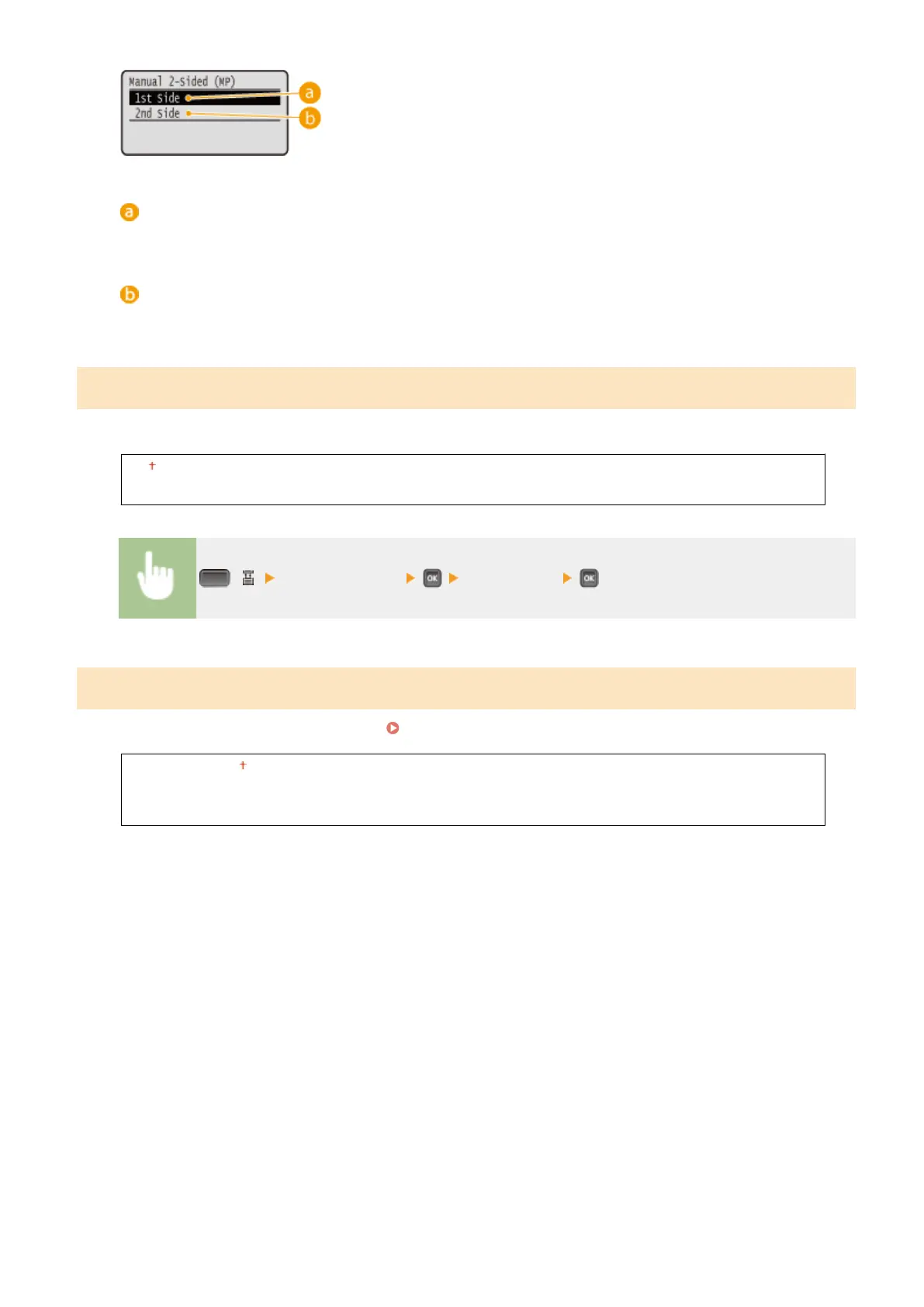
<1st Side>
Select to print on the front side (the side to print rst).
<2nd Side>
Select to print on the back side (the opposite of the side that is already printed).
2-Sided Printing
Select whether to print on both sides of paper.
Off
On
( ) <2-Sided Printing> <Off> or <On>
Select Drawer1 Model
Set the type of the cassette to use as drawer 1.
Specifying the Type of Drawer 1(P. 60)
Standard Drawer
Custom Media Drawer
A5 Drawer
Setting Menu List
459



 To Next Page