6
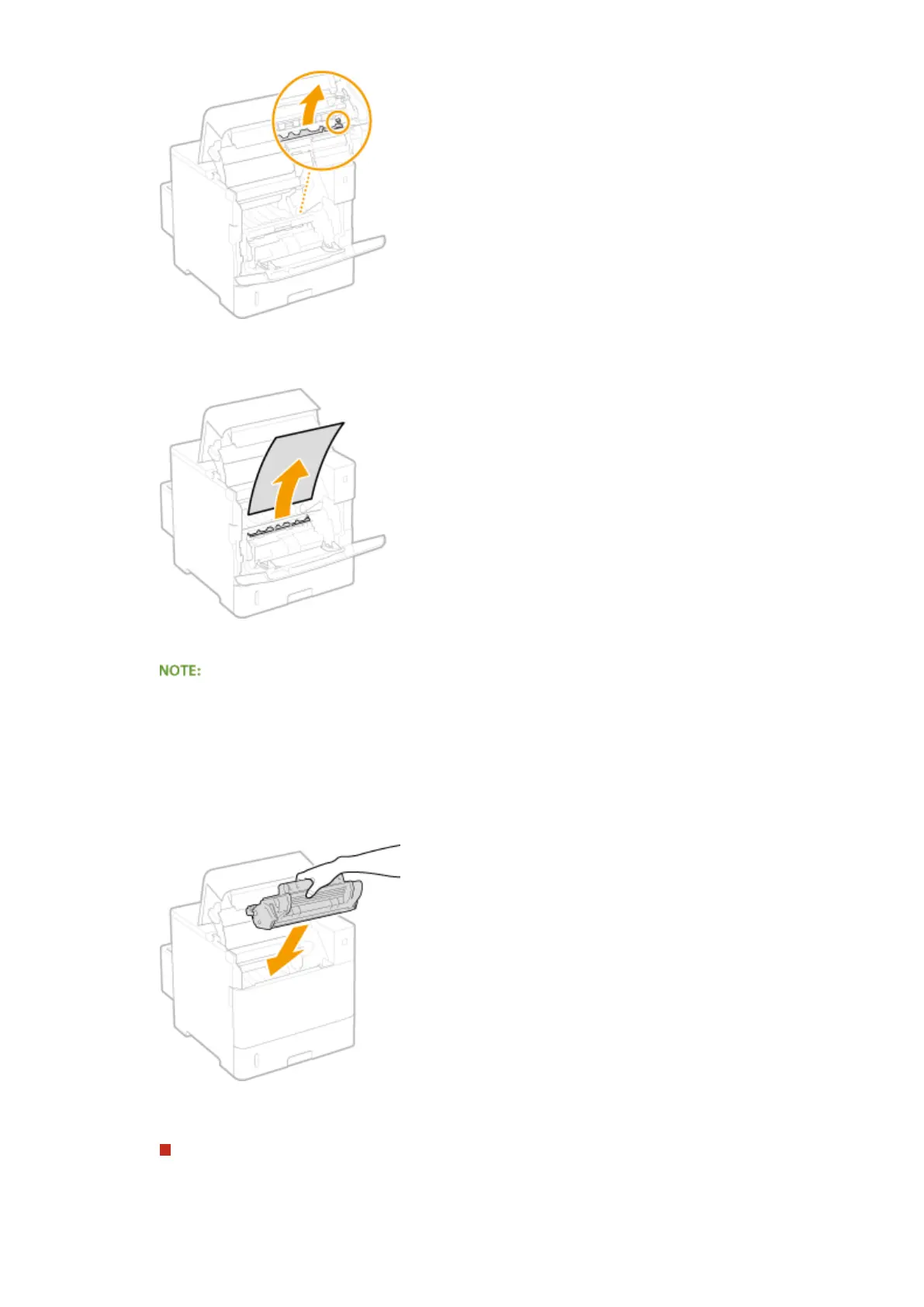
Gently pull out the paper.
● Pull out the paper atly as much as possible to prevent unxed toner from being dropped.
7
Gently return the transport guide back in place.
● When the envelope feeder had been installed, skip to step 10.
8
Replace the envelope feeder cover back in place.
9
Close the cover of the multi-purpose tray.
10
Install the toner cartridge.
● Make sure to push in the cartridge until it stops.
11
Close the top cover.
When the envelope feeder had been installed
1
Replace the envelope feeder back in place.
Troubleshooting
471



 To Next Page