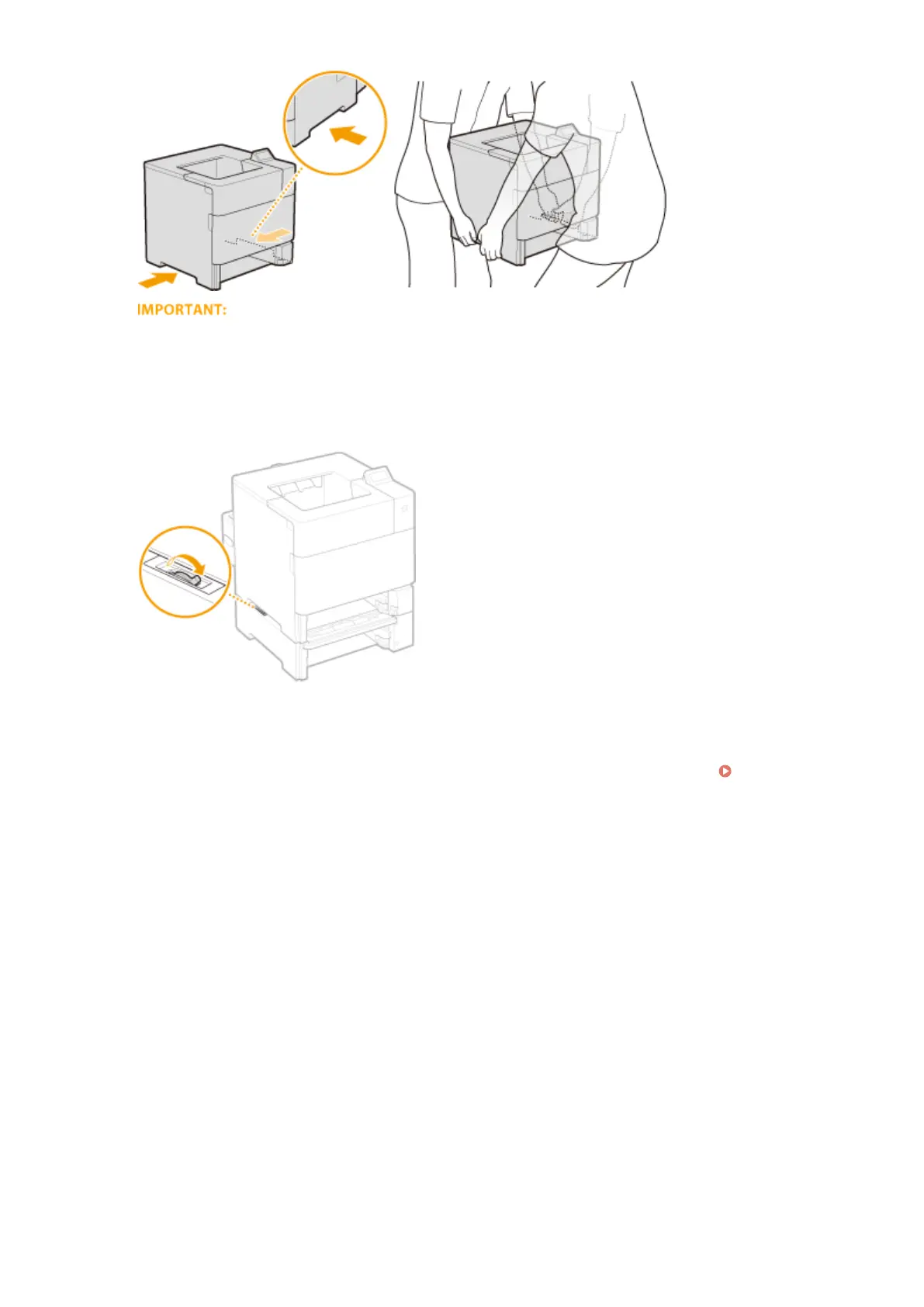
Be sure to hold the lift handles
● Do not move the machine by holding the duplex unit.
If the optional paper feeder or paper deck is attached to the machine
● Unlock the paper feeder or paper deck before lifting the machine, and transport the paper feeder or paper
deck separately.
6
Carefully place the machine at the new installation site.
● For information about how to install the machine after relocating it, see Getting Started. Manuals
Included with the Machine(P. 587)
Maintenance
528



 To Next Page