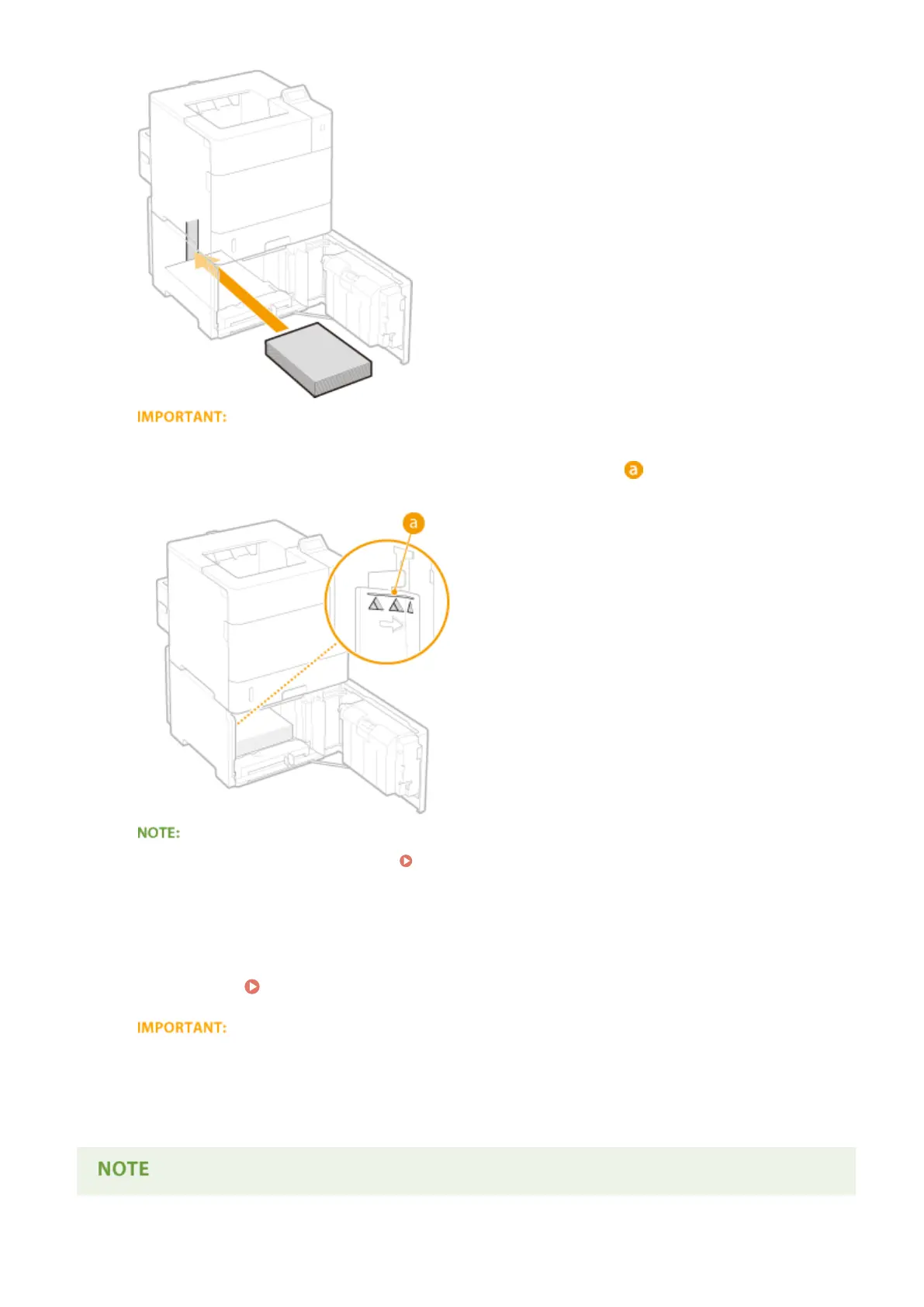
Do not exceed the load limit line when loading paper
● Make sure that the paper stack does not exceed the load limit line ( ). Loading too much paper can
cause paper jams.
● When loading paper with a logo, see Loading Preprinted Paper(P. 55) .
4
Close the door.
»
Continue to Specifying the Size and Type of the Paper in the Paper Drawer(P. 60)
When changing the paper size or type
● If the paper size setting is other than <Auto> or if you load a different type of paper into the machine,
make sure to change the settings. If you do not change the paper size or type setting, the machine cannot
print properly.
Basic Operations
48



 To Next Page