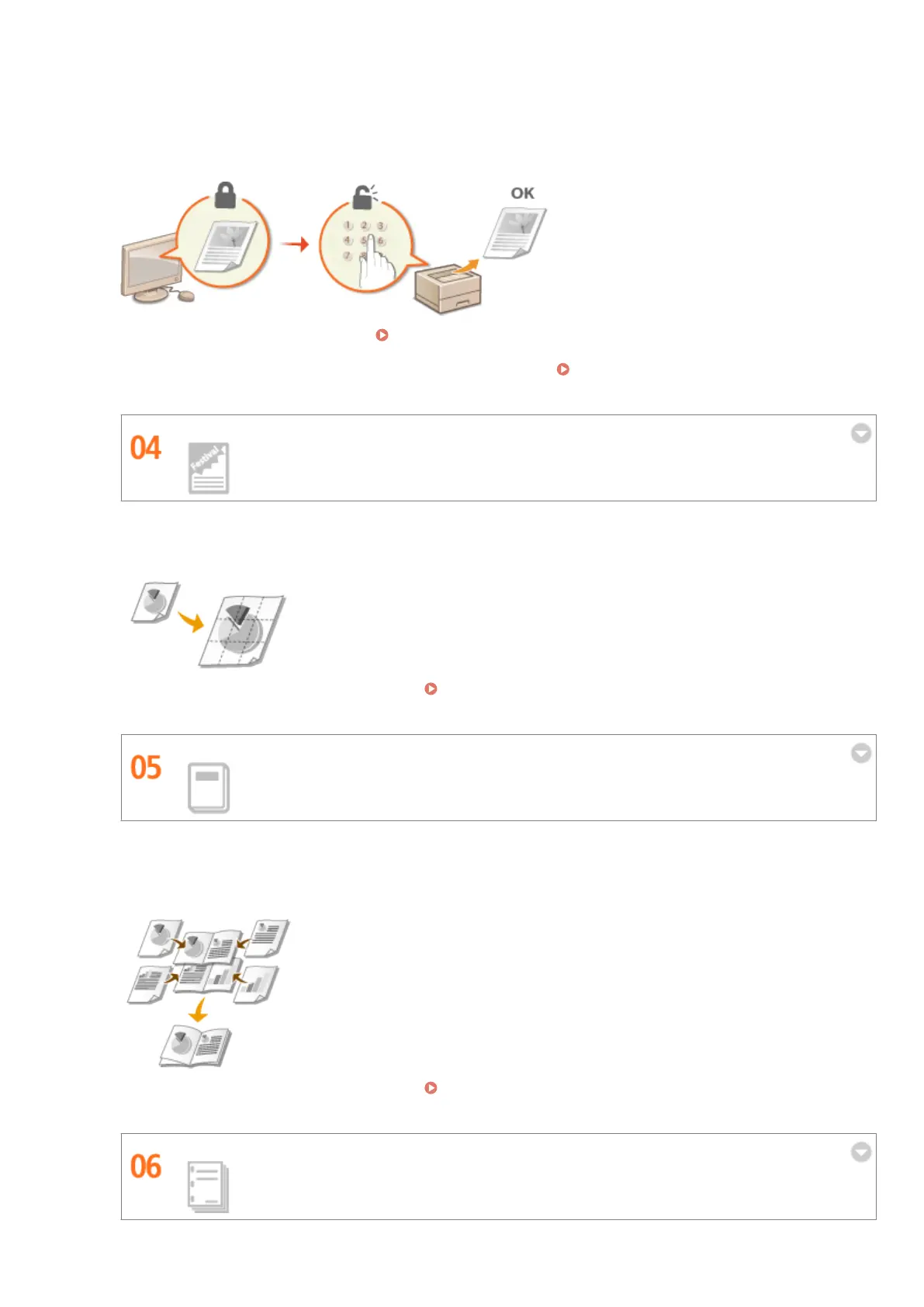
Normally, when you print something from your computer, it comes out of the printer right away. However, if
you have sensitive documents, this may not be what you want. Just use secure printing and no one will be able
to print your documents without entering your password on the machine's operation panel. Don't let your
condential documents lie exposed on the tray for everyone to see. For even greater security, you can print a
watermark such as "CONFIDENTIAL" or "PRIVATE COPY."
To print a document secured by a PIN: Printing a Document Secured by a PIN (Secured Print)(P. 131)
To print watermarks such as "CONFIDENTIAL" over the document: Printing Watermarks(P. 101)
Make Posters
Blow up a regular one-sheet printout and make an exceptionally large poster. A large poster will be printed out
on nine sheets. Put them together in a 3x3 grid, and voila!
For more information about this function, see Printing Posters(P. 95) .
Make Booklets
Sometimes your documents deserve better presentation than a staple in the upper-left corner. Making booklets
is easy. The print driver will take care of the page positioning for you. All you have to do is fold the pages and
staple them along the middle.
For more information about this function, see Printing Booklet(P. 96) .
Automatically Collate Meeting Handouts
Appendix
563



 To Next Page