3
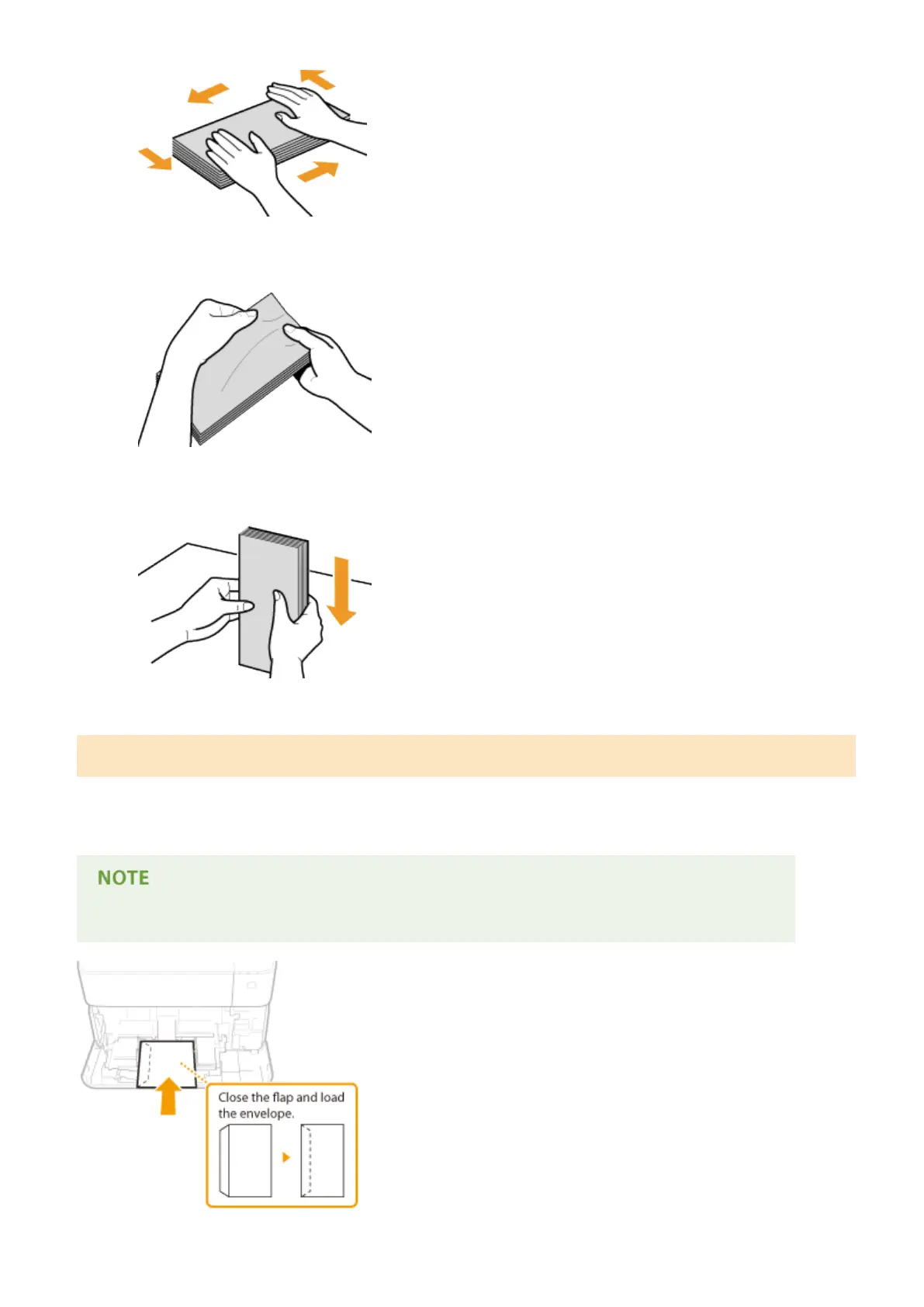
Loosen any stiff corners of the envelopes and atten any curls.
4
Align the edges of the envelope on a at surface.
Loading Envelopes in the Multi-Purpose Tray
Load the envelopes Monarch, COM10, DL, or ISO-C5 in portrait orientation (with the short edge toward the machine),
with the non-glued side (front side) face up. You cannot print on the reverse side of envelopes. Use the same way to
load envelopes in the envelope feeder.
● Load the envelopes so that the edge with the ap is toward the left side as shown in the illustration.
Basic Operations
54



 To Next Page