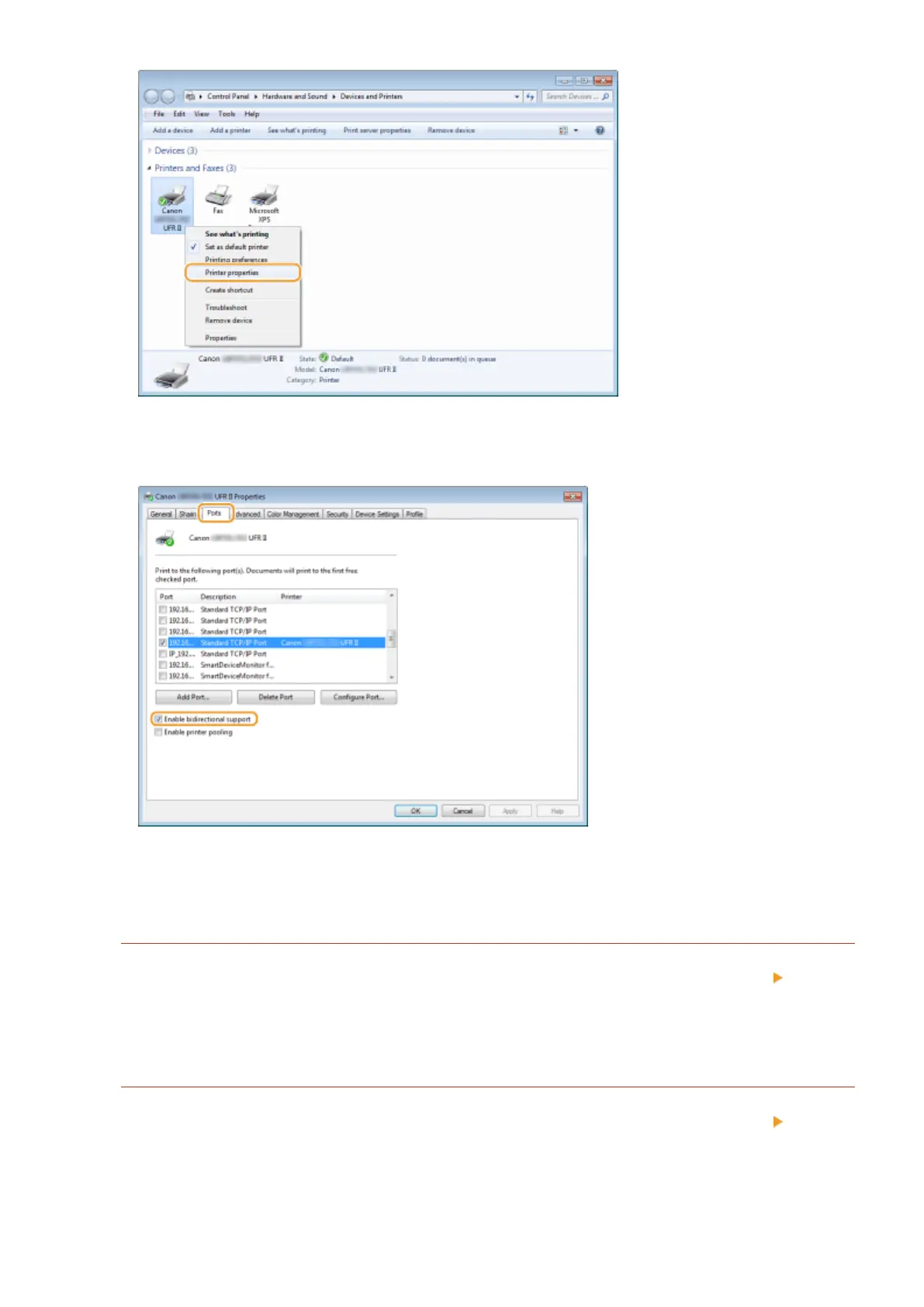
3
In the [Ports] tab, make sure that the [Enable bidirectional support] check box is
selected.
◼ Displaying [Local Area Connection Properties]
Windows Vista
1
Open the [Start] menu, select [Control Panel], and click [View network status and tasks] [Manage
network connections].
2
Right-click the [Local Area Connection] icon, and click [Properties] in the pop-up menu.
Windows 7/Server 2008 R2
1
Open the [Start] menu, select [Control Panel], and click [View network status and tasks] [Change
adapter settings].
2
Right-click the [Local Area Connection] icon, and click [Properties] in the pop-up menu.
Appendix
621



 To Next Page