CDM-840 Remote Router MN-CDM840
Ethernet-based Remote Product Management Revision 3
6–71
6.3.4.1.4.1 Page Functionality Common for all QoS Control Modes
The page content that follows is available in all QoS Modes.
You may click the (to QoS Configuration page) hyperlink, located at the top of the page, to
select a different QoS Mode or manage your QoS groups (Sect.
6.3.3.2.3).
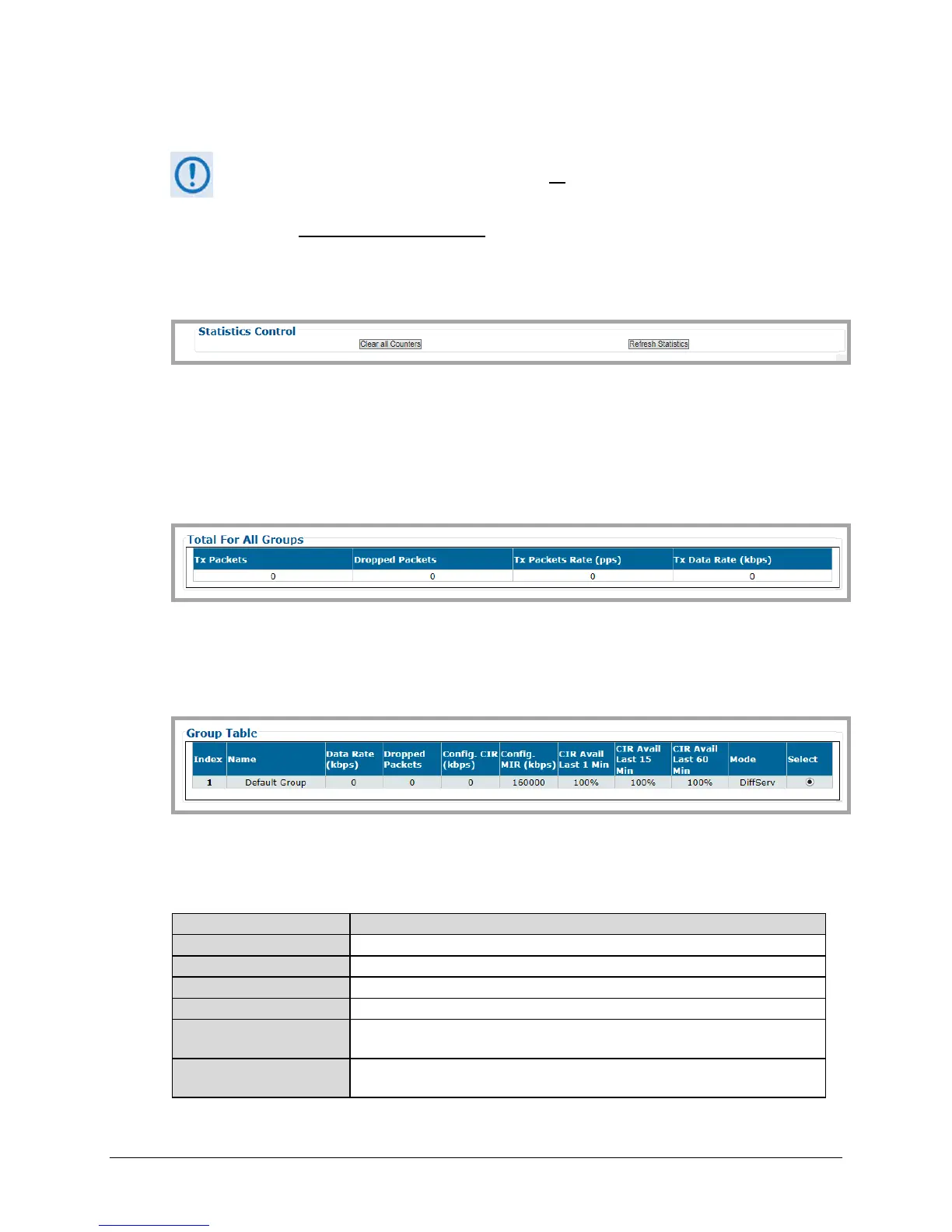
Statistics Control
• Click [Clear All Counters] to clear the statistics buffers of all existing data.
• Click [Refresh Statistics] to update the statistics tables with the most recently reported
statistics.
Total For All Groups
This table provides the cumulative tally of all QoS Groups for the number of Tx Packets, Dropped
Packets, Tx Packet Rate, and Tx Data Rate.
Group Table
This table provides a cumulative tally of the active selected groups. Click Select to designate an
active group – the row will automatically refresh with the group’s latest compiled operating
statistics. From left to right:
This is the internal index number for the group.
This is the unique name assigned to the group.
This is the configured operating data rate (in kilobits per second).
This is the total number of packets dropped by the group.
This is the Committed Information Rate (in kilobits per second).as configured for
the group.
This is the Maximum Information Rate (in kilobits per second).as configured for
the group.



 To Next Page