CDM-840 Remote Router MN-CDM840
Ethernet-based Remote Product Management Revision 3
6–4
6.2.2.2 SNMP Community Strings
CAUTION – In SNMP v1/v2c, the SNMP Community String is sent unencrypted in
the SNMP packets. Your network administrator must make sure that SNMP
packets travel only over a secure and private network when security is a concern.
The CDM-840 uses Community Strings as a password scheme that provides authentication
before gaining access to the CDM-840 Agent MIBs. They are used to authenticate users and
determine access privileges to the SNMP agent.
Type the SNMP Community String into the user-supplied MIB Browser or Network Node
Management software.
Two Community Strings are defined for SNMP access:
• Read Community default = public
• Write Community default = private
For proper SNMP operation, make sure to use the CDM-840 MIB files with the
associated version of the modem M&C. Read your CDM-840 Firmware Release Notes
for information on the required FW/SW compatibility.
6.2.3 HTTP (Web Server) Interface
A user-supplied web browser allows the full monitoring and control (M&C) of the CDM-840 from
its HTTP Interface. This non-secure embedded web application is designed for, and works best
with, Microsoft Internet Explorer Version 7.0 or higher.
6.2.3.1 User Login
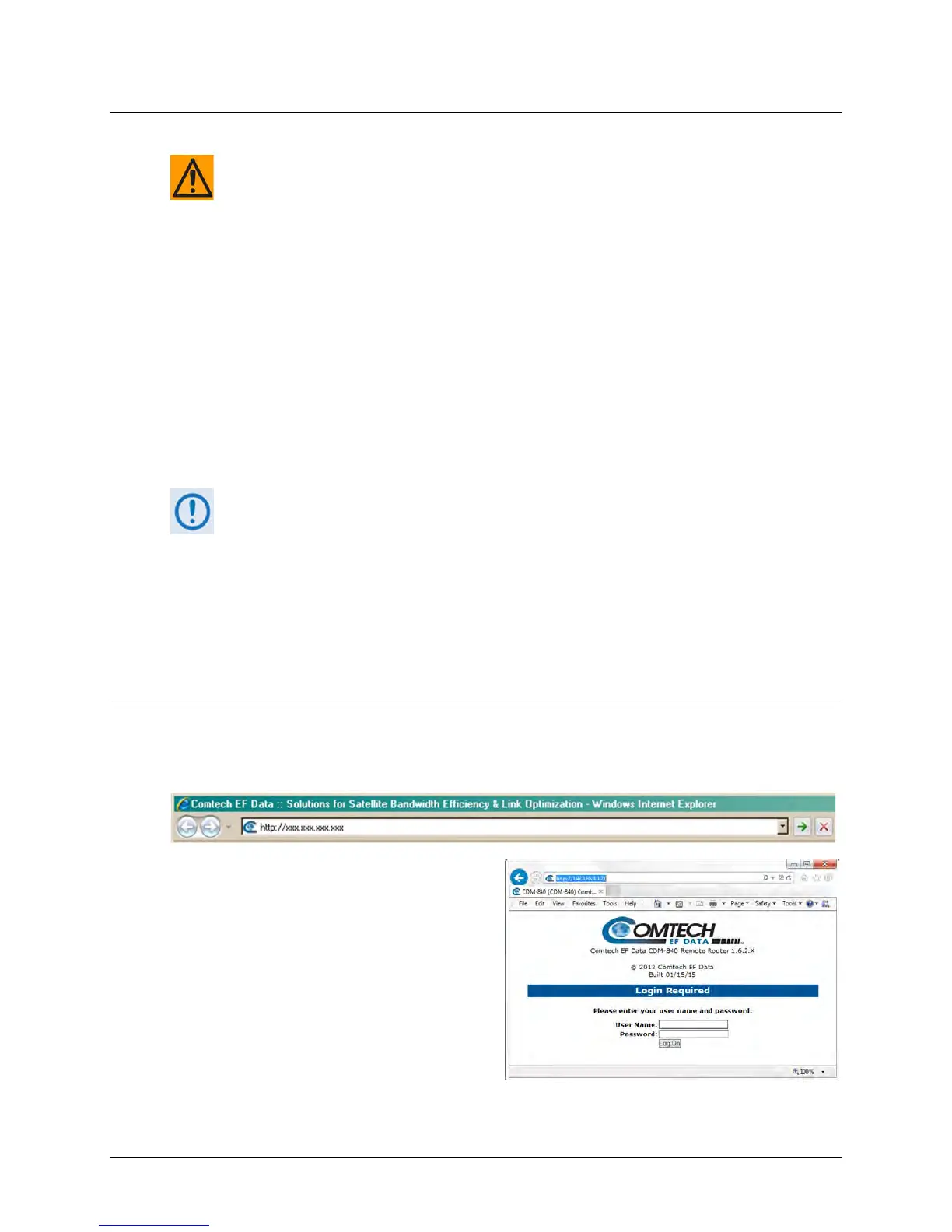
Type the CDM-840 Management IP Address (shown in this example as http://xxx.xxx.xxx.xxx)
into the Address area of the User PC web browser:
The login page, similar to this example,
opens.



 To Next Page