CDM-840 Remote Router MN-CDM840
Ethernet-based Remote Product Management Revision 3
6–85
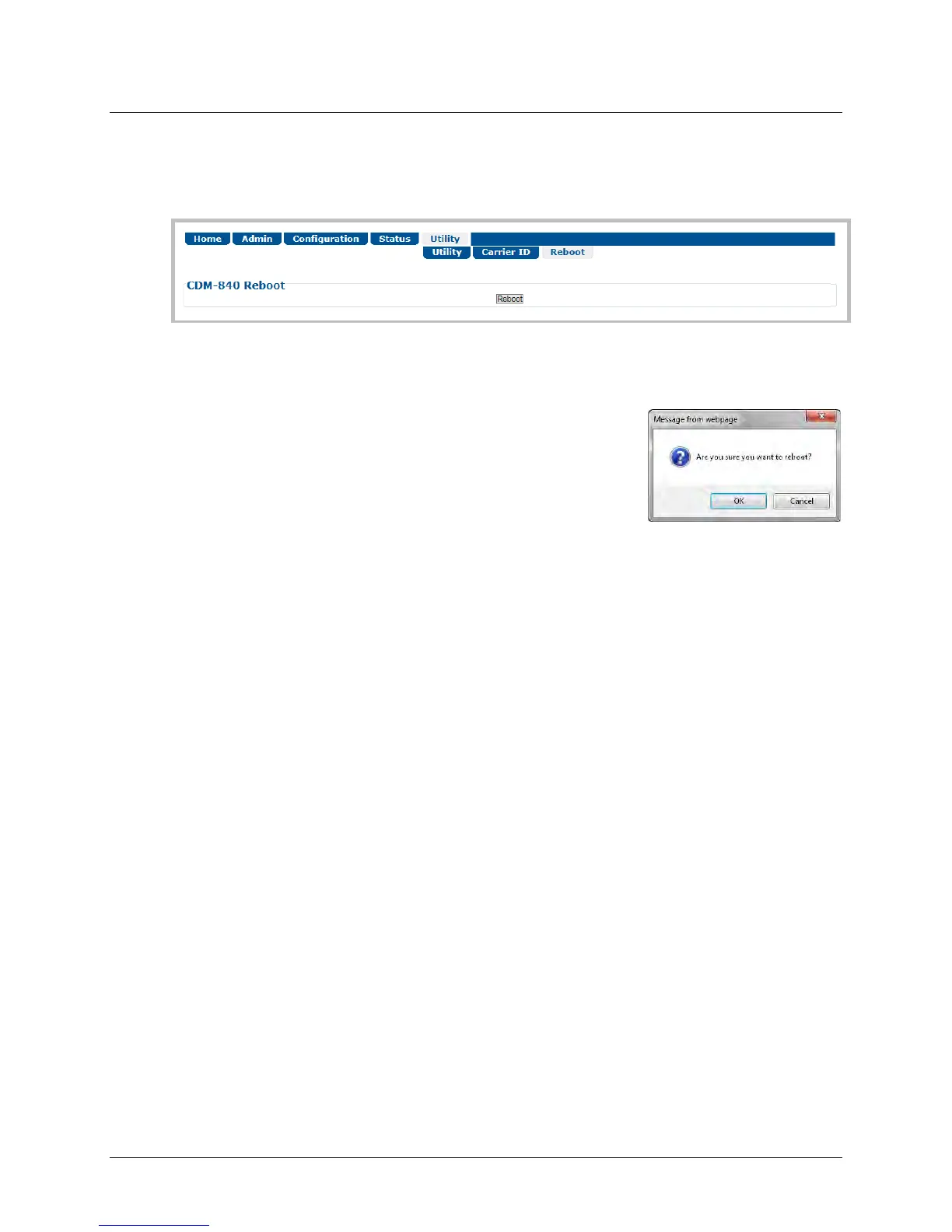
6.3.5.3 Utility | Reboot
Use this page to perform a soft reboot of the CDM-840. Note that the function of this page is
identical to the System Reboot section of the Admin | Firmware page (Sect. 6.3.2.4).
Figure 6-45. Utility | Reboot Page
System Reboot
Click [Reboot] to reboot the unit. A dialogue box appears to
prompt continuation or cancellation of the reboot process:
Click [OK] to continue the reboot process, or [Cancel] to abort the process and return to the
Utility | Reboot page.
Once the reboot process resumes, the Utility | Reboot page is replaced with the dynamic
message “Please wait... CDM-840 is rebooting. Login will be required in XX seconds” – the
approximate time count decrements to 0 seconds before the unit is available. After the reboot,
login is required once again to resume use of the HTTP Interface.



 To Next Page