CDM-840 Remote Router MN-CDM840
Ethernet-based Remote Product Management Revision 3
6–10
6.3 HTTP Interface Page Descriptions
1)
Access to and availability of certain CDM-840 HTTP Interface pages depends upon
the optional FAST Features purchased for operation, and/or the detected
presence of auxiliary products (e.g., VIPERSAT Management System, Redundancy
Switches, LNCs or BUCs, etc.) installed and configured for use with the CDM-840.
Such operational restrictions will be noted in the subsections that follow through
the end of this chapter.
2) The HTTP Interface page figures that follow depict the interface with Enhanced
Mode selected. They do not show the page banner and VFP (Virtual Front Panel).
These figures depict operational examples that will vary from your actual
implemented network. They are provided for reference purposes only.
6.3.1 Home Pages
Click the Home or Contact tab to continue.
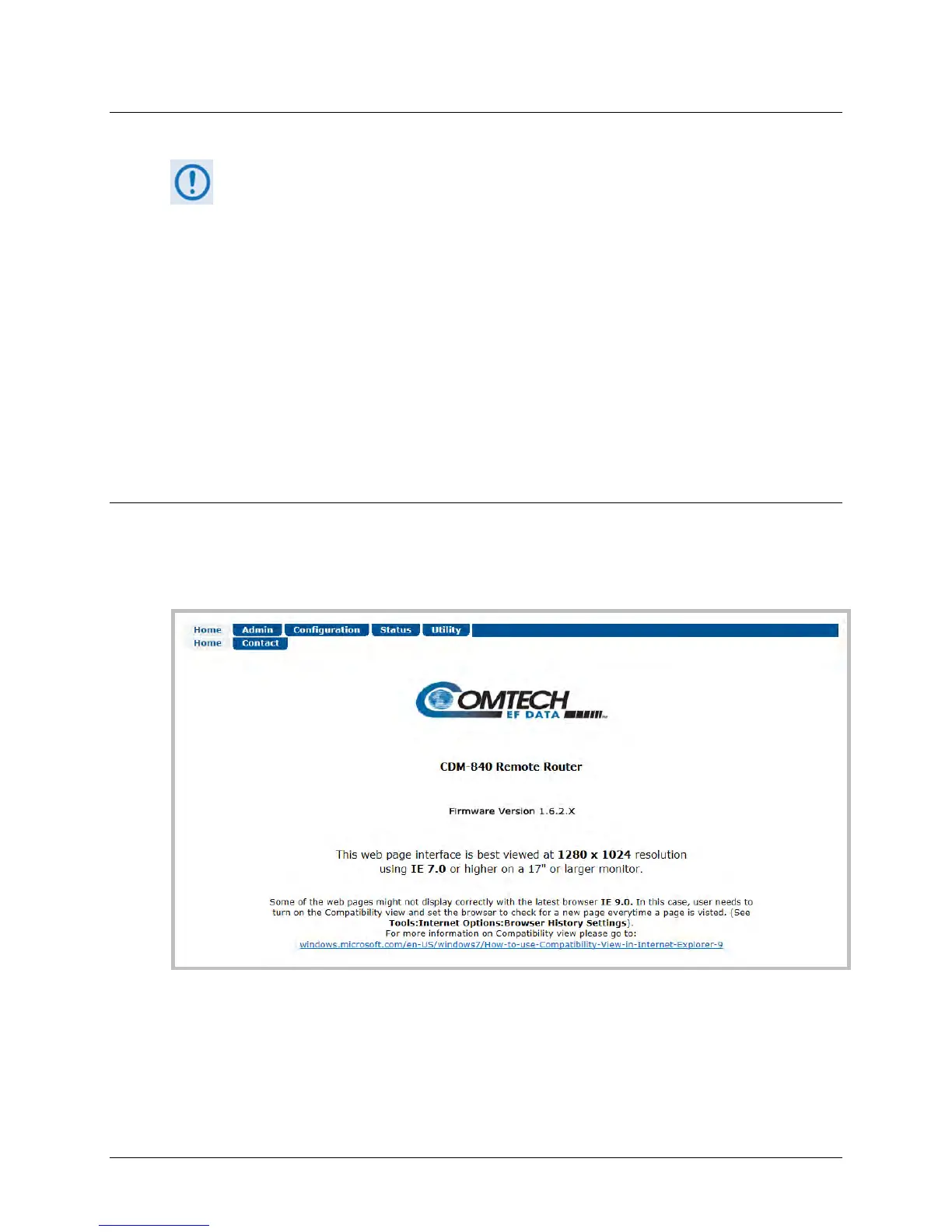
6.3.1.1 Home | Home
Use this page to identify the product and its current operating firmware version. Click the Home
navigation or page tab to return to this page from anywhere in the HTTP Interface.
Figure 6-4. Home | Home Page



 To Next Page