CDM-840 Remote Router MN-CDM840
Ethernet-based Remote Product Management Revision 3
6–16
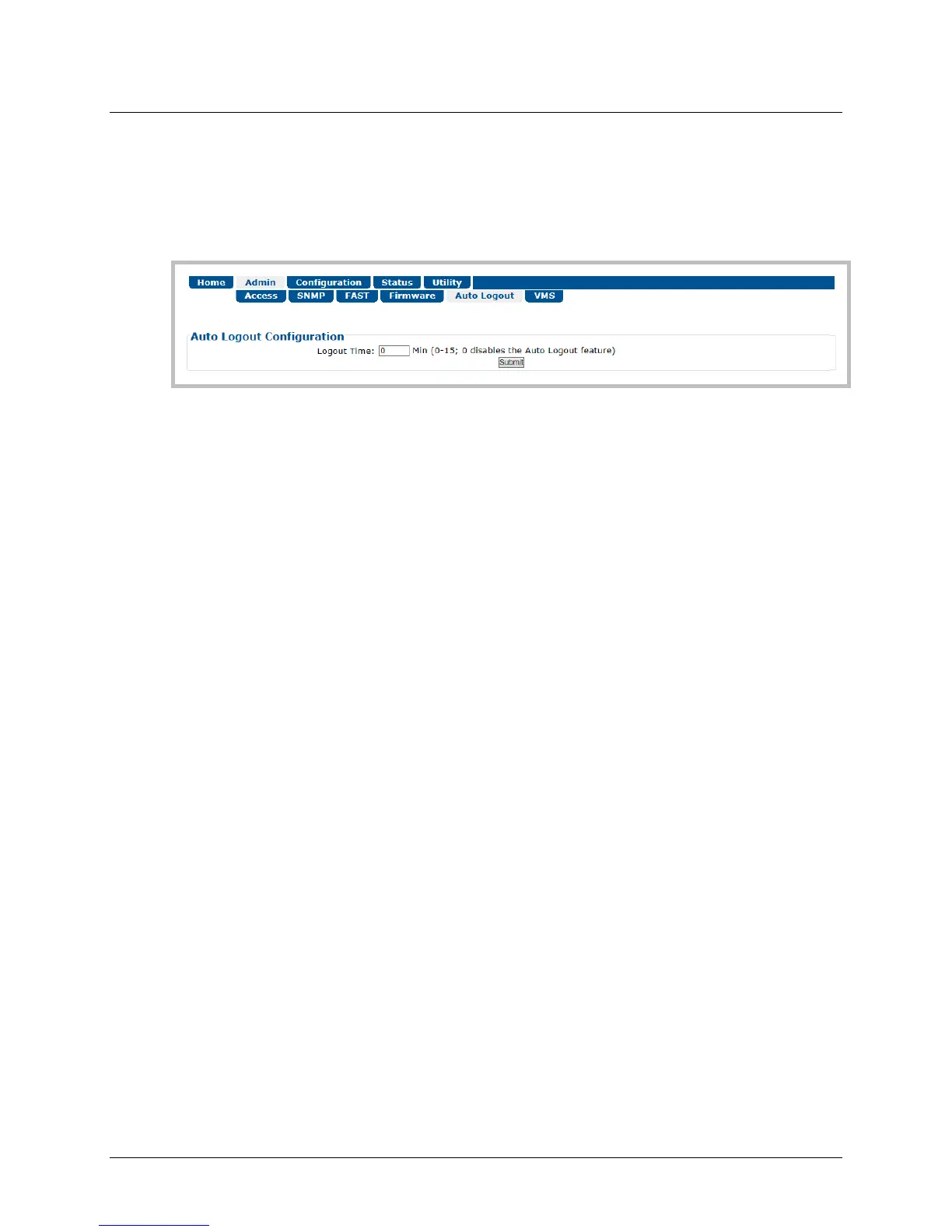
6.3.2.5 Admin | Auto Logout
The Administrator must use this page to execute the Auto Logout security measure. When you
configure Auto Logout, the active session terminates if the unit remains idle (i.e., when no user
activity occurs) beyond your designated Logout Time. You must then log in with a valid user
name and password to resume use of the CDM-840 HTTP Interface.
Figure 6-10. Admin | Auto Logout Page
Auto Logout Configuration
Set an automatic logout time to safeguard access to an already logged-in unit:
• Enter a value from 1 to 15 minutes into the Logout Time box to configure this feature.
• Enter a value of 0 to disable this feature.
Click [Submit] to save.



 To Next Page