CDM-840 Remote Router MN-CDM840
Ethernet-based Remote Product Management Revision 3
6–2
3) THE SERIAL AND HTTP INTERFACE FIGURES FEATURED THROUGHOUT THIS
CHAPTER ARE INTENDED FOR USER REFERENCE ONLY AND ARE SUBJECT TO
CHANGE. THE FIRMWARE INFORMATION (I.E., REVISION LETTERS, VERSION
NUMBERS, ETC.) AS DISPLAYED MAY DIFFER FROM YOUR SETUP.
6.2 Ethernet Management Interface Protocols
The User PC affords access to Ethernet-based remote monitor and control (M&C) of the
CDM-840 through two separately-operated protocols:
• Simple Network Management Protocol (SNMP). This non-secure interface requires a user-
supplied Network Management System (NMS) and a user-supplied Management
Information Base (MIB) File Browser.
• The CDM-840 HTTP (Web Server) Interface. This non-secure interface requires a compatible
user-supplied web browser such as Internet Explorer.
6.2.1 Ethernet Management Interface Access
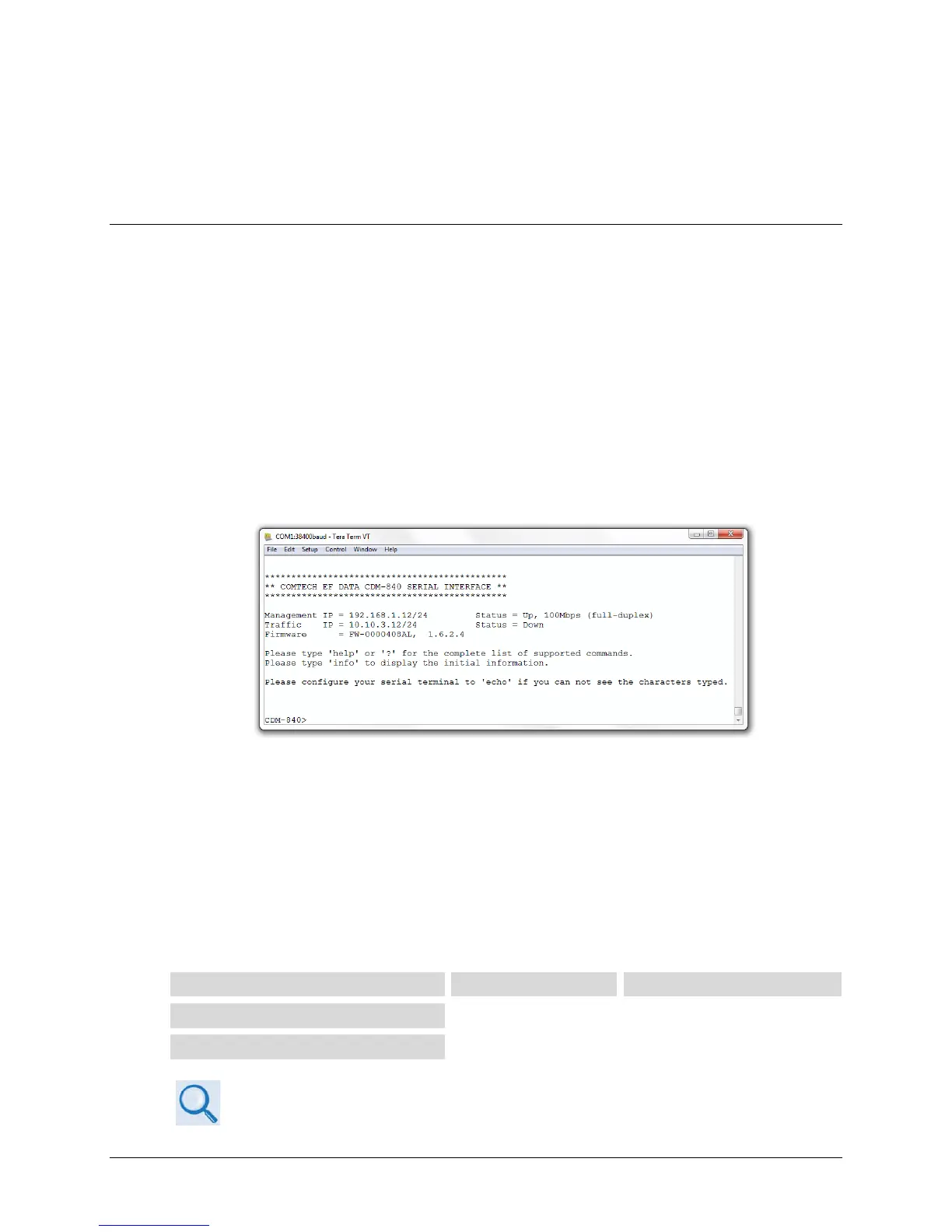
Figure 6-1. CDM-840 Serial Interface
Access to the CDM-840 Ethernet Management Interfaces requires you to specify the unit
Management IP Address. You may obtain this information via use of a terminal emulator
connected to the CDM-840 rear panel, 9-pin serial ‘CONSOLE’ port. As shown, a number of
operational parameters (including the unit factory-default IP addresses) are displayed on the
CDM-840 Serial Interface upon power-up of the unit.
The factory-assigned default IP addresses appear in the table that follows (if otherwise assigned,
use the last column to write down the IP Addresses for future reference):
Traffic | GE (GigE) IP Address
Chapter 7. SERIAL-BASED REMOTE PRODUCT MANAGEMENT



 To Next Page