CDM-840 Remote Router MN-CDM840
FAST Activation Procedure Revision 3
5–4
5.2.2 FAST Upgrade
Do these steps:
1 Use the FAST Configuration table to view the currently installed features. Any options
that appear as Disabled in the table’s Status column may be purchased as a FAST
upgrade.
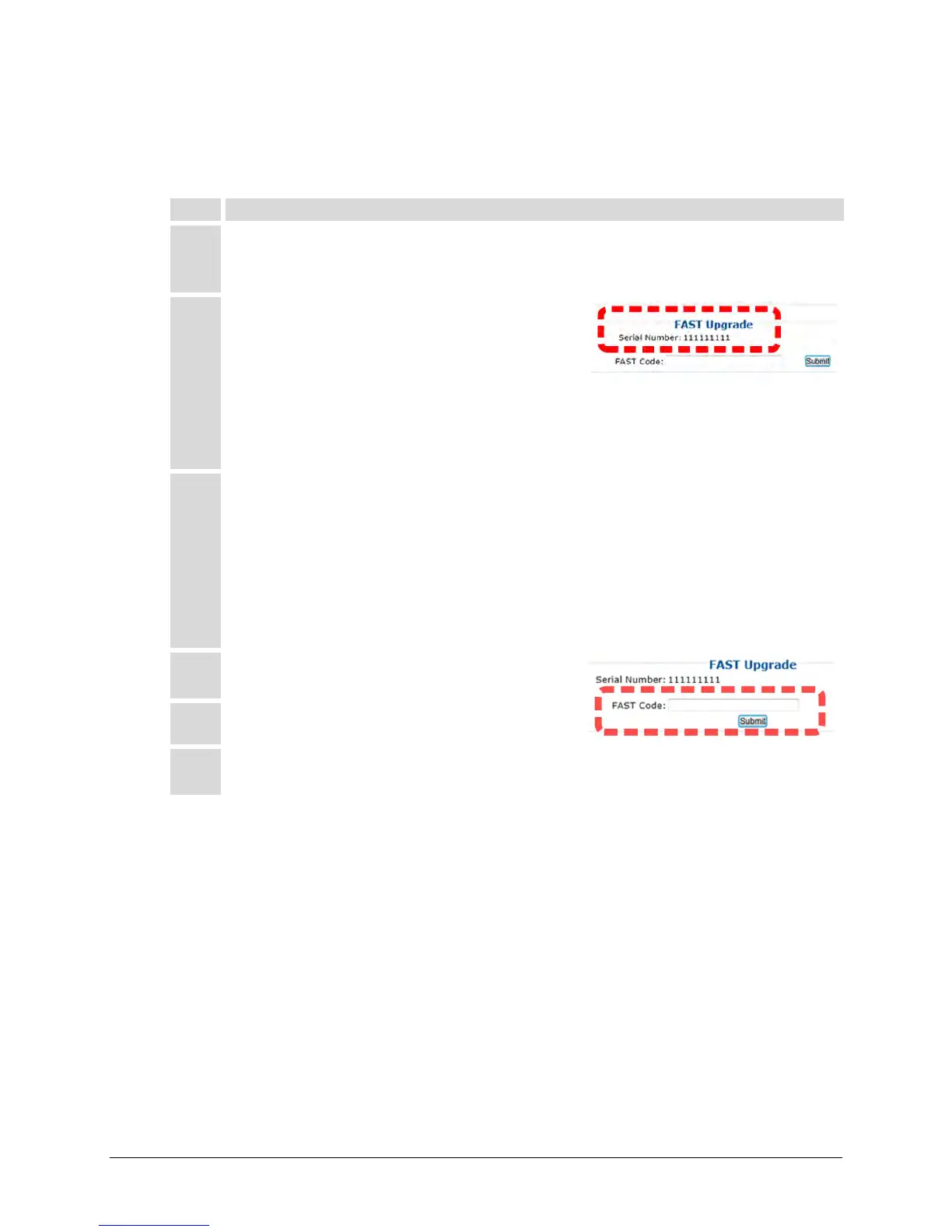
2 The serial number of the CDM-840 is required by
Comtech EF Data when ordering FAST option
upgrades.
Take note of this number, provided here in the FAST Upgrade section, before
contacting Comtech EF Data:
Serial Number: __________________________
3 Contact Comtech EF Data Product Support:
• Provide the CDM-840 Serial Number to the representative.
• Identify and purchase the desired FAST option(s).
• Obtain the invoice, the 20-digit FAST Access Code, and the FAST option
4 Carefully enter the FAST Access Code into the
FAST Code register text box.
Click
to execute the FAST Upgrade.
6 The unit either accepts or rejects the code, and the FAST Configuration table
refreshes to reflect any upgrades in operation.



 To Next Page