CDM-840 Remote Router MN-CDM840
Ethernet-based Remote Product Management Revision 3
6–80
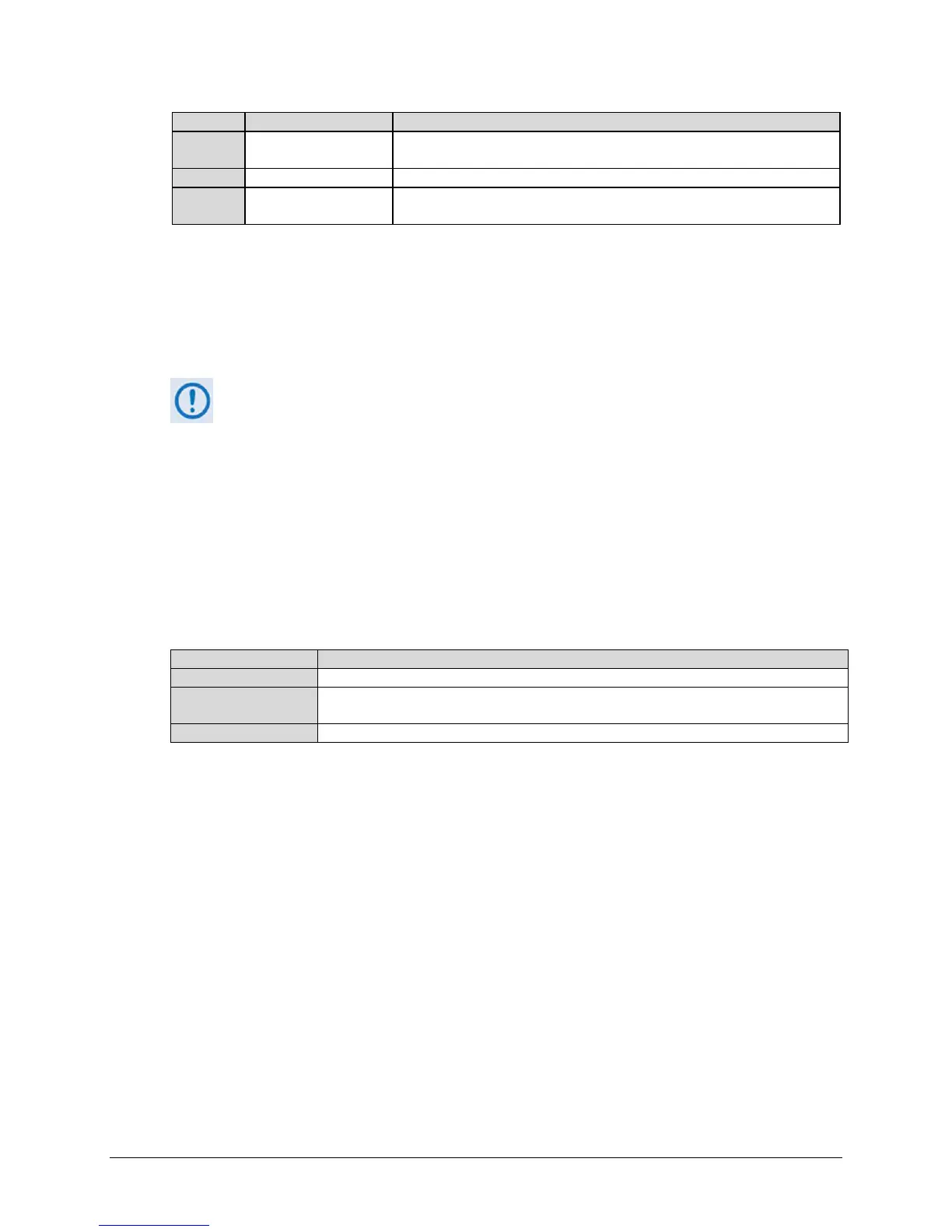
This indicates that no event or alarm has been logged since the logging
buffer was last cleared – status is OK..
This indicates that this alarm was once active, but has since been cleared.
This indicates that an event or alarm has been logged since the logging
buffer was last cleared – status is FAULTED.
Clear Alarms
Click [Clear Previously Alarmed] to update this page with the latest available logged event or
alarm information.
Unit / Rx / BUC / LNB / Ethernet / E1 Alarms
1) The “BUC Alarms” and “LNB Alarms” sections are functional only when these
optional products are installed and recognized as operational.
2) The “E1 Alarms” section is functional only when the “G.703 E1 Interface /
RAN Optimization” FAST Feature and hardware options are installed and
activated.
3) Precision Time Protocol is not available in this firmware release. The “PTP
Alarms” section on this page, while available and selectable, is therefore
non-functional and is not shown in this manual.
Typical for these remaining page sections:
This is the name of the specific function.
The event/alarm status “LED” for each item is displayed here – see the Legend page
section.
Click the box to select alarm masking for a specific function.
• Click [Clear Masks] to deselect the Mask box for all listed functions.
• Click [Mask All] to select the Mask box for all listed functions.
• Click [Submit] to save.



 To Next Page