CDM-840 Remote Router MN-CDM840
Appendix K Revision 3
K–9
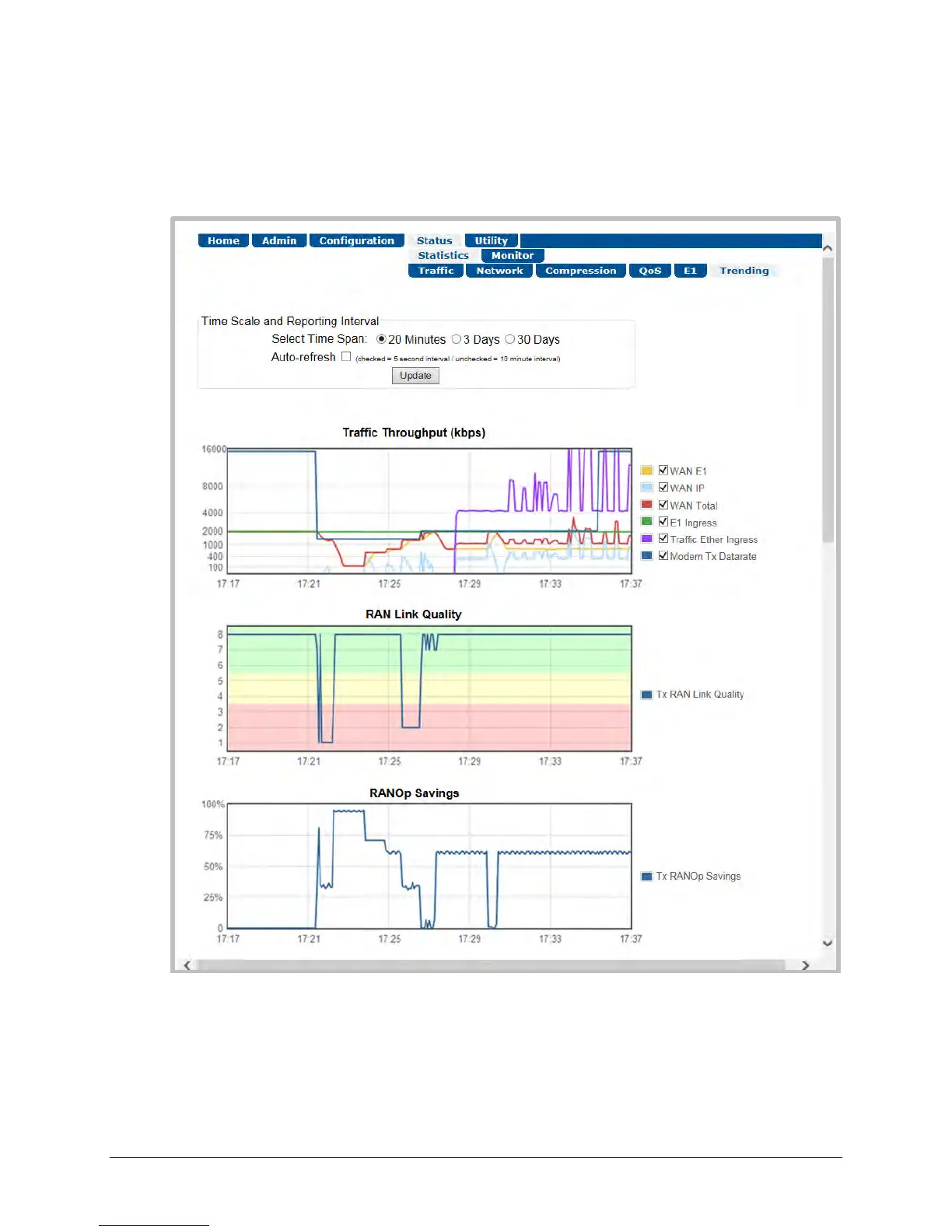
To initialize the page: Select the Time Span for the graphs as 20 minutes, 3 Days, or 30 Days.
Then, select Auto Update if you wish to set the trending data refresh interval from the default
of 10 minutes to 5 seconds. Click [Update] to execute your selection. Allow a few seconds for
the graphs to visually update.
Figure K-7. CDM-840 HTTP Interface – Status | Statistics | Trending Page



 To Next Page