CDM-570A/570AL Satellite Modem with Optional Packet Processor
Revision 5
Front Panel Operation 6–3 MN-CDM570A
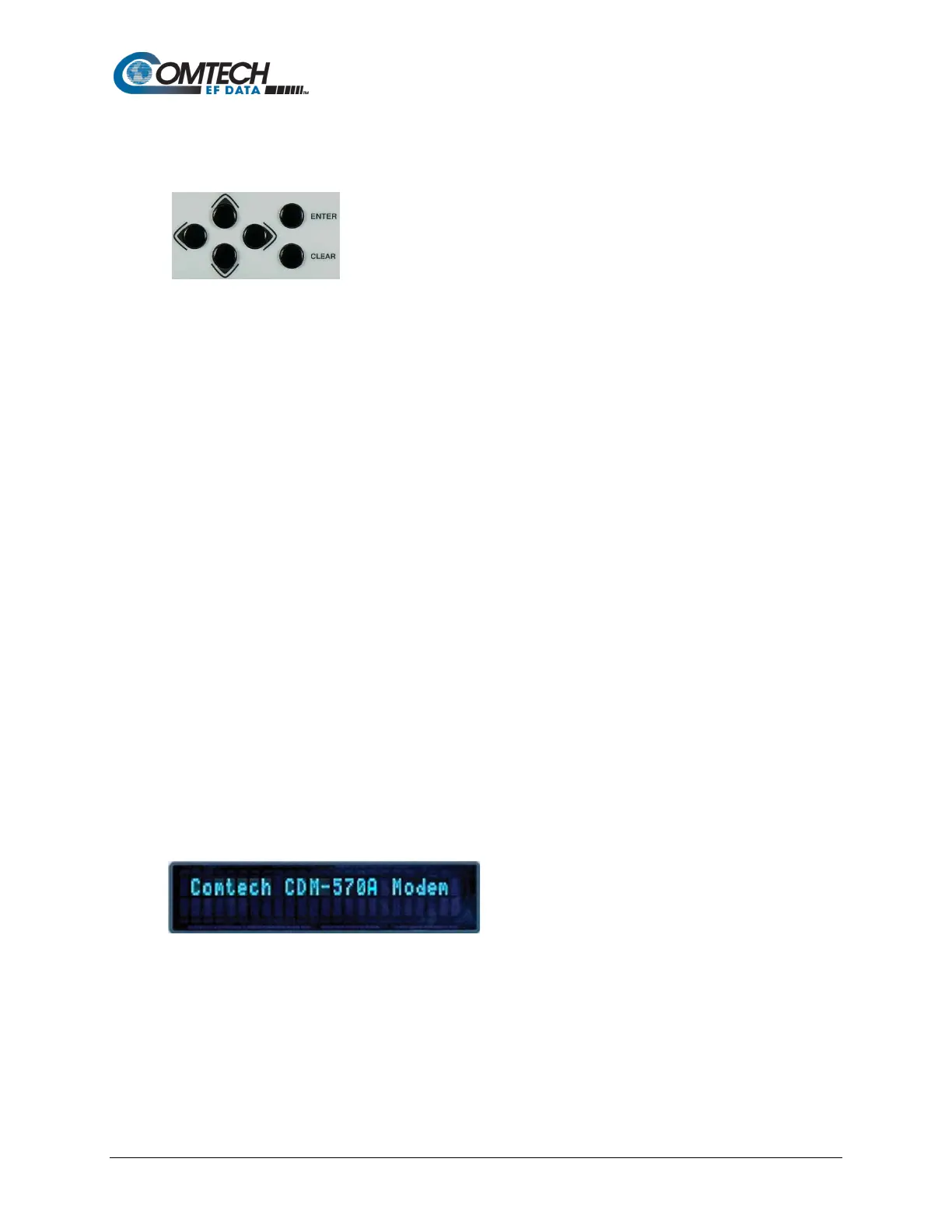
6.1.2 Keypad
The keypad has an auto-repeat feature. When you hold down a key
for more than 1 second, the key action repeats at the rate of 15
keystrokes per second. This is particularly useful when editing numeric
fields with many numbers, such as frequency or data rate.
ENTER key – You may use the ENTER key as follows:
• From the opening screen, press ENTER once to go to the SELECT: (main) menu.
• Press ENTER to access the nested menu for a selected function, or to execute (save) a
configuration change.
CLEAR key – You may use the CLEAR key as follows:
• From the opening screen, press CLEAR once to go to the SELECT: (main) menu.
• Press CLEAR to back out of a selection or to cancel a configuration change that you
have not yet executed using ENTER.
• Press CLEAR to return to the previous menu screen.
• Press CLEAR repeatedly to return to the opening screen.
◄► Left, Right keys – On any menu screen, press the left or right key to move among available
selections, or to move the cursor position
▲▼ Up, Down keys – Press the up or down key to scroll through settings that are available at
the cursor position.
You may also use the up or down key to change the alphanumeric selection at the cursor
position. Alphanumeric selections typically include numbers for configuration data and letters for
text strings.
6.1.3 Vacuum Fluorescent Display (VFD)
The modem features a VFD, which is an active
display showing two lines of 24 characters each.
It produces a blue light with user-adjustable
brightness. Compared to a LCD, it has greatly
superior viewing characteristics and does not
suffer problems of viewing angle or contrast.
On most menu screens, a flashing solid block cursor blinks at a once-per-second rate. This
indicates the currently selected item, digit, or field. Where it might obscure the item under edit
(e.g., a numeric field), the solid block cursor automatically changes to an underline cursor.



 To Next Page