CDM-570A/570AL Satellite Modem with Optional Packet Processor
Revision 5
Ethernet-based Remote Product Management 7–40 MN-CDM570A
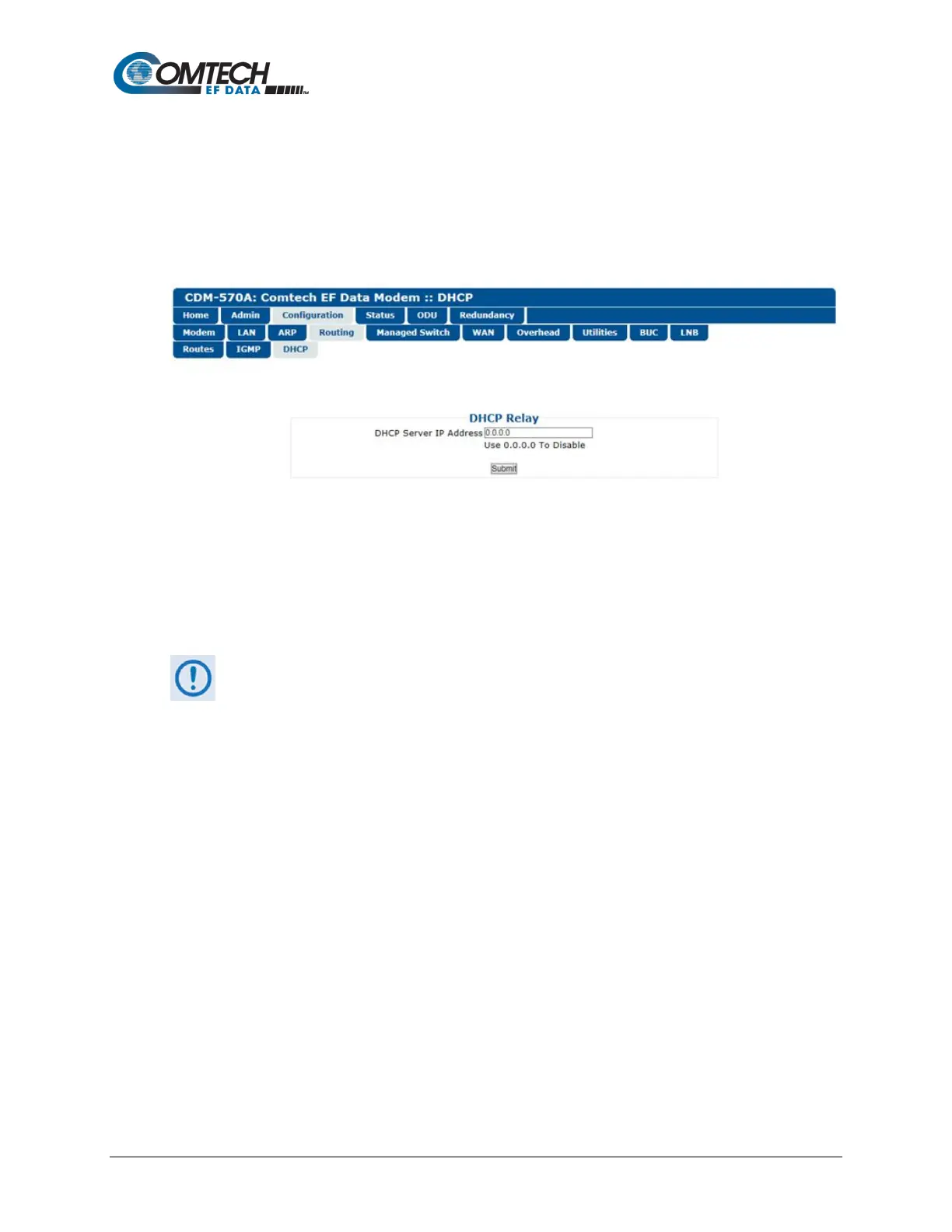
7.4.3.3.4.3 Configuration | Routing | DHCP
Use this page to set up the DHCP (Dynamic Host Configuration Protocol) Relay feature.
DHCP allows a device to be configured automatically – eliminating the need for intervention by a
network administrator – and provides a server located at the hub for keeping track of devices that
are connected to the network. This prevents two devices from accidentally being configured with
the same IP Address.
Figure 7-22. Configuration | Routing | DHCP Page
DHCP Relay
• DHCP Server IP Address – Enter the IP Address to be used for the DHCP server at the
hub in the form XXX.XXX.XXX.XXX. Enter 0.0.0.0 to disable this feature.
Click [Submit] to save.
Make sure to also click [Save PaP Parameters] on the ‘Admin | PaP Save’ page
before proceeding further.



 To Next Page