CDM-570A/570AL Satellite Modem with Optional Packet Processor
Revision 5
Ethernet-based Remote Product Management 7–23 MN-CDM570A
7.4.3.2.5.2 Admin | Firmware | Packet Processor
1. This page is available only when you install the optional Packet Processor.
2. If you submit any changes to this page, you must also open the ‘Admin | Pap
Save’ page (see Sect. 7.4.3.2.8
) and immediately click [Save PaP
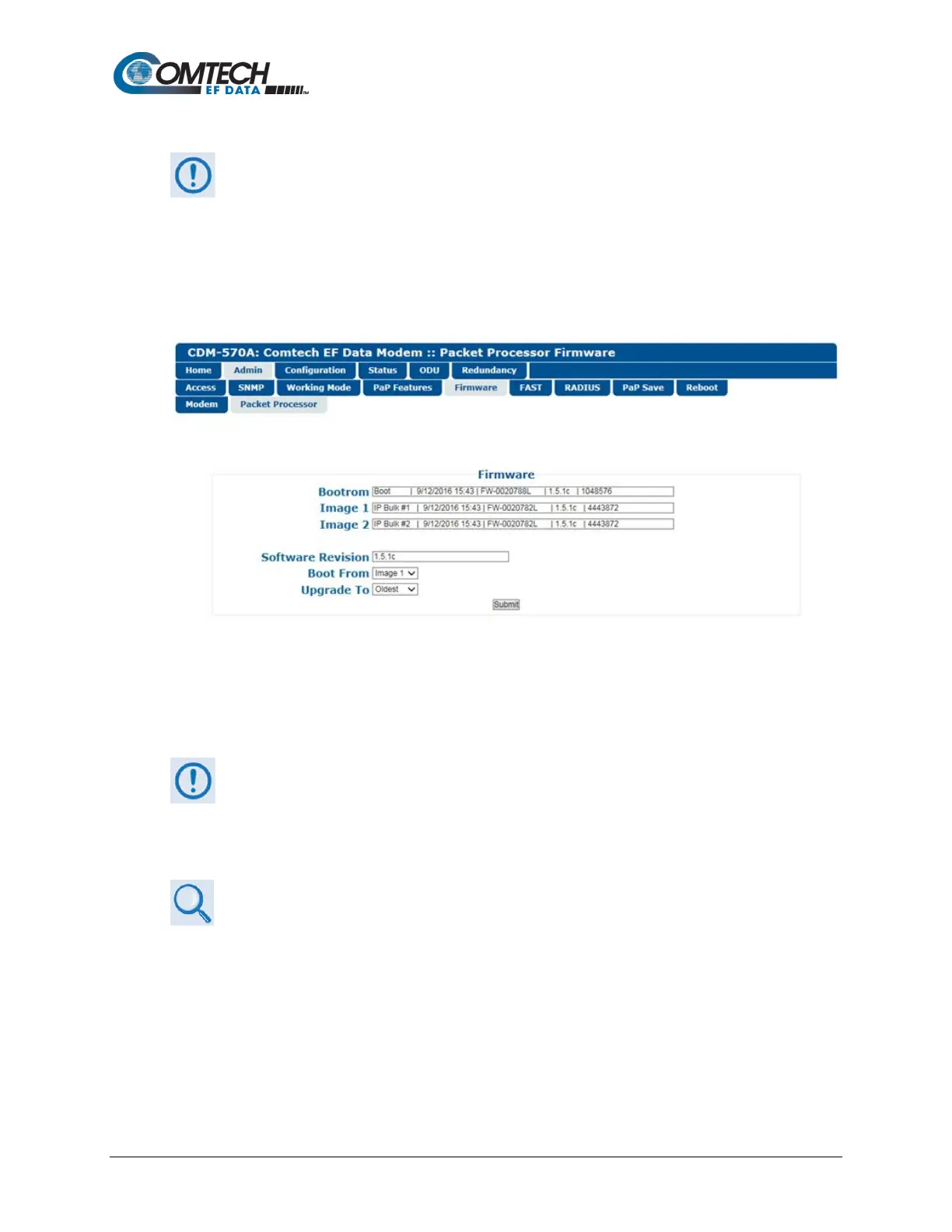
This page displays read-only information about the optional Packet Processor’s Bootrom and two
operational firmware images, and allows you to select the firmware image to boot from upon
modem reboot.
Figure 7-10. Admin | Firmware | Packet Processor Page
Boot From
Use the drop-down list to select Latest, Image 1, or Image 2 as the image to load upon reboot.
Click [Submit] to save.
Make sure to also click [Save PaP Parameters] on the ‘Admin | PaP Save’ page
before proceeding further.
7.4.3.2.6 Admin | FAST
• Chapter 5. FAST ACTIVATION PROCEDURE
• Chapter 6. FRONT PANEL OPERATION
The CDM-570A/570AL has a number of optional features that may be activated after the unit’s
purchase. FAST Access Codes are register-specific authorization codes that allow you to unlock
these enhanced features. Contact Comtech EF Data Product Support to purchase the desired
options and obtain your unique FAST Access Codes. You may then use this page to enter the
codes and activate your purchased features.



 To Next Page