CDM-570A/570AL Satellite Modem with Optional Packet Processor
Revision 5
Advanced Quality of Service (QoS) Option L–5 MN-CDM570A
L.1.1.1 Max/Pri QoS Mode Example
Dop these steps:
1. Select Max/Pri QoS mode.
2. Set Modem Tx bandwidth to 2048 Kbps (E1 rate).
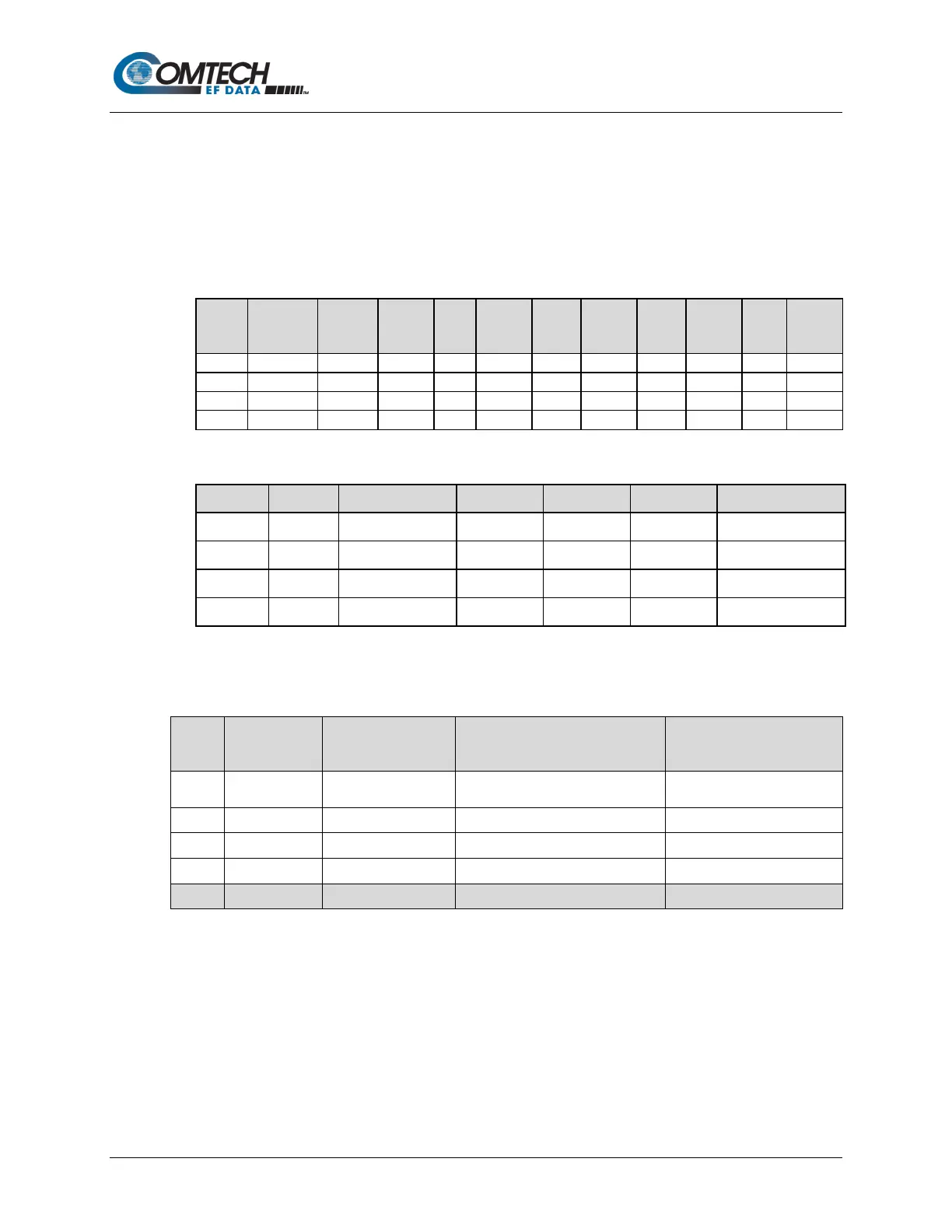
3. Configure the Max/Pri QoS rules as follows:
Index Protocol
Src IP/
mask
IP/
Src
Src
Dst
Dst
Max
BW
Priority Filter WRED
The input data streams are as follows.
Stream Protocol Src IP Dest IP Src Port Dest Port Steam Data Rate
1 UDP ***/* ***/* *** *** 1024
2 TCP ***/* ***/* *** *** 1024
3 HTTP ***/* ***/* *** *** 1024
4 IP ***/* ***/* *** *** 64
QUESTION: What are the total output data rates and the individual stream data rates?
ANSWER: The individual stream data rates are as follows.
QoS
Rule
QoS Priority Input Data Rate QoS Output Data Rate
Serving the Priority
1 1 1024 Kbps
644 Kbps
due to max clipping
1404 Kbps
3 3 1024 Kbps 380Kbps 0 Kbps
4 9 64 Kbps 0 0 Kbps
L.1.2 Min/Max (Minimum/Maximum Bandwidth) QoS Mode
In Min/Max mode, up to 32 QoS rules can be configured using source/destination IP subnet,
Layer 3 source/destination port range, and protocol (FTP, UDP, RTP, etc.). For each created rule,
you can also set the QoS treatment, such as guaranteed minimum bandwidth, maximum clipping
bandwidth, WRED enable or disable, and filter rule.



 To Next Page