CDM-570A/570AL Satellite Modem with Optional Packet Processor
Revision 5
Optional Packet Processor - Serial/Telnet CLI Operation 9–19 MN-CDM570A
9.3.3 Interface Configuration
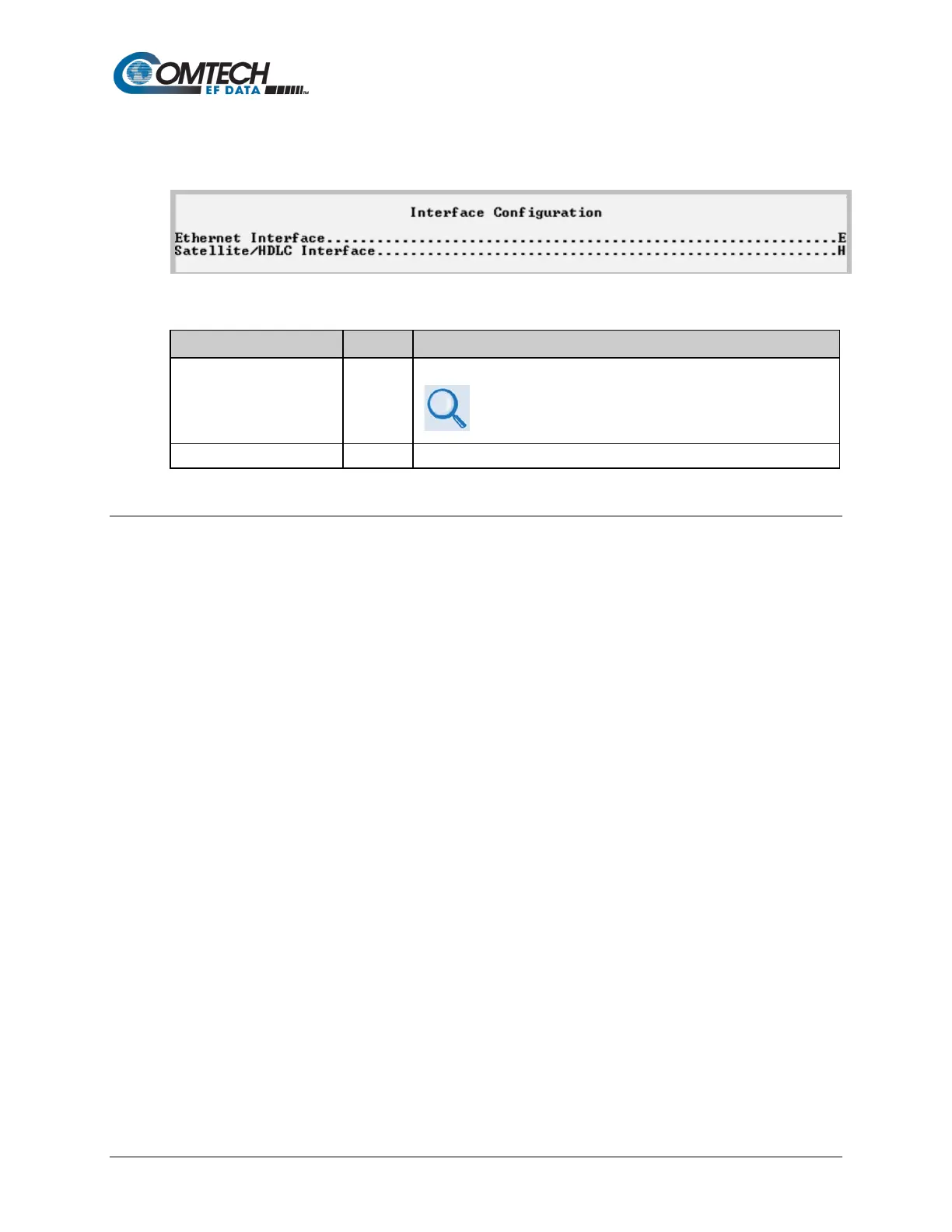
Open the Interface Configuration page from the Main Menu.
Figure 9-10. Interface Configuration
Displays the Ethernet Interface page.
See Sect. 9.3.3.1.1 for the Ethernet Interface page when
in Managed Switch Mode, and Sect. 9.3.3.1.2 for the
Ethernet Interface page when in Router Mode.
Displays the Satellite/HDLC Interface page.
9.3.3.1 Interface Configuration > Ethernet Interface
Open the Ethernet Interface page from the Interface Configuration page. Note that selections
differ based on the active Working Mode – Managed Switch or Router Mode (see Sect. 9.3.2).



 To Next Page