CDM-570A/570AL Satellite Modem with Optional Packet Processor
Revision 5
Optional Packet Processor - Serial/Telnet CLI Operation 9–51 MN-CDM570A
Select the Frequency Reference:
1 – Internal 10 MHz
2 – External 1 MHz
3 – External 2 MHz
4 – External 5 MHz
5 – External 10 MHz
1 – Normal
2 – IF_loopback
3 – Digital_loopback
4 – I/O_Loopback
5 – RF Loopback
6 – Tx_CW
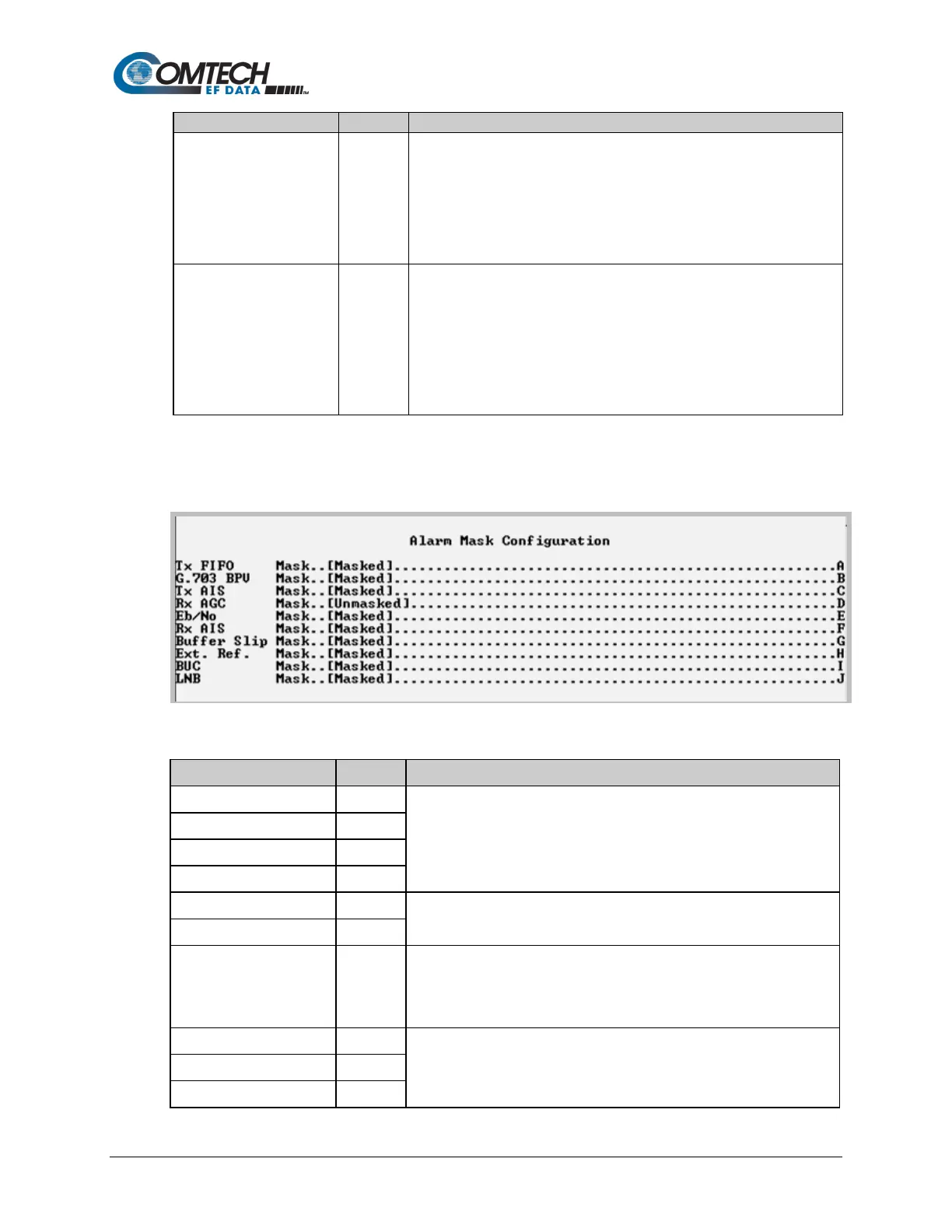
9.3.8.1.6 Satellite Modem > Configuration > Alarm Mask Configuration
Open the nested Alarm Mask Configuration page from the Configuration page.
Figure 9-35. Alarm Mask Configuration
Toggle to set alarm masking as Masked or Unmasked.
NOTE: These settings should always be set as Masked when IP is the
active data interface.
Toggle to set alarm masking as Masked or Unmasked.
Toggle to set alarm masking as Masked or Unmasked.
NOTE: This setting should always be set as Masked when IP is the
Toggle to set alarm masking as Masked or Unmasked.



 To Next Page