CDM-570A/570AL Satellite Modem with Optional Packet Processor
Revision 5
Optional Packet Processor - Serial/Telnet CLI Operation 9–55 MN-CDM570A
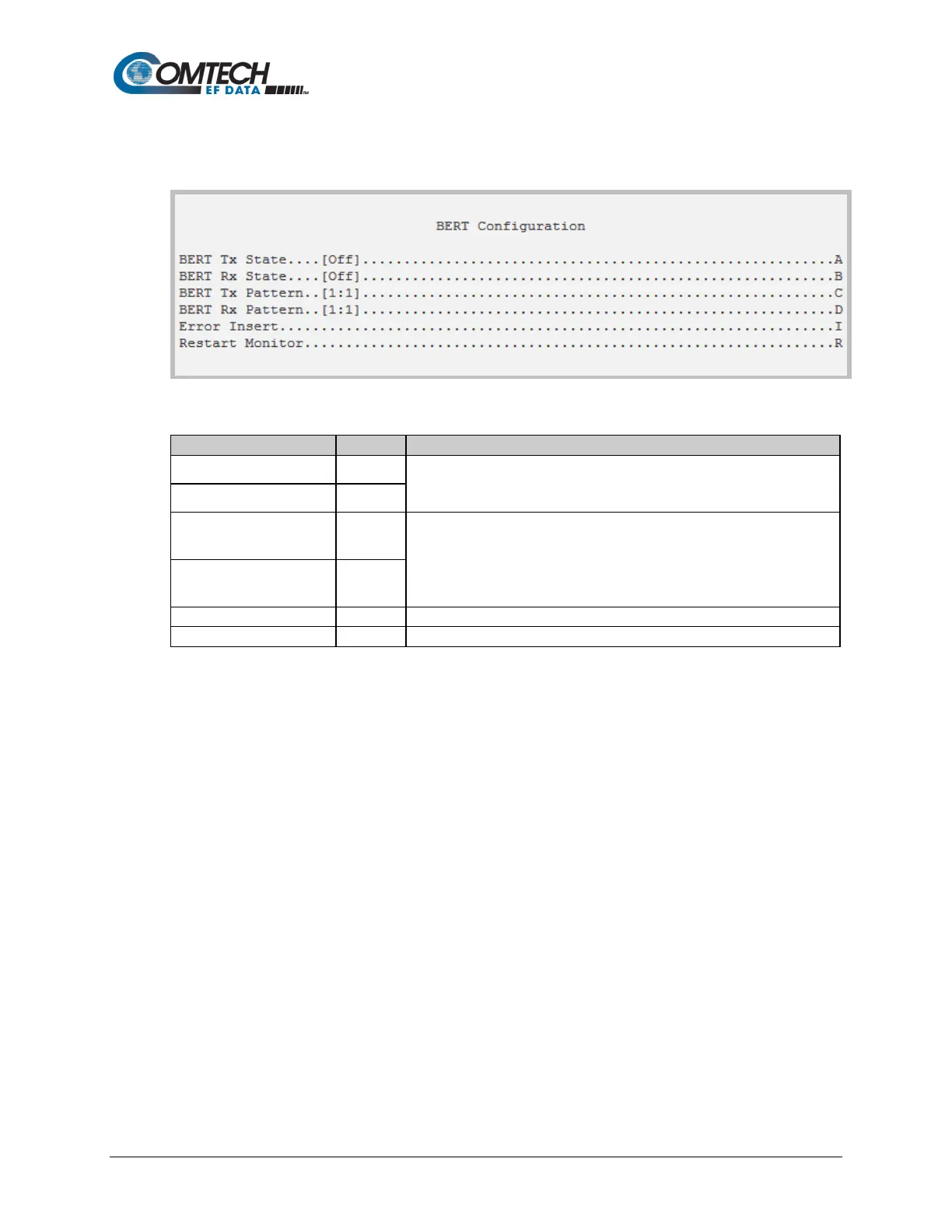
9.3.8.1.10 Satellite Modem > Configuration > BERT Configuration
Open the nested BERT Configuration page from the Configuration page.
Figure 9-39. BERT (Bit Error Rate Test) Configuration
BERT Tx State A
Select the BERT Tx or Rx operating mode:
1 – Off
BERT Rx State B
BERT Tx Pattern C
Select the BERT Tx or Rx pattern:
1 – 1:1
2 – 2047
3 – 2^15-1
BERT Rx Pattern D
Select to insert an error into the ongoing BERT.
Select to restart the BERT Monitor.



 To Next Page