CDM-570A/570AL Satellite Modem with Optional Packet Processor
Revision 5
Optional Packet Processor - Serial/Telnet CLI Operation 9–83 MN-CDM570A
9.3.10.4 Operations and Maintenance > Database Operations
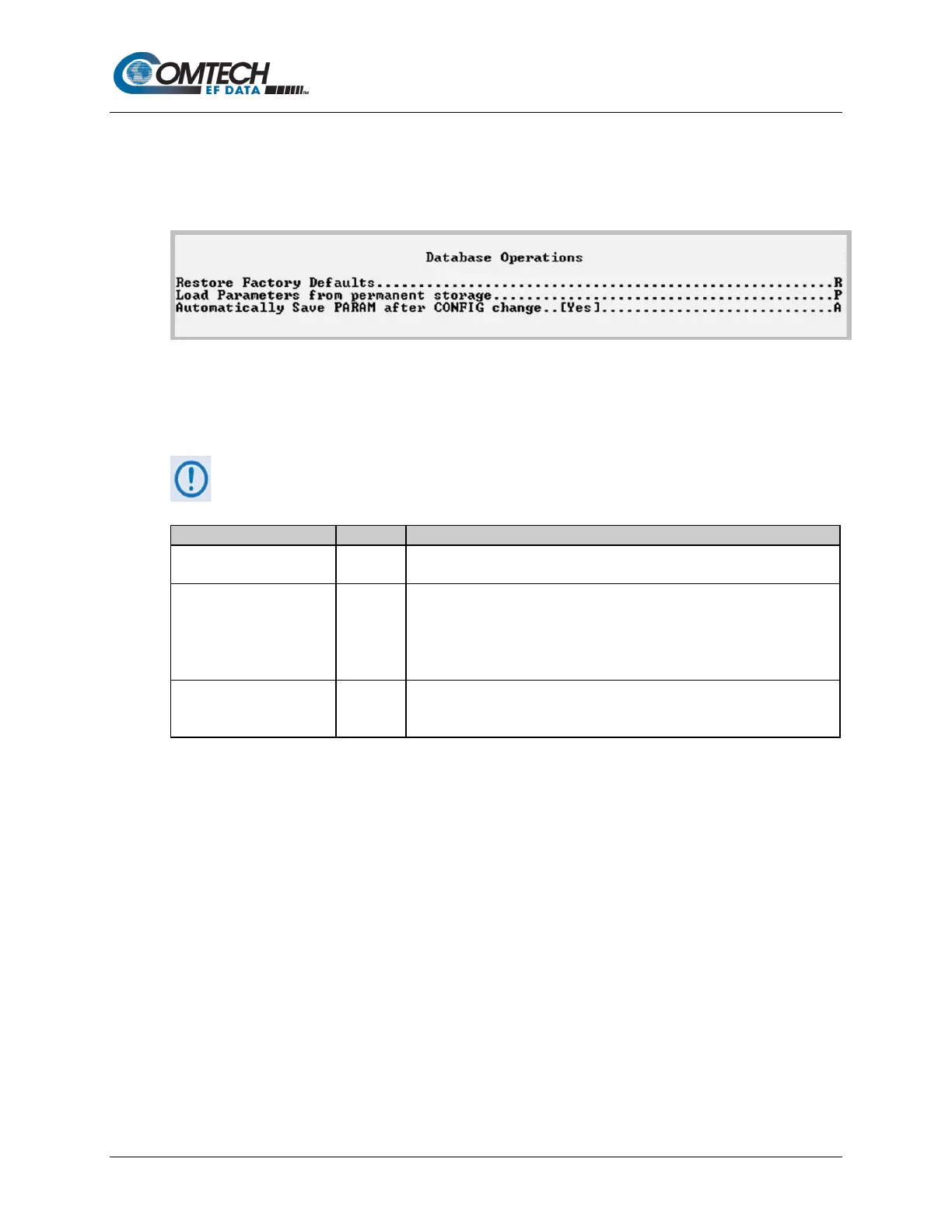
Open the nested Database Operations page from the Operations and Maintenance page. Use
this page to view, save, or erase an existing user configuration of the Packet Processor. An
Packet Processor uses these types of configuration files to initialize itself on power-up.
Figure 9-65. Database Operations
The modem uses the User Configuration File to overwrite the values defined in the Factory
Configuration file. This allows full customization of an Packet Processor without erasing the
factory-defined parameters set.
The User Configuration File can also be retrieved or overwritten via FTP by
specifying the filename ‘param1’.
Restore Factory Default R
Restores the Packet Processor configured settings to “safe” values as
established at the factory.
Load Parameters from
permanent storage
P
If you answer “Y” from the prompt, “
Are you sure you want to
load parameters [Y/N]?”,this overwrites the current configuration
of the Packet Processor with the configuration last saved to permanent
storage. This performs an “undo” type operation if the user puts the
Packet Processor into an undesirable state.
PARAM after CONFIG
A
Toggle “Yes” to automatically save any configuration changes, including
changes made from the modem front panel.



 To Next Page